7 Everyday Hermes Agent Uses That Actually Give You Your Time Back
Here’s a hot take: most people don’t need “more AI.” They need one AI that sticks around, remembers what matters, and quietly does the repetitive stuff while you run the business.
That’s basically the promise of Hermes Agent: a long-running, tool-first agent that can schedule work, connect services, and build reusable “skills.” Set it up once, and it keeps earning its keep—like a digital employee that doesn’t ask for a 3pm kombucha break.
Below are 7 everyday, non-technical ways people are using Hermes to save real time—plus a few gotchas I’d rather you avoid.
1) Morning briefings on autopilot (Telegram/Slack/Discord)
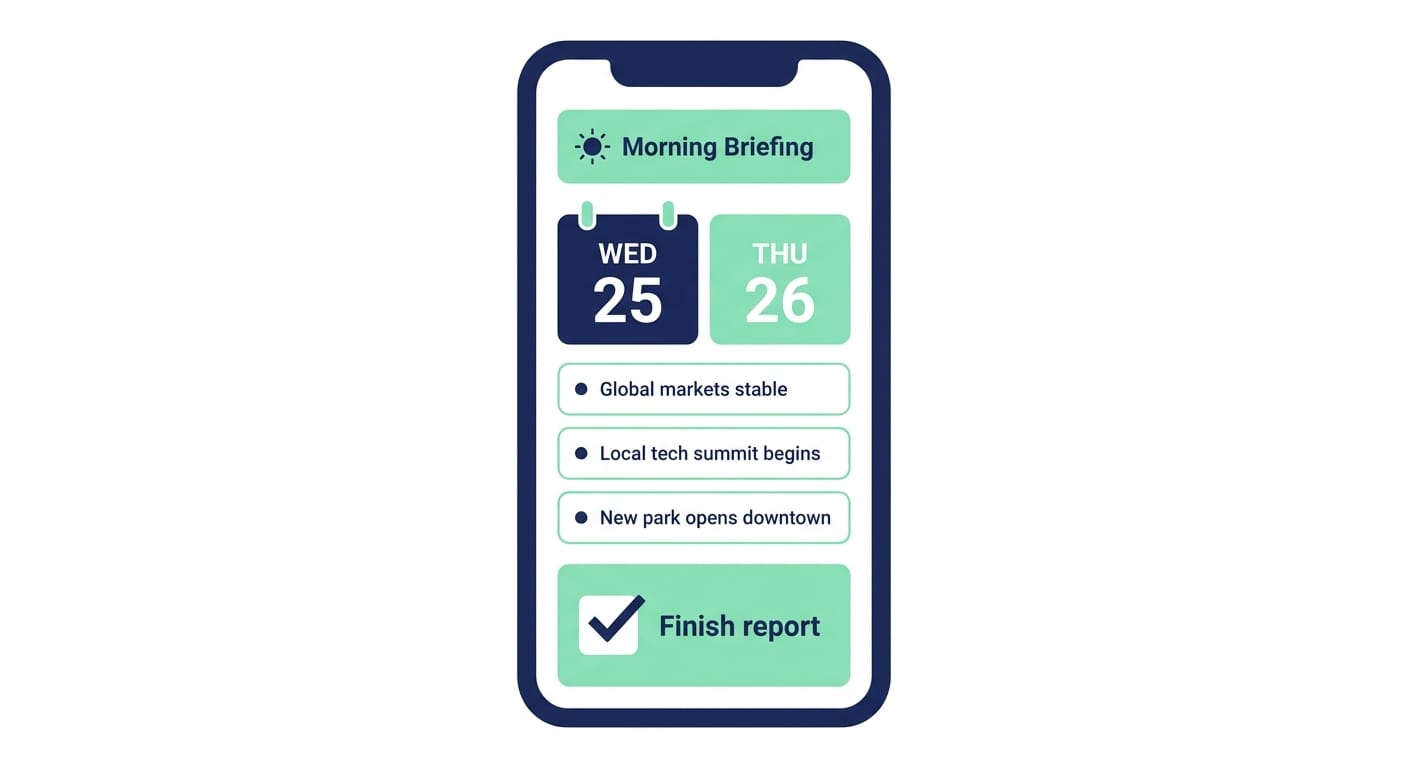
If you’re like most founders, your morning starts with the “three-tab tax”: calendar, news, and whatever fire is burning in your inbox.
Hermes can replace that with one scheduled message that shows up every morning. The public demos show Hermes doing natural-language scheduling (cron-style) like: “Every Monday at 9 AM send me trending news in my niche.” It saves the job and runs it automatically. [3]
David Shapiro also demos a daily 9:00 AM flow where Hermes asks: “What’s your #1 priority today?” then breaks it into tasks and updates memory over time. [1]
Pro Tips Box:
- Keep it short: “Top 5 items, 2 sentences each.” You want a briefing, not a novel.
- Add one question: “What’s the one thing you’ll ship today?” That tiny prompt is weirdly effective.
- Deliver it where you already live (Telegram/Slack). Don’t make yourself check “one more app.” [3]
2) Content creation pipeline in one command (research → outline → draft → publish)
Here’s what most people miss: the time-suck isn’t writing. It’s the context switching—research tabs, outline docs, formatting, CMS login, tags, featured image, etc.
Hermes is built to turn repeatable work into reusable skills—basically SOPs it can run again with the same structure. The Beginner’s Guide demos “skills that write themselves,” where you do a workflow once, then save it for future runs. [3] The PM-focused guide also stresses skills are model-agnostic (Claude/GPT/local), which matters when you’re trying to control costs. [5]
And yes, creators are wiring publishing steps to WordPress/Ghost using MCP-style tool connections (or generic HTTP/API tools) so “ship this” can mean “publish this.” There are walkthroughs showing Hermes acting as an MCP endpoint in the ecosystem. [4]
3) Research while you sleep (weekly niche summaries that build on past findings)
This is the one that makes Hermes feel like cheating.
You schedule a job like:
- “Every Friday at 5 PM, summarize the top 20 updates in {my niche} and highlight what changed since last week.”
Because Hermes supports scheduled tasks and can pull from past sessions/memory, it can get smarter over time—less repeat info, more “what’s new.” The docs and community content emphasize session search and persistent memory patterns (not just dumping chat logs). [2]
4) Automating repetitive admin tasks (natural-language shell commands + safety approvals)
Look, I’ll be honest… most “AI automation” videos skip the boring ops stuff. But boring ops stuff is where founders lose hours.
Hermes can run on your VPS and execute shell-like tasks. People use it for things like rotating logs, checking disk space, restarting services, or running backups. And importantly, typical setups keep a human approval step before anything destructive (like deleting files or rebooting). Community tutorials consistently recommend “human-in-the-loop” for risky actions. [1]
5) API and service integrations in plain English (Stripe → Slack, etc.)
Ever built a Zapier workflow that turned into spaghetti? Same.

Hermes is positioned as integration-friendly: it connects to tools you already use and can run as a long-lived worker that moves data between services. [3] [7]
A dead-simple example entrepreneurs love:
- “Pull new Stripe subscribers daily and post a summary in my #metrics Slack channel.”
Once it works, you save it as a skill and reuse it forever. No duct-taping 12 zaps together.
6) Personal memory wiki (a searchable site built from your past conversations)
This one sounds like sci-fi until you see it.
In Shapiro’s “Memory Wiki” use case, Hermes builds a simple site that lists subjects you’ve discussed and daily logs of what you worked on—clickable, searchable, and continuously updated. The prompt in the video is basically: “Build me a memory wiki… list topics and daily logs… ask my #1 priority at 9am… update your memories accordingly.” [1]
Analogy time: it’s like your agent keeps a lab notebook while you’re busy doing the experiment.
7) Parallel research with subagents (like having a mini research team)
Want to compare 5 tools or analyze 3 competitors? You can do it the slow way (20 tabs, 90 minutes), or you can let Hermes split the work.
The Hermes ecosystem discusses multi-agent/subagent patterns—multiple workers researching in parallel, then reporting back into one clean synthesis. [4] And the use-case video explicitly references subagents as part of how people run Hermes autonomously. [1]
Example prompts that work well
- “Analyze 3 competitor landing pages: positioning, offer, CTA, and pricing.”
- “Compare 5 email platforms for a solo creator: price, automations, ease of setup.”
Common mistakes (don’t do this)
- Making the briefings too long. If it takes 10 minutes to read, you’ll stop reading it.
- Skipping approval gates for ops tasks. If Hermes can run shell commands, treat it like a junior admin: helpful, but supervised.
- Not saving skills. If you do something twice, it should be a skill. Otherwise you’re basically re-hiring the same contractor every Monday.
Stats Spotlight (why people are paying attention)
- 150,000+ GitHub stars in about 3 months since the Feb 2026 launch (reported widely in community coverage). [6]
- A commonly referenced anecdote: one user cut LLM spend from $130 to ~$10 every 5 days after switching workflows to Hermes. [5] [7]
- 40+ built-in tools with little extra setup, often cited in guides and use-case writeups. [5] [8]
- Runs 24/7 on a cheap VPS: $5–10/month is a common range in tutorials. [8]
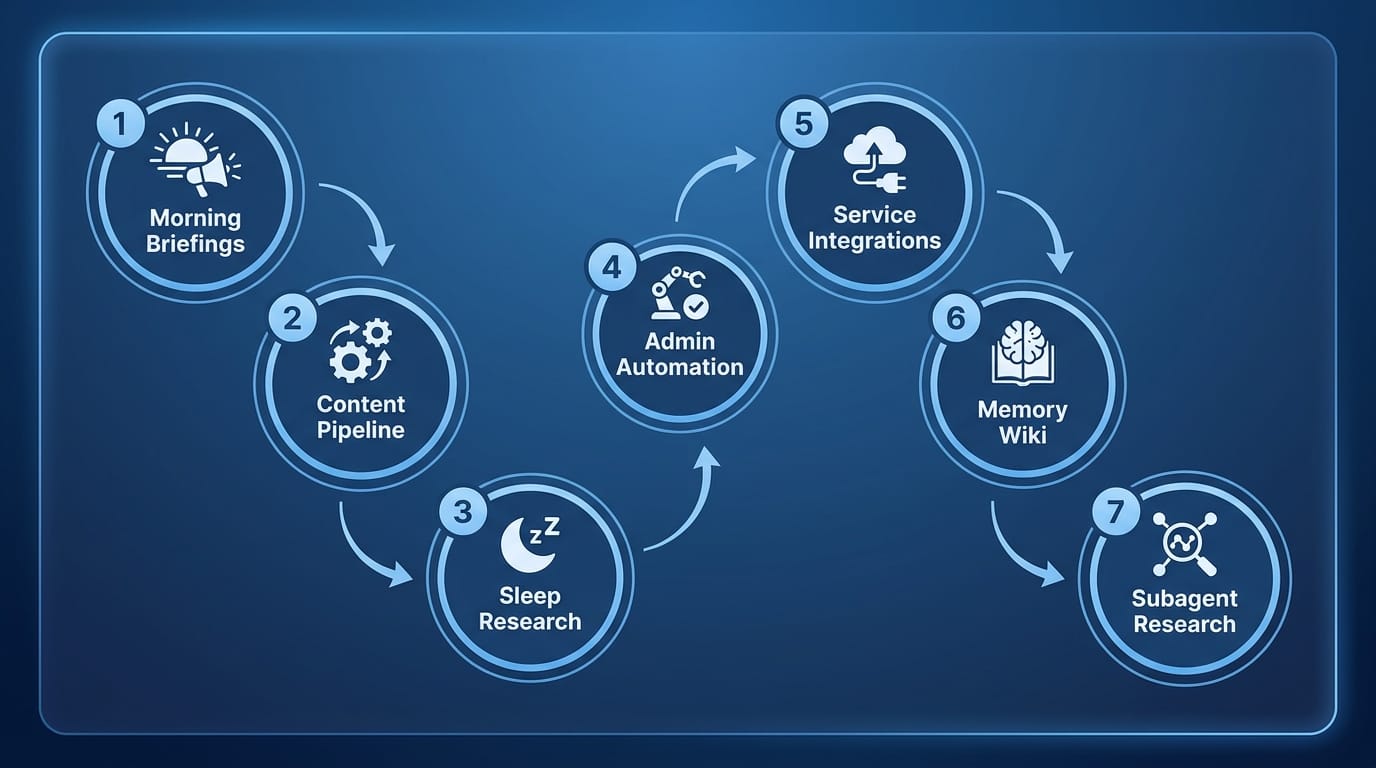
- Morning briefings (one message)
- One-command content (research → publish)
- Scheduled niche research (weekly rollups)
- Admin automation (safe shell help)
- Service integrations (Stripe → Slack)
- Memory wiki (searchable history)
- Parallel subagent research (compare fast)
Checklist: set up your first “set it and forget it” week
- [ ] Create a daily 9am “#1 priority” prompt in Telegram/Slack [1]
- [ ] Add a weekday niche news summary (top 5, two sentences each) [3]
- [ ] Save one content workflow as a skill (outline + draft + format) [3]
- [ ] Add one integration: Stripe → Slack daily metrics post [7]
- [ ] Add approval gates for any server/shell actions [1]
Action challenge
The bottom line is: you don’t need to automate your whole life this weekend. Pick one of the seven—my vote is the morning briefing—and get it running for 7 days. If it doesn’t save you time, ditch it. If it does, stack the next automation on top.
Sources
- [1] David Shapiro, “These Hermes Agent use cases change everything…” (YouTube) — memory wiki, daily 9am priority, private network/subagent mentions.
- [2] Hermes Agent Docs — user stories/use cases: session_search, skill_manage, memory behavior.
- [3] “Hermes Agent: The Ultimate Beginner’s Guide” (YouTube) — natural-language scheduling, skills, persistent agent overview.
- [4] “100 hours of Hermes Agent lessons in 46 minutes” (YouTube) — MCP usage, multi-agent workflows, long-term memory concepts.
- [5] “Hermes Agent Guide for PMs: Setup + Workflows (2026)” — model-agnostic skills, workflow patterns, cost notes.
- [6] MindStudio blog — overview/positioning as OpenClaw alternative and adoption context.
- [7] Turing Post — Hermes as self-improving long-running worker, cron jobs, cost story.
- [8] Hostinger tutorial/use cases — cheap VPS deployment, automation examples, tooling notes.