VPS vs Dedicated Server for WHM: What I’d Pick (and Why)
Trying to decide between a VPS or dedicated server for WHM? Here’s the simple, practical way to choose based on traffic, scalability, compliance, and your tolerance for server admin headaches.

Hot take: if you’re asking “VPS or physical server for WHM?” you probably don’t need a physical server yet.
I know, I know—dedicated servers feel like the “real” option. Like buying a pickup truck because you might move a couch one day. But WHM (cPanel/WHM) isn’t impressed by your feelings. It cares about CPU, RAM, disk I/O, traffic patterns, and whether you can actually manage the thing without lighting your weekend on fire.
So let’s make this simple: WHM needs root access because you’re managing multiple sites, accounts, domains, email, DNS… the whole circus. That rules out shared hosting for real WHM use, and leaves you with two serious choices: VPS (virtualized) or dedicated (physical hardware). Both work—just for different seasons of your business. [1][2][4]
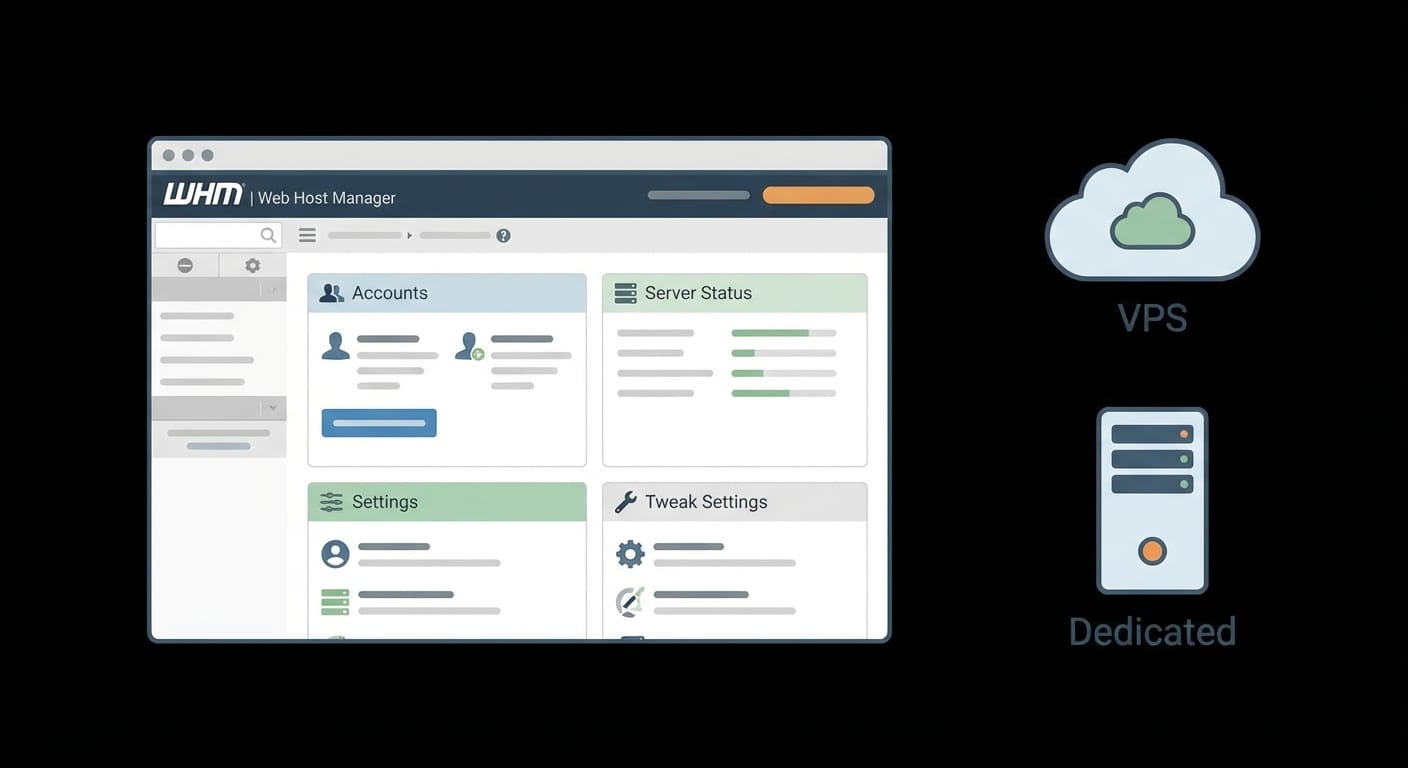
VPS vs Dedicated for WHM: the comparison that actually matters
Most people compare these like it’s a bodybuilding contest: “Which is stronger?” That’s the wrong question. The right question is: Which one matches my workload and my tolerance for pain?
My decision framework (the one I actually use)
Here’s how I’d choose in the real world—like, when you’re staring at a checkout page and second-guessing yourself.
1) Start with a VPS if you’re in “moderate traffic + growth” mode
If you’re launching a reseller setup, hosting a handful (or a couple dozen) client sites, or your traffic is spiky, a VPS is usually the smarter move. You get isolated resources, root access, and the ability to upgrade fast when you realize your “tiny project” is suddenly emailing 80,000 newsletters. [1][3]
And yes, VPS performance is legit now. You’re still dealing with virtualization overhead and occasionally a noisy-neighbor I/O situation, but it’s miles better than shared hosting for WHM use. [1][3]
2) Go dedicated when you have steady heat—and you can handle the kitchen
Dedicated servers shine when you’ve got predictable, high, sustained load. Lots of accounts. Heavy database use. High concurrency. Or you’re in a compliance-heavy situation where “shared hardware” makes auditors twitchy. That full physical isolation is the big flex here. [1][3][5]
But you’re paying more, and scaling is less “click a slider” and more “schedule downtime and migrate carefully.” If you don’t have admin chops (or you don’t want to buy them), dedicated can be an expensive way to learn hard lessons. [3][4]
The Bottom Line (so you don’t overthink it)
- Pick a VPS if you want WHM + root access + quick scaling at a sane price. [1][3]
- Pick dedicated if you need max performance, true isolation, or compliance-driven hosting—and you can manage it. [1][3][5]
- If you’re unsure, start VPS and graduate to dedicated when you’re consistently pushing limits. [6]
Case study snippet: the “reseller who outgrew their box” story
Let’s say you’re running WHM for a small agency. You host 30 client sites. Mostly WordPress. A couple WooCommerce stores. Email accounts. Backups. Life is good.

On a VPS, that’s typically fine—especially if you size it reasonably and watch disk I/O. Then two clients run big promos at the same time, and suddenly your CPU is pinned, PHP workers are queuing, and your phone starts vibrating like it’s trying to escape.
What do you do? On a VPS, you bump resources fast and stabilize. On dedicated, you might already be stable—but if you underbought, upgrading is a migration project. That’s why I like VPS early: it gives you room to make mistakes without turning every mistake into a weekend-long event. [1][3]
Common mistakes (please don’t do these)
- Buying dedicated “for future-proofing” when you don’t have current load. Future-proofing is great. Paying for idle metal isn’t. VPS first, then upgrade when the graphs demand it. [1][3]
- Ignoring disk I/O. WHM hosting is often I/O-bound (backups, email, databases). A “big CPU” won’t save you from slow disks or oversold storage neighbors. [1][3]
- Going unmanaged because you watched two YouTube videos. WHM is powerful, but it’s also a lot of sharp objects. If you’re not comfortable with security updates, firewalling, and recovery plans, pay for managed. [2][4]
FAQ
Do I need WHM at all, or can I just use cPanel?
If you’re hosting one site, you probably just need cPanel. WHM is the “server/account manager” layer for running multiple cPanel accounts and managing the whole environment. [2][4]
Can WHM run on a VPS reliably?
Yep. WHM needs root access, and VPS gives you that with isolated virtual resources. Reliability can be excellent (some environments support live migration), assuming you pick a decent provider and configure it well. [1][3]
When is dedicated non-negotiable?
When you need maximum performance under sustained load, strict isolation for compliance, or very specific hardware setups (like NVMe RAID for database-heavy workloads). [1][3][5]
Is a VPS less secure than dedicated?
Not “unsafe,” just different. VPS isolation is strong, but it’s still shared physical hardware under a hypervisor. Dedicated removes that neighbor factor entirely. [1][3]
Summary bullets (do this, not that)
- Choose VPS if you’re growing, budget-aware, and want easy scaling for WHM. [1][3]
- Choose dedicated if you’re running heavy workloads, need hardware isolation, or have compliance constraints. [1][3][5]
- Be honest about your admin skills. “Unmanaged” sounds cheap until it isn’t. [2][4]
- Watch I/O and memory more than vanity CPU numbers.
Sources
- [1] General guidance compiled from provided research summary on VPS vs dedicated WHM tradeoffs (performance, cost, scalability, security).
- [2] cPanel/WHM documentation and common hosting requirement: WHM requires root access and is intended for server administration (provided research summary).
- [3] Virtualization vs bare-metal characteristics: overhead, noisy neighbor, scaling, and security isolation tradeoffs (provided research summary).
- [4] Hosting management considerations: managed vs unmanaged WHM/cPanel environments (provided research summary).
- [5] Dedicated hardware advantage for high concurrency/database-heavy workloads and full isolation (provided research summary).
- [6] 2026 provider positioning: test with VPS first for most users unless enterprise-level needs (provided research summary).