Suno’s 2026 Updates: AI Music Finally Feels Like Cheating (In a Good Way)
Suno’s 2026 updates turn AI music from a fun gimmick into a legit workflow—complete songs, consistent vocal Personas, real editing tools, and the new AI-native Suno Studio timeline.
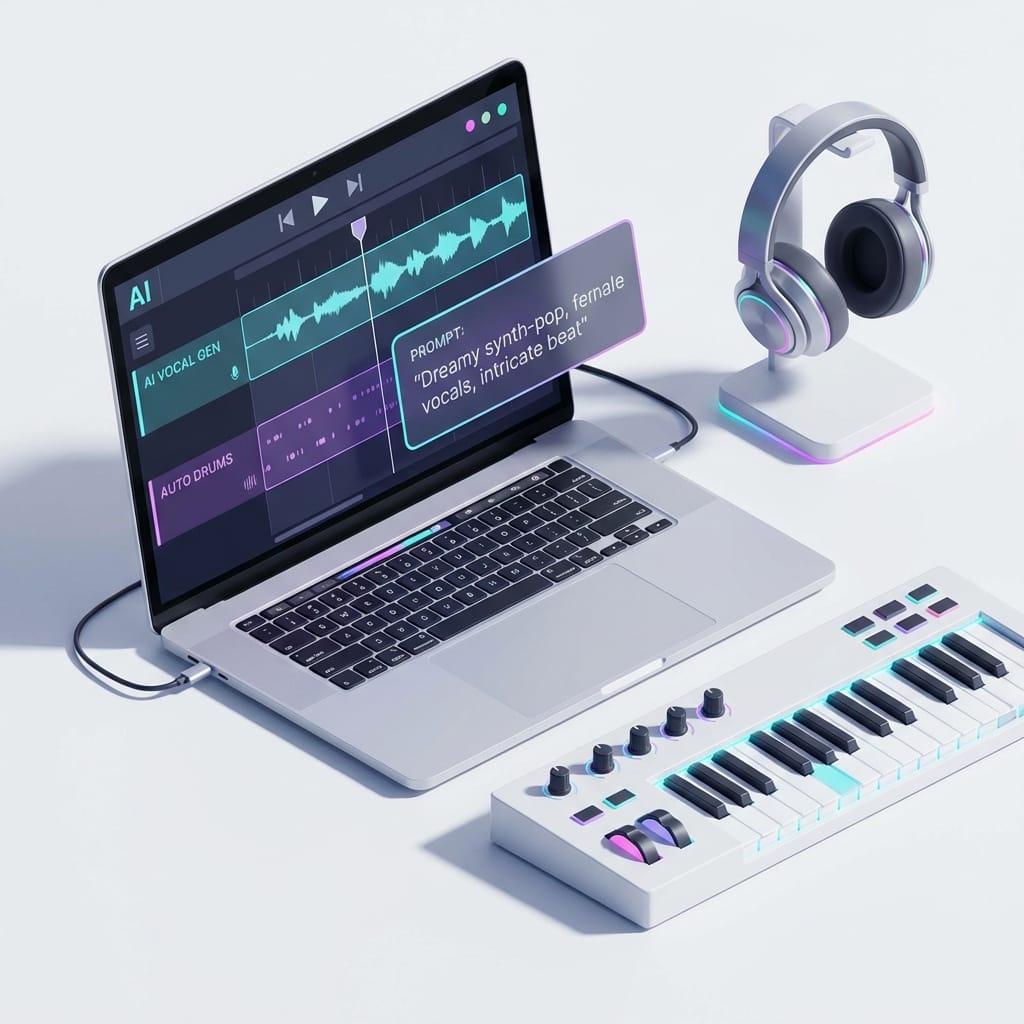
Imagine this: you’ve got a half-baked chorus stuck in your head, no beat, no verse, and absolutely zero desire to open a traditional DAW and spend three hours routing inputs like you’re defusing a bomb. So you type a few lines about the vibe—maybe “late-night synth pop with punchy drums and a bittersweet hook”—and boom, you’ve got a full song with vocals in under a minute. Sounds like science fiction… except it’s basically Suno in 2026.
Let’s talk about the latest updates on Suno (and why I think it’s the most complete AI music creation platform right now). Not “it can spit out a cheesy jingle” complete. I mean: composition, lyrics, beat, vocals, editing, and now a real timeline-based workflow—all in one place. No tool-juggling. No Frankensteining five apps together and praying your stems line up.
The problem: music tools got powerful… and kind of miserable
Here’s the honest truth: modern music software is insanely capable, but it’s also a productivity trap. If you’re not a full-time producer, the “setup tax” is brutal. You spend more time picking plugins than writing melodies. And if you are a producer? You still lose momentum doing grunt work.
That’s the gap Suno’s 2026 updates are aiming at: keeping the creative flow moving while still giving you enough control to make something you’d actually release.
So what’s new (and what actually matters)?
Suno has supported prompt-driven full songs for a while, but 2026 is where it starts feeling like an end-to-end platform instead of a cool demo. Here are the big updates—translated into normal-human benefits.
1) Full songs that don’t sound like placeholders
Suno can generate full tracks—vocals, harmonies, instrumental arrangement—the whole thing, based on prompts. This isn’t “here’s a loop, good luck.” It’s structured music with sections and direction, and you can steer it with text-to-song prompts describing style, mood, and intent. That’s why people keep calling it the most complete AI music creation platform in 2026. Because it is. [2]
2) Vocals you can actually keep consistent (Personas)
This is sneaky-important: Suno’s AI vocals can be saved as “Personas,” meaning you can reuse a voice across multiple tracks for continuity. [2]
Why do you care? Because the internet is littered with “cool AI song” one-offs. A consistent vocal identity is what turns random tracks into an artist project. You know, the thing people follow.
3) Editing tools that save you from “regen roulette”
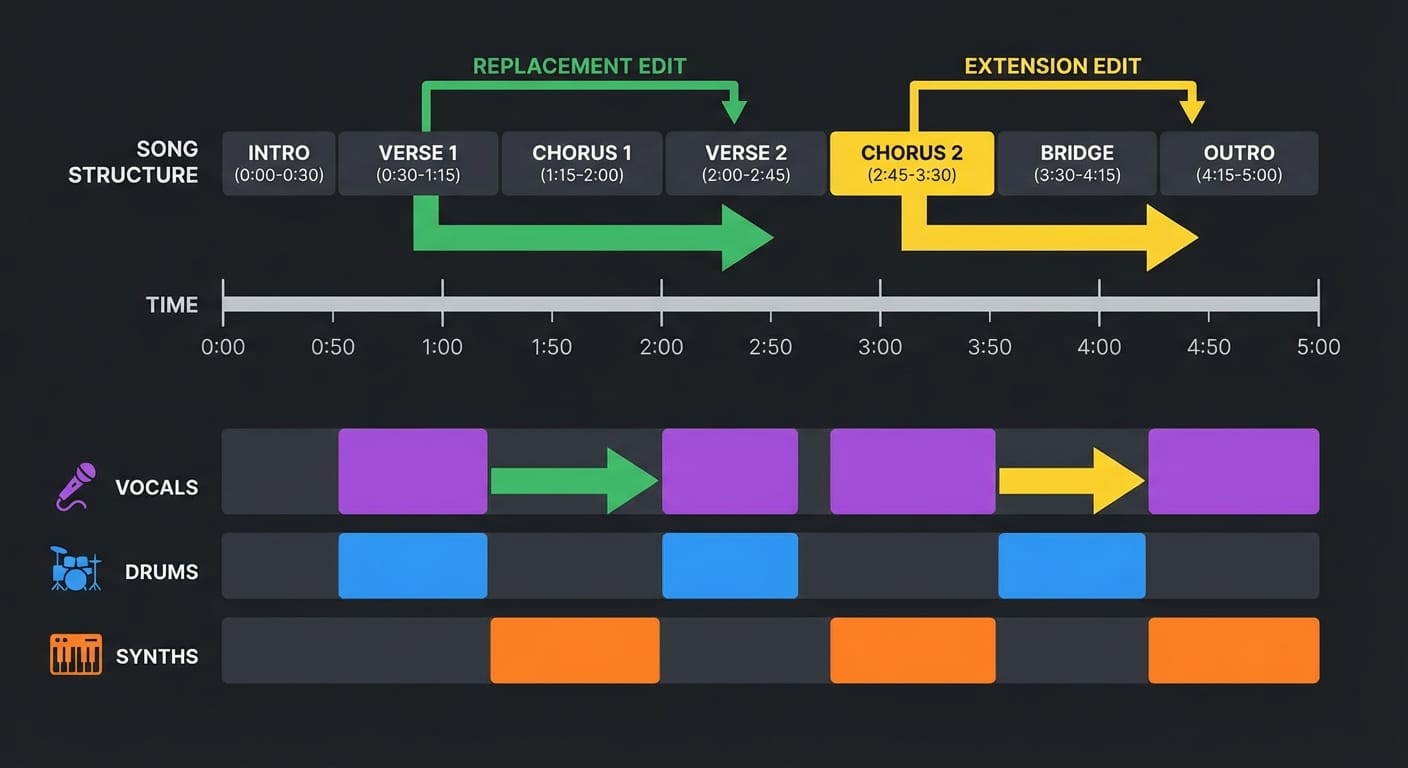
One of the most annoying parts of AI generation is when you love 80% of the output and hate 20%. In 2026, Suno’s editing features—like section replacement, extension, cropping, and lyric editing—help you fix parts without tossing the whole track. [1]
This is the difference between “toy” and “tool.” It’s like photo editing: you don’t reshoot a whole wedding album because one person blinked. You fix the blink.
4) Suno Studio: the first AI-native DAW (the real headline)
Okay, here’s my hot take: this is the update that changes the game.
Suno Studio is positioned as the first AI-native digital audio workstation. Timeline editing. Layering. MIDI export. And the wild part: you can instantly generate vocals, drums, and synths that blend naturally with existing audio. That last bit is huge, because “blending” is where most AI music tools fall apart. [2]
Think of it like this: classic DAWs are like a kitchen full of ingredients and knives. Suno Studio is a kitchen where the sous-chef can cook, taste, adjust seasoning, and plate it with you—while you still call the shots.
5) Speed that keeps your brain in creative mode
Suno can generate songs in roughly 30 seconds to one minute. [1] That sounds like a flex, but it’s actually about psychology: if the tool is slow, you second-guess yourself. If it’s fast, you experiment. And experimentation is where good songs come from.
Pro Tips Box (aka “stuff I’d tell a friend over tacos”)
- Prompt the arrangement, not just the genre. Add “minimal verse, explosive chorus” or “drop at 1:05” to avoid meandering songs.
- Lock a Persona early. If you want a project that feels cohesive, pick a voice and stick with it across 3–5 songs.
- Edit with intent. Use section replacement for the one part that’s off… don’t re-roll the whole track and lose the magic.
- Export MIDI when you can. Even if Suno nails it, MIDI gives you future-proof control for remixes and live versions.
Common mistakes I see people make with Suno
- They write vague prompts. “Make a cool rap song” gets you generic output. Specificity wins: era, tempo, mood, instruments, structure.
- They chase perfection on the first generation. AI music is iterative. Generate → keep what’s great → edit the weak parts → move on.
- They ignore basic mixing. Suno has recording and basic mixing tools with cloud access via browser/mobile. [3] Use them. A tiny EQ/level tweak can turn “demo-ish” into “release-ish.”
FAQ
Can Suno really make a full song with vocals?
Yep—vocals, harmonies, and instrumental arrangements via prompt-driven creation. [2]
Is Suno Studio available to everyone?
It’s a Premier-tier feature as of the 2026 update, focused on timeline editing, layering, MIDI export, and on-demand generation of parts that fit your track. [2]
Can I release songs commercially?
As of early 2026, Suno received approval to allow creators to release AI-generated music on distribution platforms, and people are distributing via services like Drokad. [1]
Is there a free version?
Yes—a free tier with a clean interface and generous features, plus tiered pricing that unlocks more advanced tools over time. [3] [2]
Action challenge: make a 3-song “mini EP” this weekend
If you want to actually use Suno instead of just messing with it, here’s my challenge:
- Pick one Persona (your “artist voice”).
- Create three tracks in the same vibe, each with a different tempo.
- Use section replacement once per track to fix the weakest moment.
- Export stems or MIDI (if you’ve got Studio) and do a tiny polish pass.
- Share it with one musician friend and ask: “Which hook sticks?”
Do that, and you’re no longer “trying AI music.” You’re building a real workflow.
Sources
- [1] Research data provided: Suno editing capabilities, generation speed, and 2026 release rights notes.
- [2] Research data provided: Suno platform completeness, prompt-driven creation, Personas, pricing tiers, and Suno Studio AI-native DAW features.
- [3] Research data provided: Free tier accessibility and cloud-based recording/basic mixing tools.