Remotion + Claude Skill: the end of “video work” as we know it
Remotion’s Claude skill turns video into code: deterministic, scalable, and automatable. For developers, it’s the shift from “editing timelines” to “shipping video like software.”

Hot take: if you’re still treating video production like some mystical “creative-only” craft that can’t be automated, you’re about to get steamrolled. Not because humans stop being creative—because the boring parts of video just got converted into code… and code is an AI’s favorite snack.
Remotion’s new Claude skill (part of Remotion Agent Skills, launched early Jan 2026) basically turns “make a video” into “describe a video.” And for devs? That’s not a nice-to-have. That’s a whole new production pipeline.
The actual problem: video tools are anti-AI (and kind of anti-developer)

Let’s be honest: most video workflows are still stuck in “drag this layer here, keyframe that, now sacrifice a goat to the render gods.” Tools like After Effects are powerful, sure, but they’re GUI-heavy and not deterministic. AI struggles with GUIs the same way I struggle with assembling IKEA furniture without swearing.
Developers, meanwhile, want things that are:
- Composable (reusable pieces)
- Versionable (git, reviews, CI)
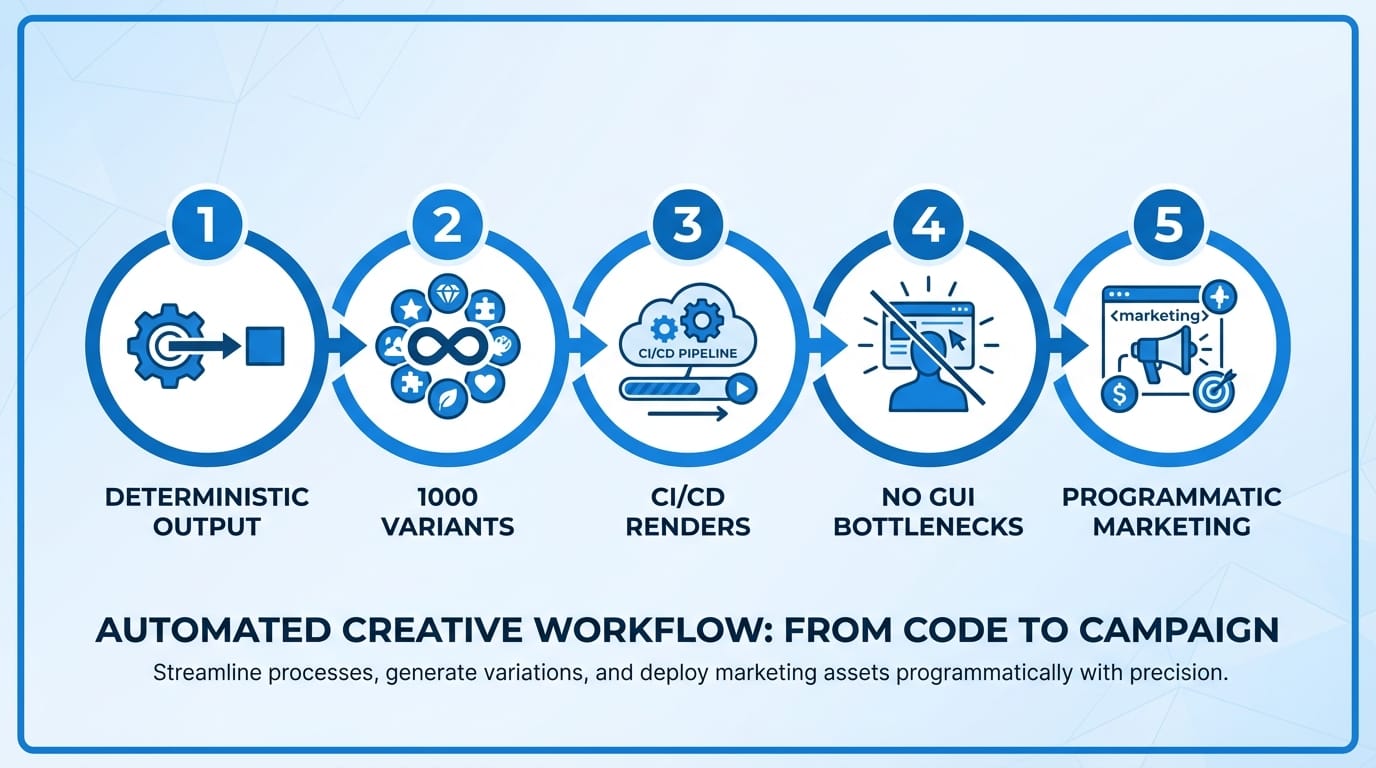
- Automatable (generate 1,000 variants without crying)
- Deterministic (same inputs → same output)
Classic video pipelines fight you on all four.
So what changed? The Remotion Claude skill moves “video” into the software world
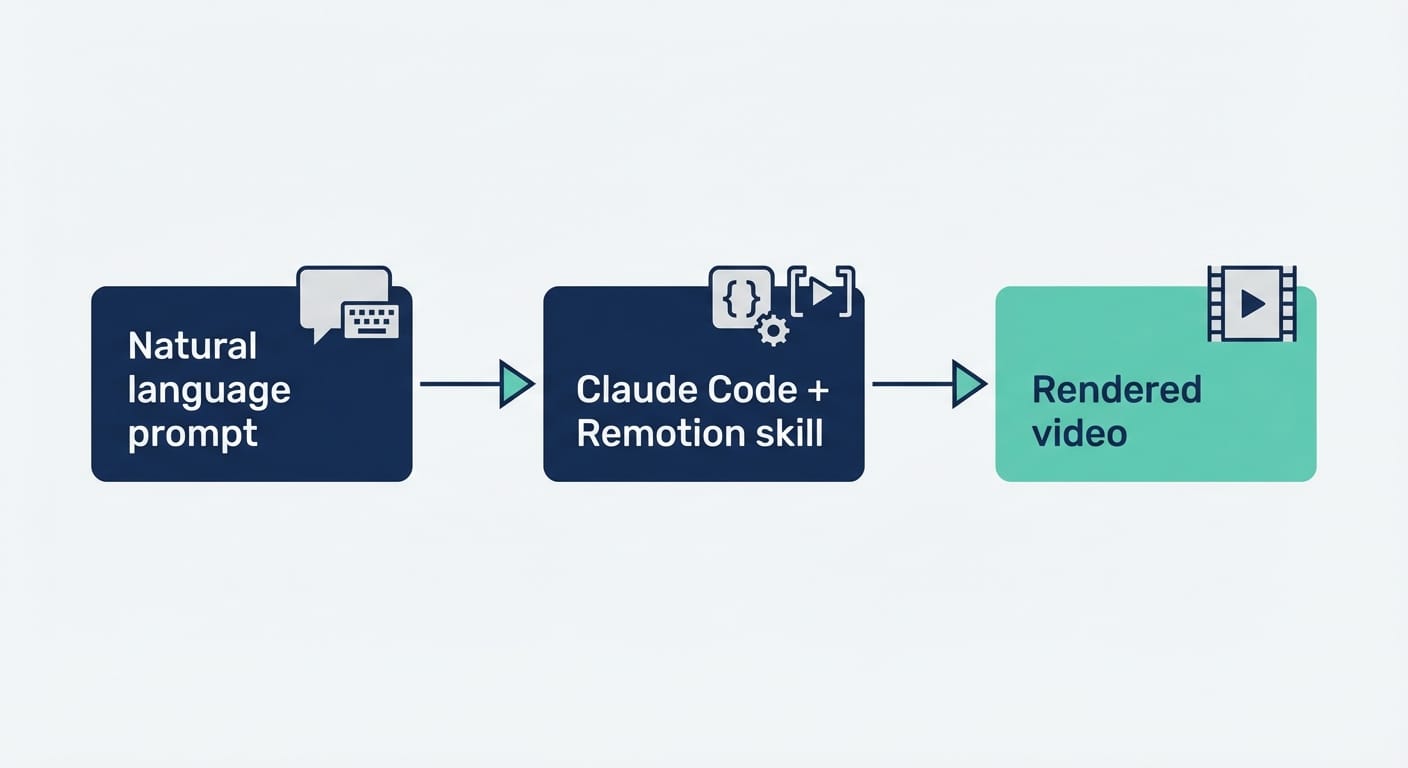
Remotion is a React-based video framework. Instead of fiddling with timelines, you build video compositions with components. And now Claude Code can “activate the Remotion skill” and generate production-ready Remotion projects from natural language prompts—without you manually coding the whole thing.
Here’s the shift that matters: you’re no longer asking AI to operate a video editor. You’re asking AI to generate code that defines the video. That’s a huge difference.
And Remotion isn’t some toy renderer. You get real features devs actually need:
- Frame-accurate animations (via interpolation)
- Audio support (drop in music/VO)
- Video layering (compositing)
- Styling with TailwindCSS (because of course)
What it looks like in code (and why it’s a big deal)
If you’ve never used Remotion: animation is basically “what frame are we on?” plus math. It’s clean. It’s testable. It’s predictable.
import { interpolate, useCurrentFrame } from 'remotion'; const frame = useCurrentFrame(); const opacity = interpolate(frame, [0, 30], [0, 1], { extrapolateRight: 'clamp' }); return <div style={{ opacity }}>Fading in!</div>; Audio is equally straightforward:
import { Audio, staticFile } from 'remotion'; <Audio src={staticFile('background-music.mp3')} /> Now add Claude: you describe the end result, and it stitches together these building blocks into a full composition.
5 ways the Remotion Claude skill is changing everything (for devs, not “video people”)
- Video becomes deterministic. Generative video tools can be… vibes-based. Sometimes awesome, sometimes unusable. Remotion is the opposite: when the code compiles, you get exactly what you specified. That’s why things like Spotify Wrapped-style outputs and GitHub Unwrapped-style videos are such a natural fit.
- “Make 1,000 variants” stops being a scary sentence. Personalized video is usually where teams go to die. With a code-based video template, variants are just data: names, stats, product SKUs, language, price, whatever. You can render at scale without manually duplicating timelines like it’s 2014.
- Your CI/CD pipeline can ship videos. This is the part I’m weirdly excited about. If your product changes, your demo video can update automatically. New feature flag? Update the composition. New pricing? Update the text. Render. Publish. Done.
- Design tools stop being the bottleneck. AI is great at generating code, layouts, and “reasonable defaults.” It’s bad at driving complex GUIs. By bypassing After Effects-style interfaces and going straight to React + TailwindCSS, you’re playing to AI’s strengths instead of forcing it to click tiny timeline diamonds.
- Marketing becomes programmatic. Ads, product demos, hype reels, automated news clips—this is where it gets spicy. If your team can already generate landing pages from data, why not generate video from the same data? It’s the same mindset shift.
Case study snippet: the “10-minute promo video” effect
I’ve seen a bunch of folks brag (credibly) about going from idea → full promo video in ~10 minutes using Claude Code + the Remotion skill. And I buy it. Because once you’re generating React components and compositions, you’re basically operating at the speed of copy/paste + render.
Picture a tiny SaaS team doing a weekly release video:
- Input: release notes + 3 screenshots + a logo + a music track
- Prompt Claude: “Make a 45-second product update video, upbeat, include these screenshots as scenes, highlight these bullet points, add animated lower thirds”
- Output: a Remotion project with scenes, transitions, timing, and Tailwind styling
- Render: ship to socials
That’s not “AI art.” That’s automated media production.
Pro Tips Box: what I’d do to avoid pain later
Pro tips (from someone who hates rework):
- Start with a template composition you like and keep it stable. Let Claude fill in content, not reinvent structure every time.
- Use <code>staticFile()</code> for assets so paths stay predictable across environments.
- Watch re-renders. React patterns apply—memoize heavy components, avoid recalculating layout every frame.
- Enable GPU acceleration when rendering, especially if you’re scaling variants.
- Lock timing early (scene durations). Nothing wastes time like changing pacing after everything is “done.”
FAQ (because I know what you’re about to ask)
Do I need to know Remotion already?
No, but it helps. The skill is good at scaffolding projects and generating compositions, but you’ll move faster if you understand basic React patterns and how Remotion thinks about frames/timing.
Is setup annoying?
Not really. The advertised happy path is: run npx create-video@latest, choose the empty template, enable TailwindCSS and Skills, and use Claude Code (paid subscription) with Node.js. That’s… pretty painless by video-tool standards.
Is this only for ads?
Nope. Ads are just the obvious money-printing use case. Think onboarding walkthroughs, changelog videos, user-specific recaps, internal KPI recaps, even automated “news anchor” formats.
What about quality? Does it look “template-y”?
It can, if you let it. The trick is to treat the first output like a draft, then refine the design system (type scale, spacing, motion rules). Once the template is solid, variants inherit the polish.
Action challenge: ship one ugly video today
If you’re a dev and you’ve been avoiding video because it feels like a different universe, here’s my challenge: ship one ugly-but-real Remotion video today. A 15-second feature teaser. A CLI tutorial clip. Anything. Ugly is fine—ugly is editable.
Because once your brain clicks from “video editor” to “React composition,” you’ll realize what’s happening: video is becoming just another software artifact. And that’s when the leverage kicks in.