Chatbots are cute. Personal AI assistants actually get stuff done.
ChatGPT answers questions. A personal AI assistant like ClawdBot lives in your messages, remembers context, and can run tasks on your computer—turning AI from a passive tool into a proactive agent (with real privacy tradeoffs).
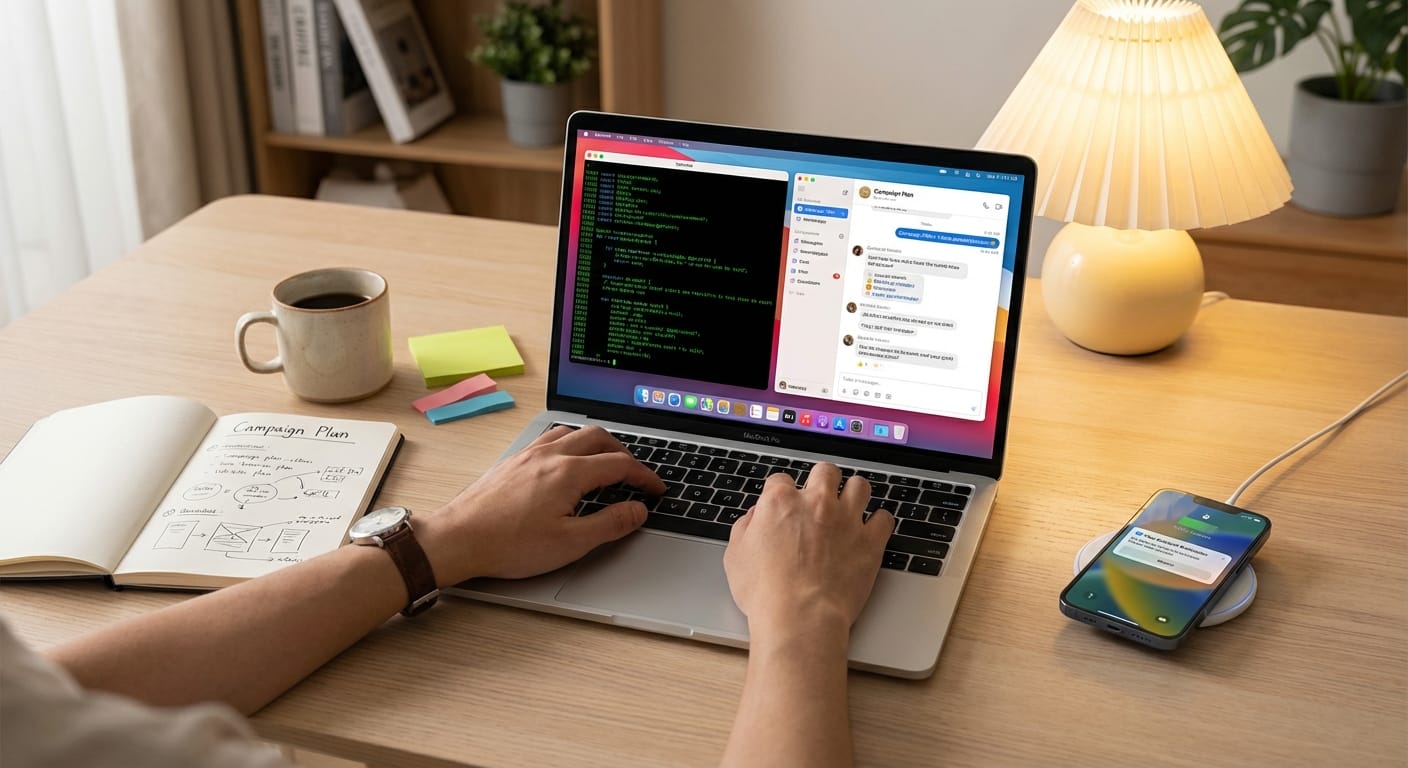
Hot take: most people don’t need “a smarter chatbot.” They need an assistant that shows up, remembers what’s going on, and can actually push buttons when you’re busy.
Because let’s be honest—ChatGPT and Claude are amazing at answering questions, but they still feel like a fancy search bar you have to babysit. A personal AI assistant like ClawdBot is closer to hiring a (slightly chaotic) junior ops person who lives inside your messages and can run errands on your computer. That’s a fundamentally different vibe.
Chatbot vs. personal assistant: what’s the real problem?
If you’re a marketer, researcher, or content creator, your day isn’t one “big question.” It’s 50 tiny tasks:
- Summarize a call transcript
- Pull competitor updates
- Draft 3 angles for a landing page
- Remember that you promised a client a revision by Friday
- Check analytics, post updates, follow up, repeat
Standard AI tools are reactive. They wait for you to open them, paste context, and ask nicely. That’s fine… until you realize the real bottleneck is context switching and keeping the thread.
ClawdBot (and similar personal AI assistants) flip the model: the assistant is embedded in your workflow (messaging apps), remembers what matters over time, and can run tasks on your machine. That’s not just “AI, but more.” That’s “AI, but operational.”
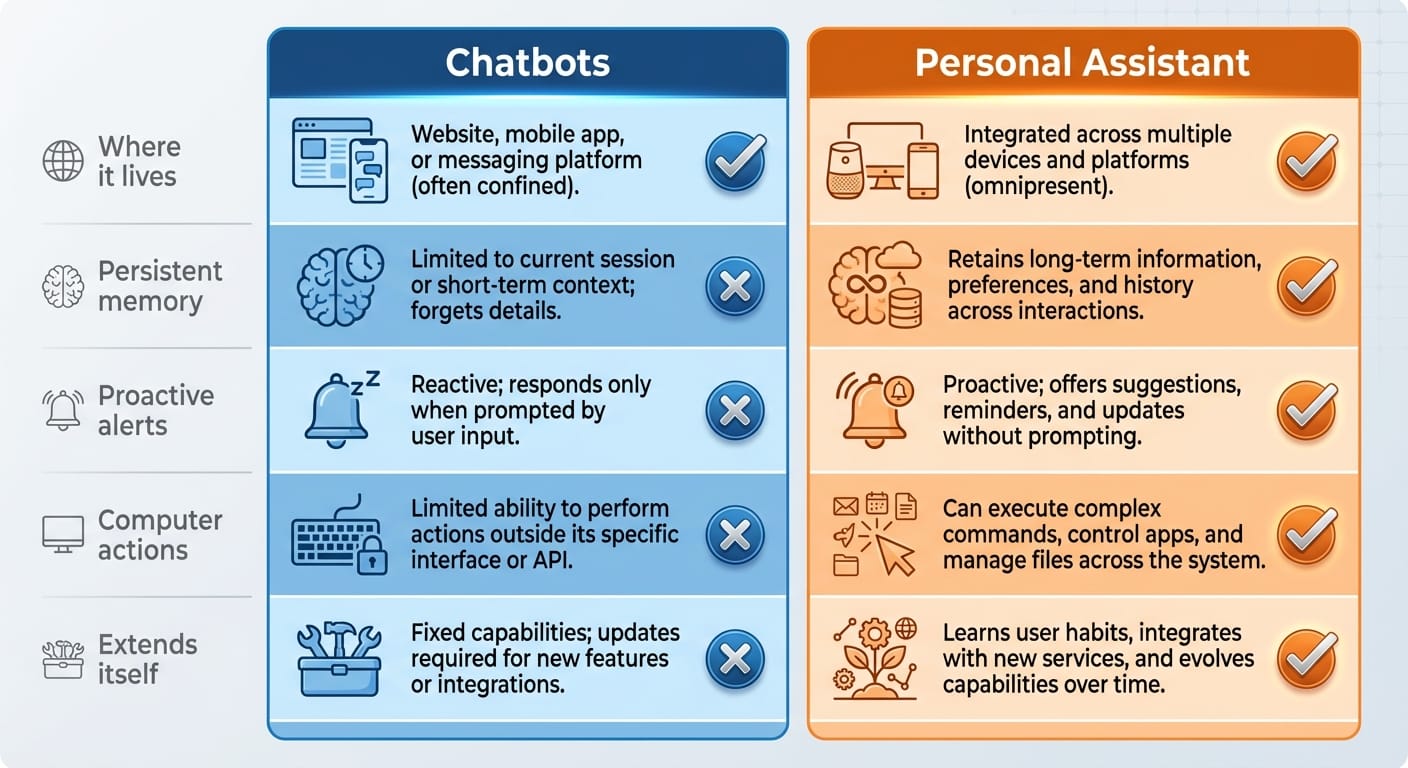
Comparison: ClawdBot vs ChatGPT/Claude (the stuff that matters)
So why would you actually choose a personal AI assistant?
I’ll give you the practical reasons—no hype.
1) It kills context switching
If your assistant lives in the same place your team, clients, and collaborators live (Telegram, WhatsApp, Discord, iMessage), you stop doing that constant “open a tab, paste the last 12 messages, explain the project again” dance. ClawdBot is designed to work right inside those messaging apps [1][3].
That’s not a small UX improvement. It’s the difference between using AI occasionally and using AI all day.
2) Persistent memory is a cheat code (with caveats)
Chatbots are smart, but they can be goldfish. A personal assistant that remembers ongoing context—your Friday meeting, your brand voice, your current research rabbit hole—feels like it’s finally on your side [1][2][3].
For content creators: imagine never having to re-explain your audience, your offers, your “things we don’t say,” and your campaign calendar.
3) Proactive beats reactive (most days)
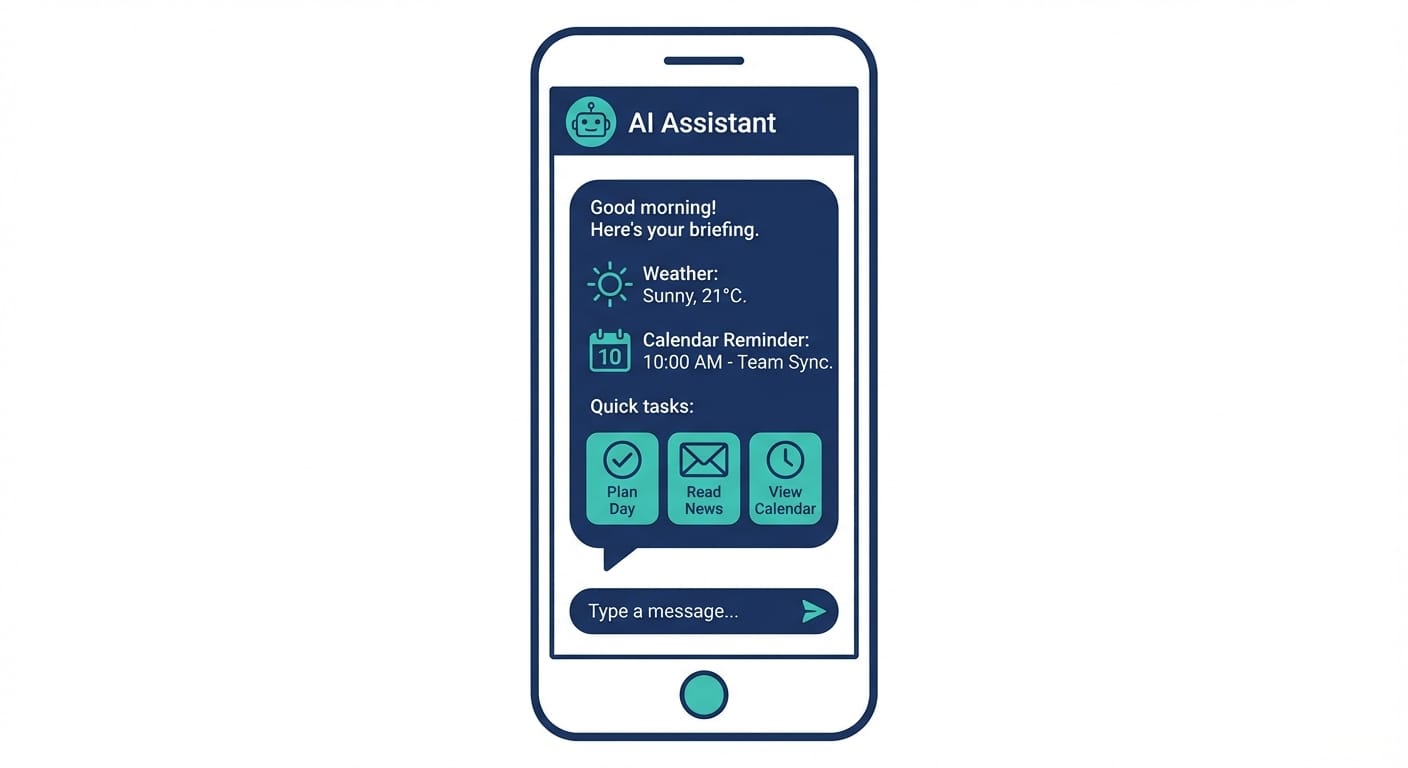
Here’s the killer feature: the assistant pings you. Morning briefings, alerts, reminders, “hey you’ve been quiet, are you stuck?” check-ins—this is explicitly called out as a big unlock by users [1][2].
Reactive tools are like a gym membership. Proactive tools are like a trainer texting you: “You coming or what?” Annoying? Sometimes. Effective? Yep.
4) It can actually do things on your computer
ClawdBot-style assistants can run on your machine with access to your terminal, filesystem, and shell [3]. That’s how you get real automation: browser actions, form filling, log checking, code execution, deployments, email triage—the unsexy stuff that eats your life.
One user even automated grocery shopping from a recipe photo to a shopping cart in under five minutes [1]. That’s the kind of “I didn’t know AI could do that” moment we’re talking about.
5) It’s not a product—you can mold it
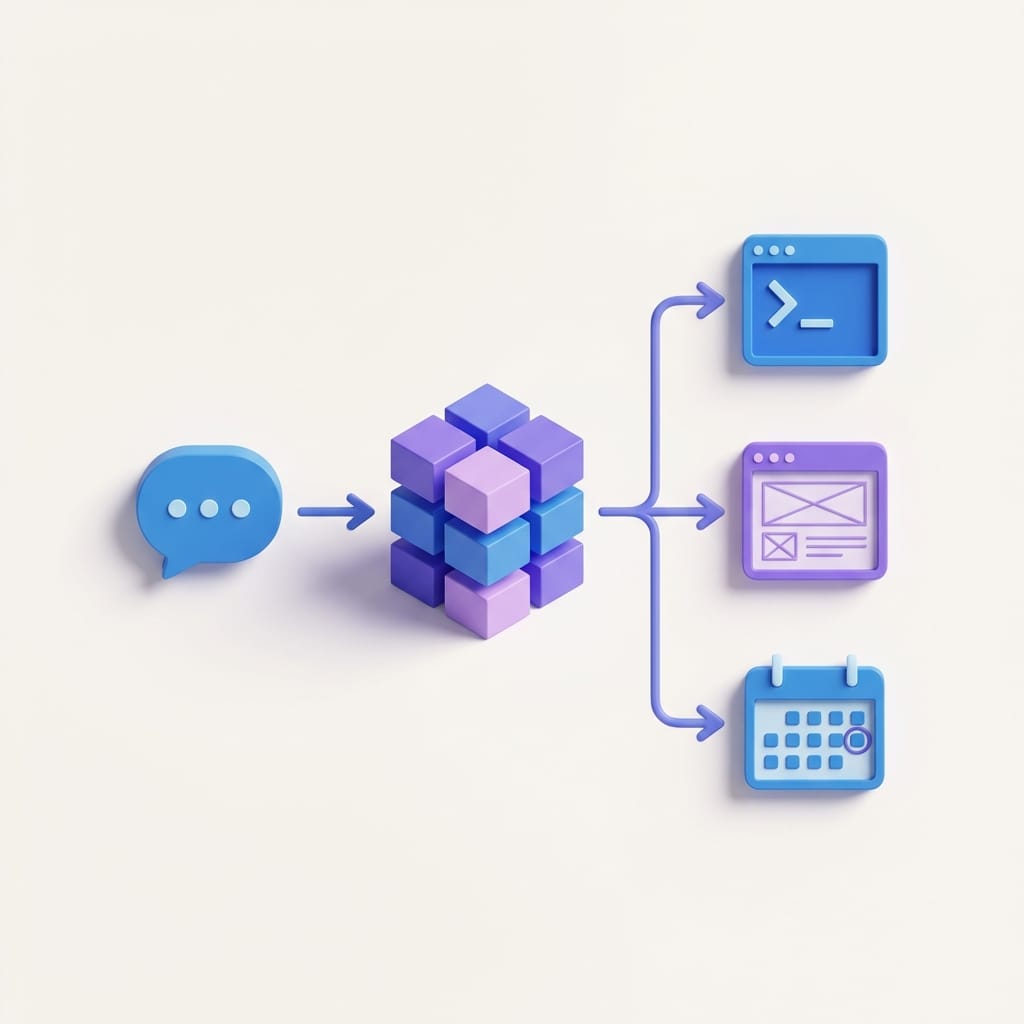
This is where personal assistants get spicy: “self-extending” capabilities. Need transcription? Image generation? A weird integration with a niche tool? You describe it, and the assistant can help set it up, store credentials, and wire APIs [3].
Normal AI tools are like renting an apartment. Personal assistants are like owning a house. More freedom… and yep, more responsibility.
Privacy: the part you shouldn’t hand-wave
If an AI has access to your messages, files, terminal, and external accounts, privacy isn’t a footnote—it’s the whole ballgame.
The good news: ClawdBot’s self-hosted architecture can keep conversations and processing on your machine, not a vendor’s servers [4]. That’s a big deal for researchers, agencies, and anyone handling sensitive client info.
The tradeoff: you’re now the security team. If you let an agent store credentials, run shell commands, or touch your filesystem, you need guardrails. The research is blunt about this: permission management and monitoring fall on the user [3][4].
Common mistakes (don’t do these)
- Giving it “god mode” on day one. Start with read-only or limited scopes. Earn trust with logs and small automations.
- Storing credentials everywhere. Use a secrets manager or at least environment variables; rotate keys regularly.
- Assuming memory is always correct. Persistent memory is powerful—and sometimes confidently wrong. Build in confirmation steps for important actions.
- Automating without an audit trail. If it can change things, it needs to write down what it changed.
Case study snippet: a marketer’s “always-on” assistant
Let’s make this real. Imagine you’re running content + paid for a SaaS brand.
You set up a ClawdBot-style assistant to:
- Send a daily Slack/Telegram-style briefing: site traffic, spend, top posts
- Monitor competitor product pages and ping you when copy changes
- Turn voice notes into searchable ideas (a “memory vault” concept users have built with 1000+ voice messages) [1]
- Create tasks inside your chat when you say “remind me” or “follow up Friday”
That’s not “AI that writes.” That’s “AI that runs your operating system for marketing.”
Pros and cons (my honest take)
Pros
- Way more leverage. Persistent memory + automation turns AI into a workflow engine [1][3].
- Less friction. Messaging integration means you use it naturally [1][3].
- Personalization compounds over time. It learns your patterns and projects [2][3].
Cons
- Security risk is real. Terminal/filesystem access is powerful and dangerous [3][4].
- Setup and maintenance. Self-hosted means you’re on the hook.
- It can be “too proactive.” You’ll need to tune notifications or it becomes a needy robot roommate.
Quick wins: if you try a personal assistant this week
- Start with one channel: pick Telegram/WhatsApp/Discord and keep it there.
- Give it a tiny job: daily briefing, meeting prep, or a “research monitor.”
- Add memory carefully: tell it 5 preferences (tone, tools, deadlines, “don’t do” list, naming conventions).
- Use permissions like a bouncer: read access first, write access later.
Sources
- [1] Research data provided: ClawdBot advantages, proactive briefings, automation examples.
- [2] Research data provided: user reports on check-ins and continuous shaping of behavior.
- [3] Research data provided: messaging integration, persistent memory, local machine access, self-extending skills.
- [4] Research data provided: self-hosted local control and security responsibility tradeoffs.
Action challenge
Pick one repetitive task you do every week—status reporting, monitoring competitors, prepping meetings, cleaning notes—and try replacing it with a personal assistant workflow that runs in your messaging app. If it doesn’t save you at least 30 minutes a week, scrap it. If it does… congrats, you just bought back part of your life.