Perplexity + NotebookLM: The Research Combo That Actually Feels Like Cheating
Perplexity is your fast, cited source-finder. NotebookLM is your source-grounded analyst and draft machine. Put them together and you’ll research faster, write cleaner, and stop drowning in tabs.
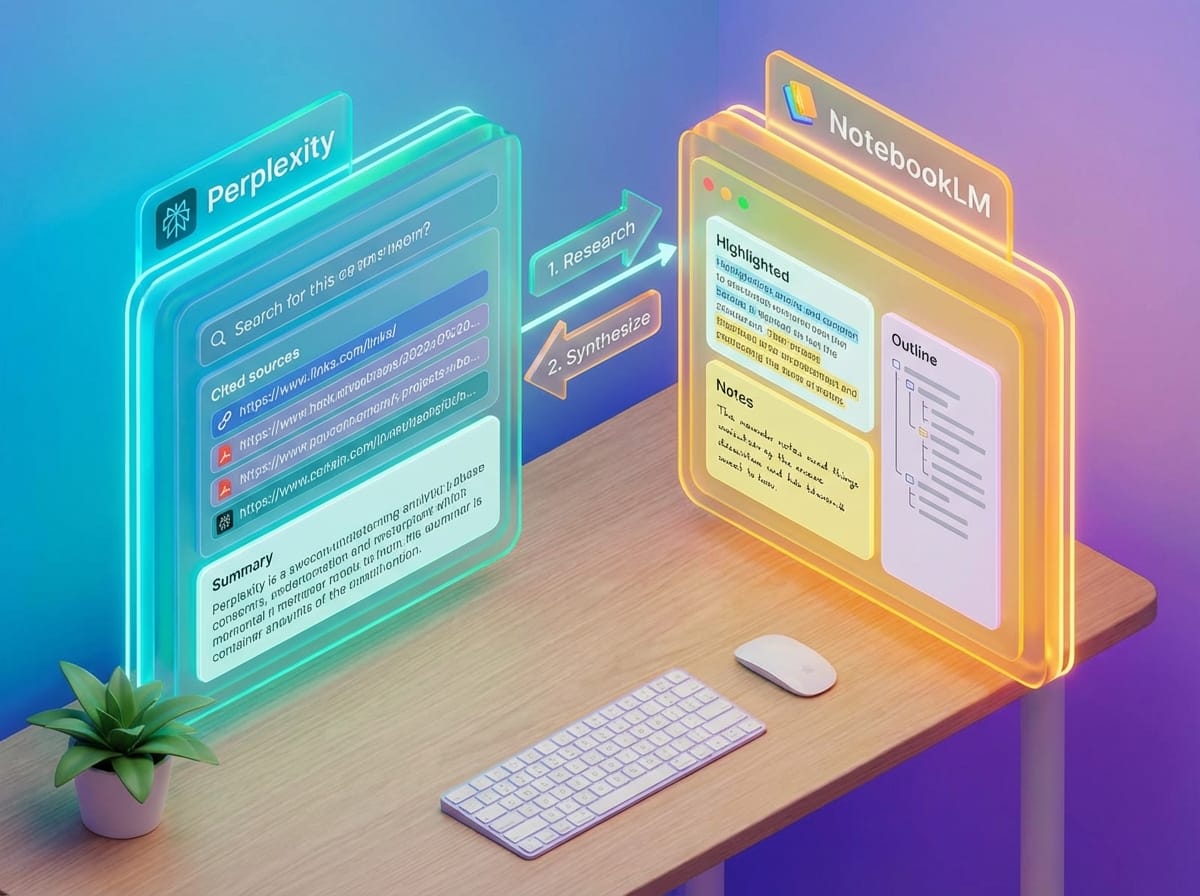
Ever spend 45 minutes “researching” a topic and somehow end up with 17 tabs, 2 conflicting studies, and a creeping suspicion that you’ve learned… nothing?
Yeah. Same. And honestly, that’s why pairing Perplexity AI with NotebookLM is such a killer move. One tool is great at finding good information. The other is great at thinking with it—without wandering off into hallucination-land.
The real problem: research is two different jobs
Most people treat “research” like it’s one thing. It’s not. It’s two totally different jobs:
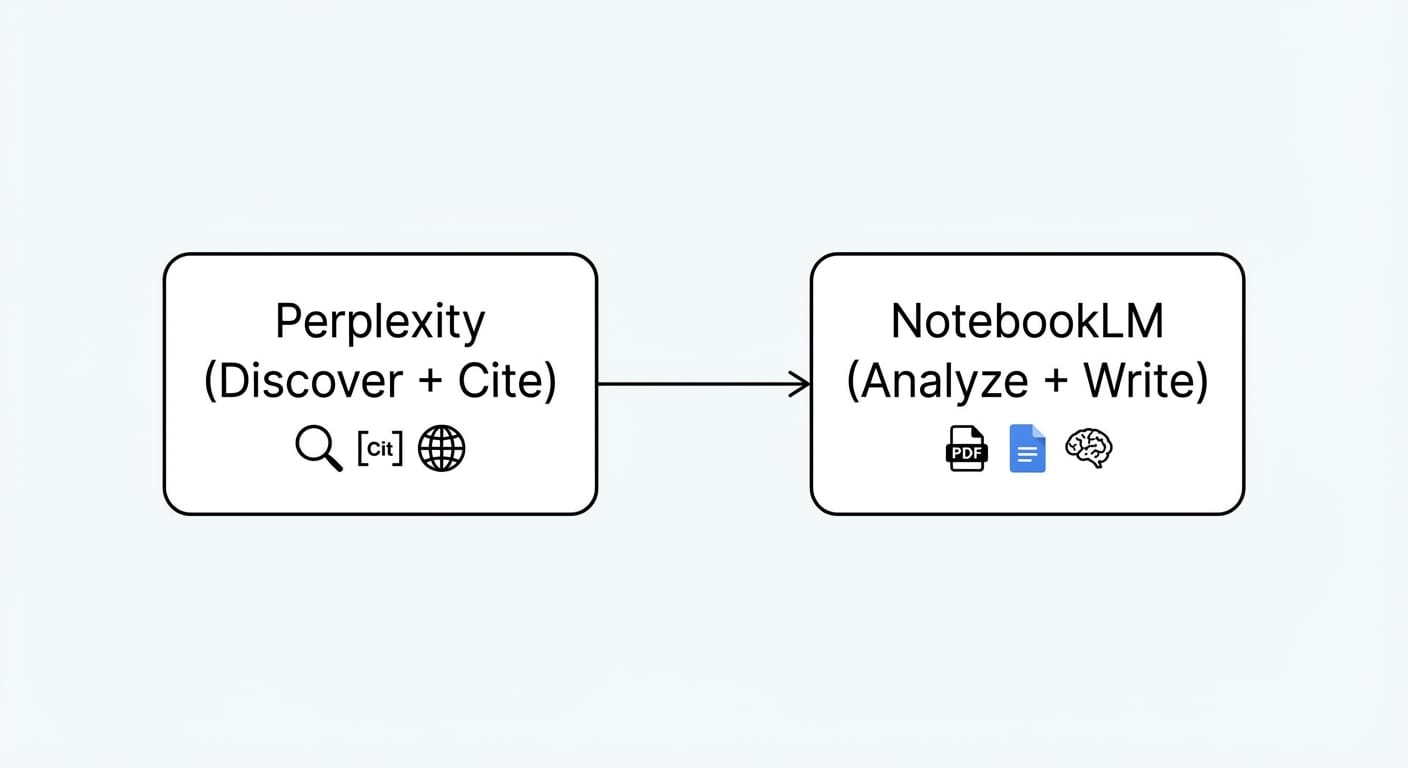
- Discovery: What’s out there? Who’s credible? What are the best sources?
- Synthesis: What does it all mean? What are the patterns? What should I say (and cite) in my final output?
Perplexity is built for discovery. NotebookLM is built for synthesis—grounded in the docs you give it. When you combine them, you stop doing busywork and start doing real thinking.
Step-by-step: the Perplexity → NotebookLM workflow I actually use
This is the part you can steal and start using today. No fancy automations required. Just a clean handoff between tools.
Step 1) Use Perplexity to gather sources like a pro
Perplexity shines because it does real-time research and spits out a clean summary with citations. That citation thing matters. A lot. It’s the difference between “trust me bro” and “here’s the receipt.”
What I do: I ask Perplexity for an answer and tell it what kind of sources I want.
- “Give me 8 credible sources from universities, government sites, and major journals.”
- “Summarize the top 3 arguments on each side, with citations.”
- “Highlight what’s uncertain or debated.”
Perplexity can generate report-style outputs and helps you discover and vet sources quickly, which is exactly what you need at this stage.[2][7]
Export tip: Copy the Perplexity report into a Google Doc or export it as a PDF/text file. You’re basically creating a “source packet” for the next step.[2][7]
Step 2) Import those outputs into NotebookLM
Now the magic trick: NotebookLM doesn’t go surfing the open web. It sticks to the documents you upload. That’s not a limitation—it’s a feature. It’s how you keep it honest.
NotebookLM can ingest PDFs, Google Docs, text files, and Slides, then index them so you can chat with the material and get answers grounded in the sources.[1][2]
Step 3) Ask NotebookLM to do the “brain work”
Once your Perplexity packet is inside NotebookLM, you can:
- Generate summaries & outlines (study guides, briefings, article structure).[1][2]
- Draft content grounded in sources (blogs, decks, SEO outlines).[2][3]
- Query the notebook and get answers that cite the uploaded docs with quotes for verification.[1][7]
- Create an Audio Overview—a podcast-style summary between AI hosts (English-only right now).[1]
My favorite prompt is boring but effective: “Give me the 5 most important claims, the evidence behind each, and what might be missing.” NotebookLM is weirdly good at that kind of structured thinking.
Case study snippet: competitor research without losing your mind
Let’s say you’re doing competitor analysis for a SaaS product. Here’s a realistic flow:

- Perplexity: “Summarize Competitor A’s positioning, pricing, target customers, and recent news. Cite sources.”
- Perplexity: Repeat for Competitor B and C. Grab sources, not vibes.
- NotebookLM: Upload all three reports and ask: “Where do they overlap? Where are the gaps? What messaging angles are underused?”
This is one of the cleanest ways to go from “information” to “strategy.” It’s also a proven use case people keep repeating: Perplexity for gathering competitor reports, NotebookLM for generating insights and slides.[2]
Common mistakes (don’t do this)
- Mistake #1: Dumping everything into NotebookLM. If you upload a messy pile, you’ll get a messy output. Curate first with Perplexity. Think “chef’s ingredients,” not “kitchen trash can.”
- Mistake #2: Trusting Audio Overview blindly. Audio Overviews are awesome, but dense material can produce minor inaccuracies. Use it for orientation, not final facts.[1]
- Mistake #3: Forgetting metadata. If you paste text into a doc, label it: title, author, date, link. It improves clarity and reduces confusion later.[2]
Pro Tips Box (stuff that saves real time)
Pro tips I swear by:
- Use Perplexity to find disagreement. Ask: “What do experts disagree on here?” It forces better sources.
- Build a repeatable NotebookLM prompt set. Example: “Summary → Outline → Counterarguments → Quote bank.”
- Create a ‘quote bank’ on purpose. Prompt: “Pull 10 quotable lines with citations I can reference in a blog post.”
- When in doubt, ask NotebookLM ‘Where does it say that?’ It will point you to the source passages.[1][7]
FAQ
Is this basically the same AI twice?
Nope. They may use similar underlying model families at times, but the workflow is the secret sauce: Perplexity is breadth (discovery), NotebookLM is depth (synthesis grounded in your uploads).[8]
Can NotebookLM browse the web for me?
Not broadly. It stays grounded to what you upload—which is exactly why it’s so good for reliable analysis.[1]
How do I move stuff between them?
There’s no native “one-click” pipeline. The practical move is export/copy Perplexity outputs as PDFs, text, or Google Docs, then upload to NotebookLM.[2][7]
What about writing the final post—do I stay in NotebookLM?
You can draft inside NotebookLM, and it’s increasingly connected with Gemini for writing workflows (“Use this notebook to write a blog post…”). But I still like doing final polishing in my main writing tool of choice.[3][6]
The Bottom Line
If you only remember one thing: Use Perplexity to collect and vet. Use NotebookLM to think, structure, and write—grounded in those sources.
Quick recap: your next move (Action Challenge)
Here’s my challenge: pick one thing you’re researching this week—anything—and run the two-step workflow.
- Perplexity: generate a cited research brief (aim for 8–12 sources).
- NotebookLM: upload it and ask for (a) outline, (b) counterpoints, (c) quote bank.
- Publish something: a memo, a thread, a blog draft, a slide deck. Don’t let it rot in a folder.
Because the whole point isn’t to “do research.” It’s to make better decisions faster—and ship work you can stand behind.
Sources
- [1] Google NotebookLM: grounded chat, citations, and Audio Overviews (feature descriptions).
- [2] Perplexity + NotebookLM workflow guidance: discovery with citations → upload for synthesis.
- [3] NotebookLM content generation + Gemini integration for writing from notebooks.
- [6] NotebookLM integration into Gemini chatbot and improved workflow access.
- [7] NotebookLM chat grounded in uploads; Perplexity exporting/copying sources for import.
- [8] Commentary on “intelligence flow”: Perplexity breadth vs NotebookLM depth, model similarities but different strengths.