Okay, Let AI Babysit Your Google Calendar (So You Don’t Have To)

Okay, confession time.
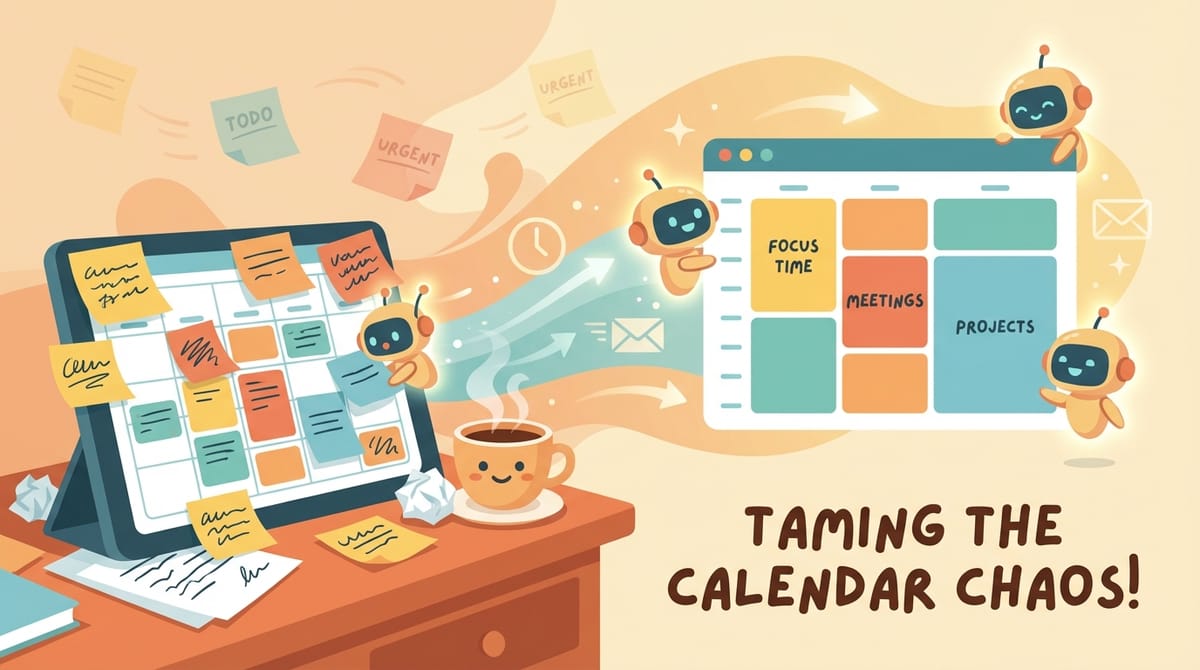
My Google Calendar has two modes: “beautifully optimized life machine” and “dumping ground for chaos.” There is no third option. And if you’re reading this, I’m guessing yours occasionally looks like a toddler got ahold of your schedule and a pack of highlighters.
So, let’s talk about how to manage your Google Calendar using AI in 2026—without turning your life into a science project.
Why AI + Google Calendar Actually Works (And Isn’t Just Hype)
So here’s the deal: Google Calendar is already the backbone. AI just bolts on the “brain” that does the annoying parts—creating events, syncing changes, nudging you when you’re about to double-book yourself into oblivion.
According to recent roundups and tool reviews, AI can seriously enhance calendar management by automating event creation, syncing data across tools, and giving you smarter scheduling insights. In human terms: less typing, fewer mistakes, more “oh wow, I’m on top of things” energy.
1) Automation Workflows: Let Your Calendar Run the Boring Stuff
Alright, this is where things get spicy—in a spreadsheet kind of way.
AI-powered workflow platforms (like Zenphi) let you build Google Calendar automations without coding. Which is great, because the last time I tried to “just write a script,” I ended up googling “why is everything on fire.”
Event creation from emails (aka: Stop Copy/Pasting Like It’s 2012)
Just to be clear, this is one of the biggest wins.
Some automation tools can scan incoming emails—like form submissions from Typeform or CRM notifications from HubSpot—and automatically create calendar events from them. No manual entry. No “I’ll add it later” lies you tell yourself.
- Example: A lead books a call → the system reads the email → an event lands on your calendar.
- Result: You look organized, even if you’re currently eating cereal for dinner.
Project deadline synchronization (because deadlines love to move)
So when due dates change in Google Sheets or your project tool, automation can update the matching calendar event and notify the project owner. This is huge if you’ve ever shown up “on time” for a deadline that moved three days ago.
- Sheet date changes
- Calendar event updates automatically
- People get notified
It’s like having a tiny operations manager living inside your calendar. A polite one. Not the kind who uses a lot of exclamation points.
Calendar-triggered workflows (your meetings can start other stuff)
This is the part where your calendar becomes a control panel instead of a diary.
You can use calendar events as triggers to kick off other processes—like sending meeting prep materials, creating follow-up tasks, or nudging people with reminders that don’t sound like you’re begging.
- Meeting created → send agenda + docs automatically
- Meeting ends → schedule follow-up or send recap prompt
Calendar reporting and insights (without tracking every minute like a robot)
Automation platforms can also generate reports showing how time and resources are allocated—without you manually tracking it. Which is great, because I don’t want to log “stared into fridge deciding lunch” as a 12-minute block.
2) Gemini AI + Google Calendar: The Helpful Assistant With a Few Quirks
Okay, Gemini (Google’s AI) can help with calendar management, and it’s getting better. But it still has some “I’m trying my best” limitations.
What Gemini can do
- Create and edit calendar events using natural language prompts
- Automate task creation and calendar entries when you give clear instructions
- Help you time-block and organize your schedule into categories like Family, Business, Personal, and Finance
So you can say something like: “Add a meeting with Alex next Tuesday at 2pm for 45 minutes called Q1 planning.” And it can handle that kind of thing.
What Gemini can’t do (yet)
Just to be clear: Gemini currently can’t assign tasks to specific Google Calendar categories the way you’d hope. Tasks created via Gemini go to your primary calendar.
Which is mildly annoying, like buying a fancy label maker and realizing it only prints in Comic Sans.
3) AI Scheduling Assistants: The Tools That Actually Optimize Your Week
So beyond Google’s built-in AI, there’s a whole world of AI scheduling assistants that plug into Google Calendar and do the heavy lifting.
These tools use Google Calendar as the backbone, but add smarter scheduling features—like a personal assistant who doesn’t need lunch breaks or emotional validation.
What modern AI scheduling tools are good at
- Intelligent time blocking (it can carve out focus time without you playing Tetris)
- Predictive scheduling (it learns patterns and makes better suggestions)
- Automated meeting organization based on participant availability
- Time zone support for global teams (no more “wait… are you in EST or your weird mountain time?”)
- Smart conflict detection to reduce overlaps
- Custom reminders and automated follow-ups so you stop being the human reminder app
Two popular examples people keep mentioning
- Reclaim.ai (great for time blocking and protecting focus time)
- Clockwise (often used to optimize team schedules and reduce meeting clutter)
And yes, the internet is full of lists comparing these tools. Because nothing says “modern productivity” like 37 tabs open about calendars.
My Simple Setup (So You Don’t Overthink This)
Alright, if you want a practical way to start—without redesigning your entire life—this is what I’d do.
Step 1: Pick one automation win
Choose the most annoying repeat task and automate it.
- If you book calls from forms → automate event creation from emails
- If you manage projects → sync deadlines from Sheets/tools to Calendar
Step 2: Use Gemini for quick adds/edits
Use natural language to add events fast. Keep expectations realistic about categories until Google fixes that limitation.
Step 3: Add an AI scheduling assistant if meetings are eating your soul
If your calendar is 60% meetings and 40% recovery time, an AI scheduler can help you reclaim focus blocks and reduce conflicts.
Common Mistakes (I Have Made All of These)
- Automating everything at once and then forgetting what you set up
- Not naming events clearly (future-you deserves better than “Call”)
- Ignoring time zones until you accidentally schedule a 6am meeting
- Letting AI schedule over your focus time (protect your brain like it’s a national park)
Final Thought: Your Calendar Should Work for You
So, AI won’t magically make you a new person with perfectly color-coded habits and a morning routine that includes journaling on a mountaintop.
But it will take the tedious stuff off your plate—event creation, syncing changes, smarter scheduling—so you can spend less time managing your calendar and more time, I don’t know, living your life like a human.
Okay. Go let the robots do the admin work.
Sources: Zenphi automation overview; Gemini/Calendar capability notes; calendar app and AI scheduling assistant roundups including Zapier, Clockwise, Reclaim.ai, and The Digital Project Manager.