LeadCreator.ai Inputs: The Simple Outline That Stops Your AI From “Wingin’ It”
If LeadCreator.ai outputs sound generic, your inputs are probably too vague. Here’s a simple, repeatable outline to feed it better context so you get outreach that actually sounds human—and converts.
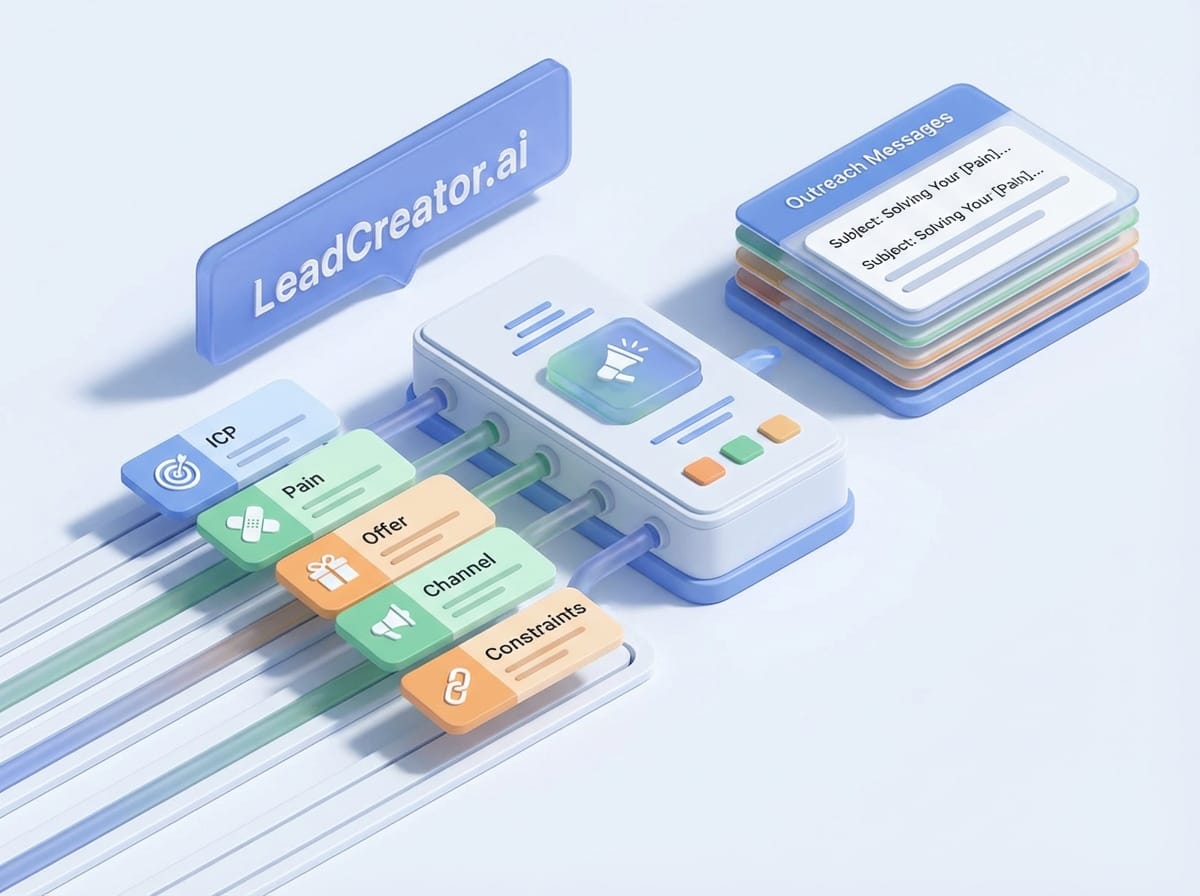
Imagine this: you sit down to generate a week’s worth of leads with LeadCreator.ai, you paste in a couple vague notes like “SaaS” and “small business,” and you hit go…
Five minutes later, you’ve got a hot pile of generic outreach that sounds like it was written by a very polite toaster.
That’s not an AI problem. That’s an inputs problem. And if you fix the inputs, the outputs get scary good.
The real problem: most people prompt like they’re texting a friend
I’m gonna say the quiet part out loud: AI isn’t “creative” when you’re vague—it’s lazy. If your instructions are fuzzy, LeadCreator.ai will fill in the blanks with the most statistically average thing on the internet. That’s why everything comes out sounding like “Hope you’re doing well…” and “I’d love to hop on a quick call…” (Somewhere, a sales rep cries.)
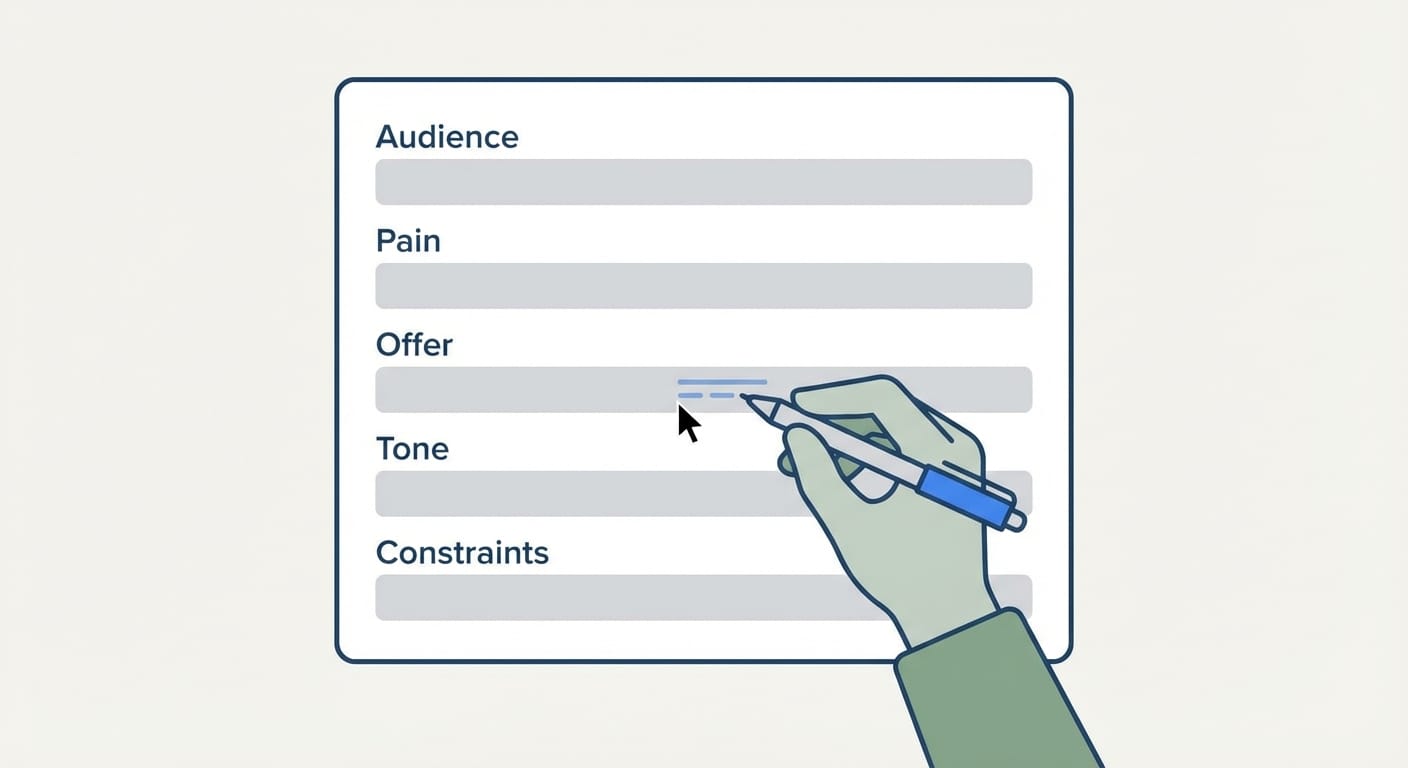
So what do we do instead? We stop treating inputs like an afterthought and start treating them like a recipe.
If you tell a chef “make me something yummy,” you’re rolling the dice. If you tell them “high-protein, 10 minutes, no dairy, spicy,” you’re getting dinner.
Same deal here.
Step-by-step: the LeadCreator.ai input outline I’d actually use
This is the outline I recommend because it forces clarity without turning your prompt into a 3-page novella. Steal this and tweak it to your workflow.
Step 1) Define the ICP (Ideal Customer Profile) like you mean it
- Industry: (e.g., B2B SaaS, dental practices, HVAC, boutique ecommerce)
- Company size: (revenue range or headcount)
- Role/title: who you’re targeting (owner, VP Sales, Marketing Manager)
- Tech stack hints: tools they likely use (HubSpot, Shopify, QuickBooks)
- Trigger events: funding round, hiring spree, new location, compliance change
My opinion: if you skip trigger events, you’re leaving money on the table. Timing is half of outbound.
Step 2) Nail the pain (not the product)
Don’t tell LeadCreator.ai what you sell. Tell it what sucks for the customer.
- Top pain: “inbound leads are inconsistent”
- Cost of pain: “sales team is idle 30% of the week”
- Current workaround: “buying low-quality lists, spamming cold email”
- What they’ve tried: “ads didn’t convert, agency burned them”
This matters because good copy doesn’t start with “we do X.” It starts with “you’re dealing with Y.”
Step 3) State the offer in one breath
If your offer takes 8 sentences, it’s not an offer—it’s a brochure.
- Outcome: what result they get
- Mechanism: how you deliver it (briefly)
- Timeframe: when they see it
- Proof: quick credibility (metric, logo type, or mini case study)
Example: “We book 12–20 qualified demos/month for MSPs using intent signals + personalized LinkedIn outreach, typically within 30 days. We’ve done it for 40+ IT providers.”
Step 4) Pick ONE channel + ONE CTA
Want chaotic results? Ask for email + LinkedIn + SMS + ads + landing pages in one go.
Want results you can actually ship this week? Choose one.
- Channel: cold email or LinkedIn DM or voicemail
- CTA: 15-minute call, reply “YES”, book calendar link, quick question
Also: keep the CTA consistent with friction. A stranger is not scheduling a 45-minute “discovery call” because your first message was cute.
Step 5) Lock the tone + constraints (this is the secret sauce)
This is where most prompts fall apart. LeadCreator.ai needs to know the “rules of the game.”
- Tone: friendly, direct, playful, executive, blunt
- Length: 60–90 words, 2 short paragraphs
- Personalization depth: light (industry-based) vs heavy (recent post/company news)
- No-go list: avoid “Hope you’re well,” avoid buzzwords, avoid exclamation marks
- Must include: 1 relevant observation + 1 specific benefit + 1 simple CTA
Constraints don’t limit creativity—they aim it.
Step 6) Provide reference examples (good + bad)
AI learns fastest when you show it what “great” looks like.
- 2 good examples: messages you like (even if they’re not yours)
- 1 bad example: and why it’s bad (“too pushy,” “too generic,” “too long”)
If you don’t provide examples, LeadCreator.ai will default to the internet’s average. And the internet’s average is… aggressively mediocre.
Common mistakes (don’t do this to yourself)
- Mistake #1: Stuffing the prompt with features. Prospects buy outcomes. Features are just the Lego pieces.
- Mistake #2: Targeting “small businesses.” That’s not a niche, it’s a continent.
- Mistake #3: Asking for “high converting copy” without defining “converting.” Reply? Click? Booked call? You decide.
- Mistake #4: No constraints. Without rules, you get long-winded corporate oatmeal.
Quick wins (you can do these today)
- Add one trigger event to every ICP (funding, hiring, new market, compliance).
- Cut your CTA in half. If it’s “Let’s schedule a time,” try “Worth a quick yes/no?”
- Write a ‘no-go’ list. Ban your own cringe phrases. You know the ones.
- Keep a swipe file. When you see great outreach, save it. Train your inputs with it.
FAQ
Do I really need this much structure?
Only if you want consistent results. If you’re cool rolling the dice every run, go wild.
How long should my input be?
Usually 150–300 words is plenty if it’s specific. The goal is clarity, not word count.
Can LeadCreator.ai personalize without scraping the web?
Yep—industry + role + trigger events gets you “relevant enough” for many campaigns. Deep personalization is great, but it’s not free.
What should I test first?
Test one variable: subject line, opening line, or CTA. If you change five things at once, you learn nothing.
Sources (because reality matters)
Two principles behind this outline are well-supported: (1) specificity and constraints improve model output quality, and (2) clear instructions and examples reduce “average” responses.
- OpenAI — Prompting best practices and using clear instructions/examples: https://platform.openai.com/docs/guides/prompt-engineering
- Anthropic — Guidance on writing clear, structured prompts and using constraints: https://docs.anthropic.com/en/docs/prompting
- Google — People-first content guidance (useful for avoiding generic fluff): https://developers.google.com/search/docs/fundamentals/creating-helpful-content
Action challenge
Today, take your next LeadCreator.ai run and do one thing differently: add a no-go list of 5 phrases you refuse to send (like “Hope you’re well”). Then add one trigger event.
Run it again and compare the output. If it doesn’t feel 2× more human, your inputs still need work—and now you know exactly where to tighten the screws.