Google Gemini Gems just got way more useful (and a little spooky)
Google’s Gemini Gems are evolving from “cool prompts” into shareable mini-apps with real context—especially in education and Workspace. Here’s what changed, what to watch, and how to build a Gem you’ll actually use.
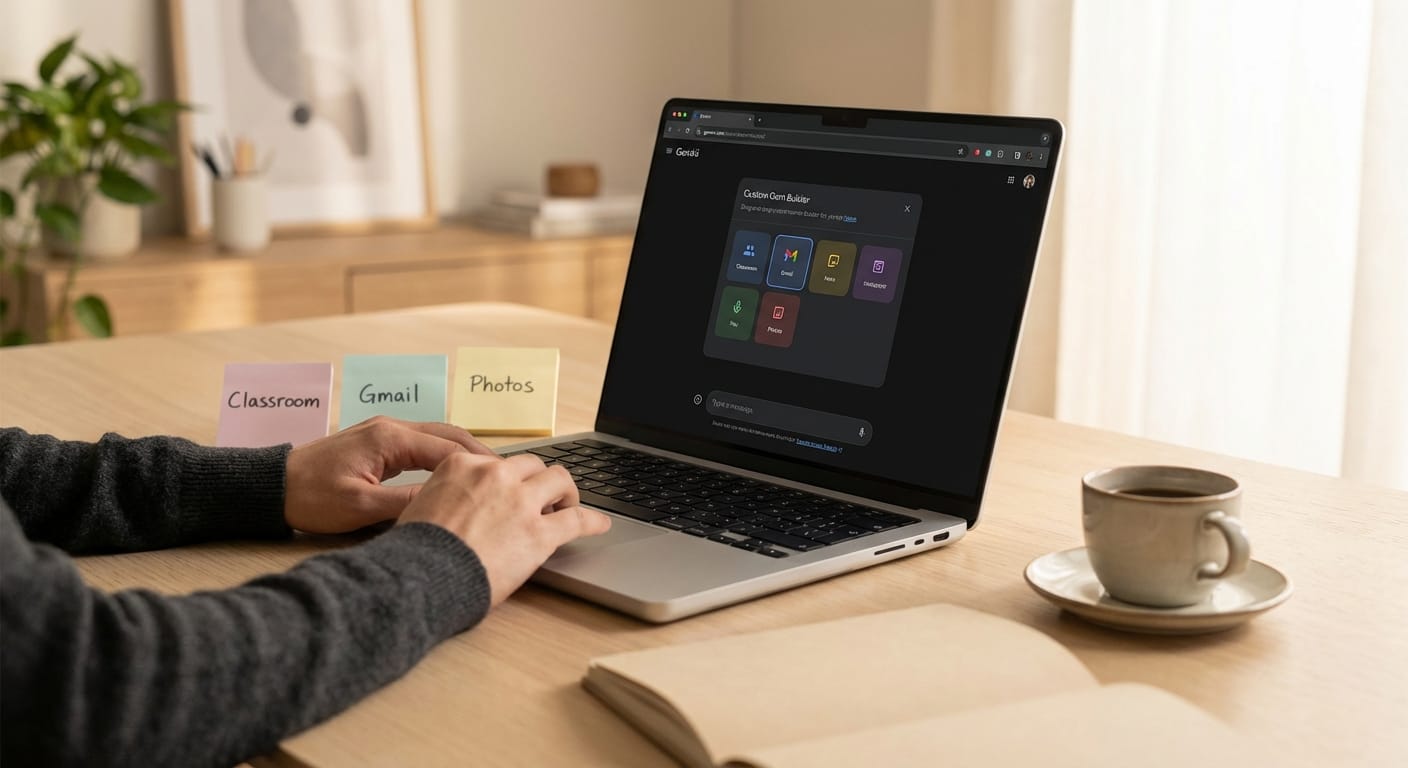
Imagine this: you open Gemini, and your custom “mini-app” already knows you’ve got a meeting in 20 minutes, you’re behind on email, and you saved a YouTube video last night you actually wanted to finish. Helpful… or mildly terrifying?
That’s basically the vibe of the latest Google Gemini Gems updates rolling through late 2025 into early 2026: more personalization, more sharing, more “it just works,” and a big push into classrooms and student workflows. And yes, it’s all wrapped in Google’s usual “opt-in and privacy-focused” language—which I’m glad is there, but I’m still going to tell you to read the toggles twice.
The real problem: AI is only useful when it’s yours
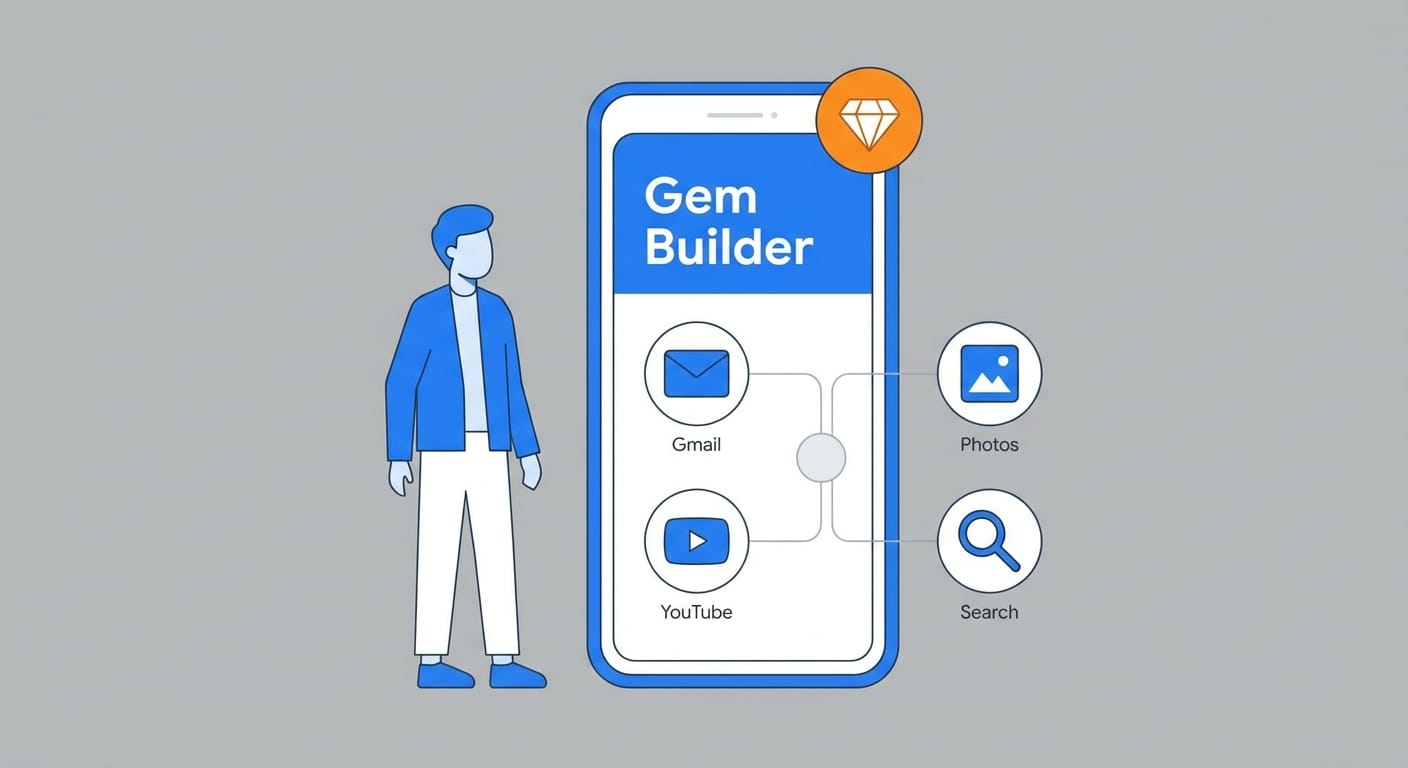
Generic chatbots are fine for brainstorming or writing a polite email you don’t feel like writing (we’ve all been there). But where AI actually saves you time is when it has context: your docs, your messages, your class materials, your preferences, your tone, your “please don’t use exclamation points like a golden retriever” setting.
That’s why I’m bullish on Gems as a concept. A Gem is basically a custom AI mini-app inside Gemini that you shape around a job: hiring helper, lesson planner, recipe builder, writing coach, whatever. The update story here is simple: Google is making Gems more accessible, more shareable, and more connected to the rest of your Google life.
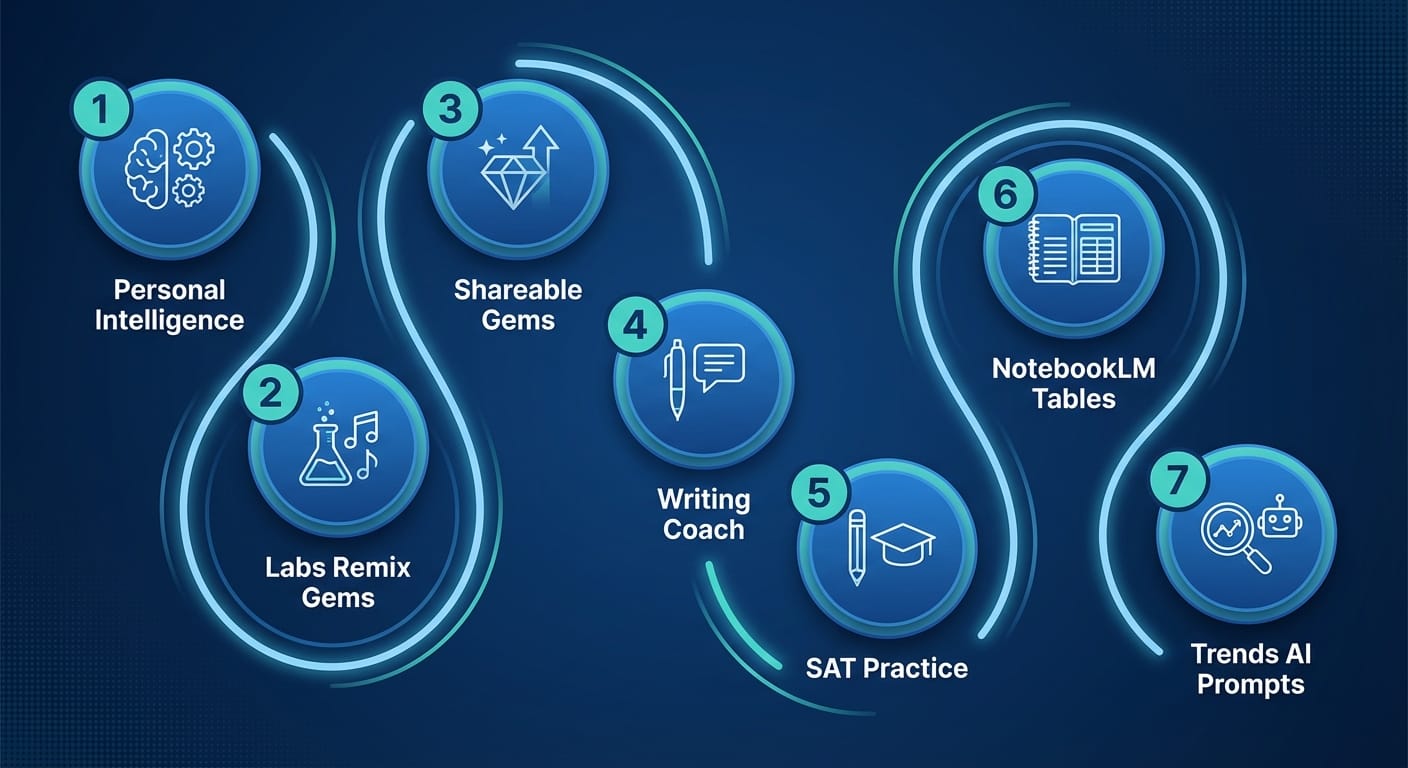
So what changed? Here are 7 updates that actually matter
- “Personal Intelligence” is the big one (and it’s opt-in). As of Jan 20, 2026, Gemini can connect to Gmail, Photos, YouTube, and Search to deliver more proactive, personalized help—assuming you choose to enable it. This is the difference between “AI that answers” and “AI that assists.” If it works as advertised, it’s like giving your assistant access to your filing cabinet instead of asking it to guess what’s inside. [3]
- Experimental Gems from Google Labs (remix culture for mini-apps). Google Labs added the ability to create or remix Gems—examples include stuff like “Recipe Genie” or “Claymation Expert.” This sounds goofy until you realize remixing is how you scale good prompts without everyone reinventing the wheel. [3]
- Shareable custom Gems are rolling wider (and cheaper). Sharing Gems started earlier (Sep 2025) and expanded to more users at no cost. This is huge for teams, teachers, and “the one friend who is always the tech support person.” If you’ve ever copied a prompt into a doc called FINAL_FINAL_v7, you get it. [3]
- Education got a serious upgrade: Writing Coach + Classroom context. At Bett UK 2026, Google leaned hard into education: expanded partnership with Khan Academy for a Gemini-powered Writing Coach (grades 7–12, with a beta for 5–6 in the US) and an upcoming Reading Coach. Plus, deeper Google Classroom integration means Gemini can use real-time class context to summarize progress and help draft assignments. That’s not a gimmick—it’s workflow. [1]
- Free full-length SAT practice tests inside Gemini. Google added no-cost SAT practice tests using Princeton Review materials, plus feedback, explanations, and study plans. If you’re a student (or a parent), this is one of those “well, that changes things” moments. [1]
- NotebookLM + Workspace updates are quietly powering Gems workflows. Classroom also got things like Gemini-generated podcast-style audio lessons, and Workspace/NotebookLM updates include stuff like Data Tables in NotebookLM (which is a nerdy but big deal if you’re wrangling information). More structured data = more usable AI outputs. [1] [4]
- Google Trends got AI prompt suggestions (sneaky useful). The revamped Explore page now auto-identifies and compares trends and suggests prompts. If you do marketing, content, or product research, this reduces the “blank page” problem. [2]
Common mistakes (don’t do these)
- Turning on every integration immediately. I get it—you want the magic. But start with one connector (like Gmail) and see what you gain versus what you’re comfortable sharing.
- Building a Gem without a “job.” “Be my assistant” is vague. “Turn meeting notes into 5 action items and a follow-up email” is a job. Gems thrive on jobs.
- Ignoring sharing/versioning. If you’re on a team, treat Gems like internal tools. Name them clearly, document what they’re for, and keep one “official” version.
A quick case study snippet (realistic, not magical)
Let’s say you run a small product team. You create two shareable Gems:
- “Bug Triage Buddy”: takes pasted tickets + context and outputs severity, steps to reproduce, and a crisp summary for engineers.
- “Release Notes Writer”: turns merged PR descriptions into user-facing release notes in your brand voice.
Are these life-changing? Not alone. But combined, they shave 20–40 minutes off the annoying parts of every sprint. That adds up fast, and it’s exactly where AI should live: in the boring gaps between real work.
Pro Tips (Marty’s “I’ve learned this the hard way” box)
Pro Tips:
- Write a Gem “contract.” One paragraph: inputs it expects, output format, and what it must never do.
- Use file uploads when it matters. Advanced users can add files to tailor responses—perfect for style guides, rubrics, or product specs. [3]
- Make outputs structured. Ask for tables, checklists, or sections. Unstructured rambles look smart and waste time.
FAQ
Are Gemini Gems free?
Some features are broadly available, and sharing expanded to more users at no cost, but certain capabilities (like file uploads for Gems) have been tied to Gemini Advanced historically. Check your plan and rollout status. [3]
Are Gems basically “prompts with branding”?
Sometimes, yes. But the value is repeatability and reuse—plus sharing—plus deeper integrations as Google turns on more connectors. A good Gem is a tiny product.
Should I enable Personal Intelligence?
Only if you’ll actually use cross-app context. I’d start with one connector, test for a week, then decide. Opt-in doesn’t mean “set it and forget it.” [3]
What’s the biggest education change?
The combo of Writing Coach + Classroom context is the headline. It’s aimed at reducing teacher workload and giving students more guided support. [1]
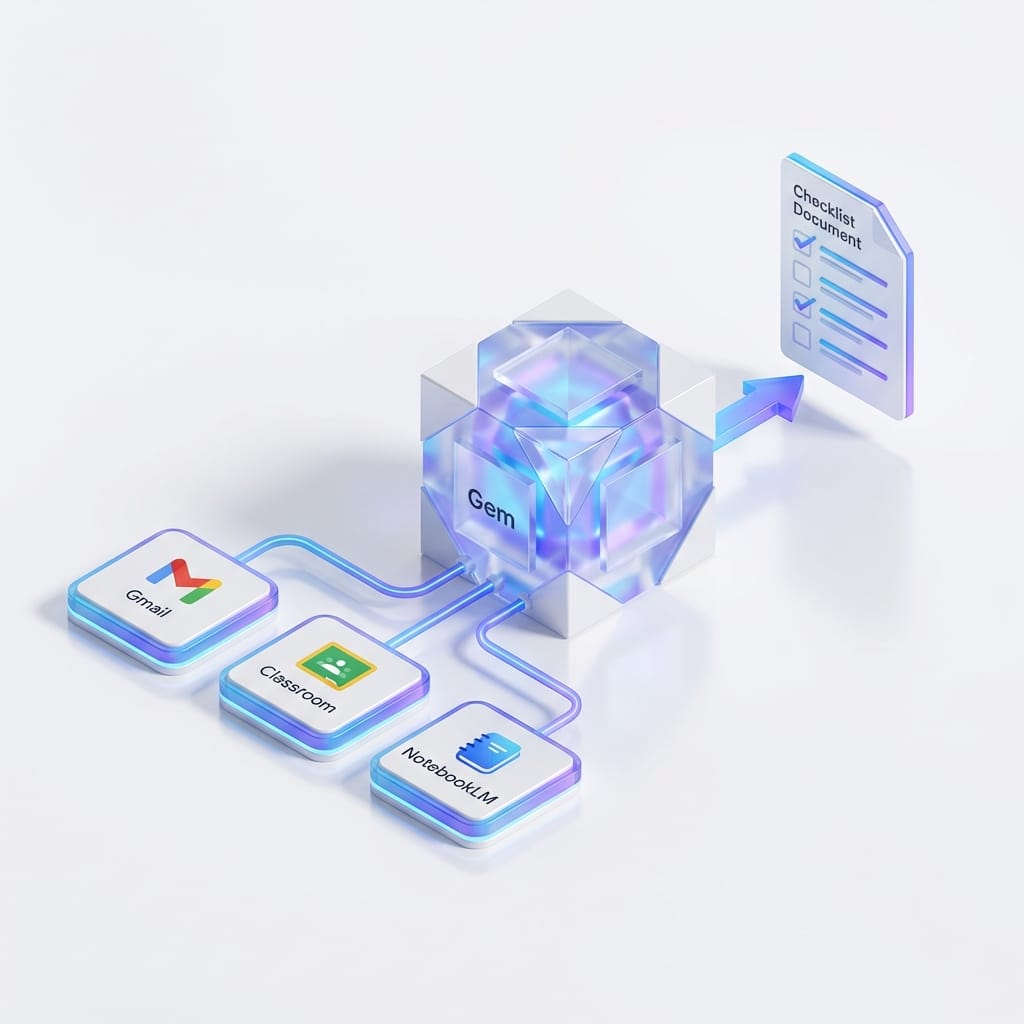
Action challenge: build one Gem today (seriously, 15 minutes)
Pick one annoying, repeatable task you do weekly and make a Gem for it. Not ten tasks. One. Give it a clear job, a strict output format, and a name your future self will understand.
If you want my suggestion? Start with a “Meeting-to-Actions” Gem. Every week you don’t, another hour of your life evaporates into “So… what are the next steps?”
Sources
- [1] Google Education announcements at Bett UK 2026 (Gemini Classroom, Writing Coach, SAT practice): https://blog.google/outreach-initiatives/education/
- [2] Google Trends Explore page revamp (Jan 14, 2026): https://blog.google/products/search/
- [3] Gemini official release notes (Personal Intelligence, shareable and experimental Gems): https://support.google.com/gemini/
- [4] Google Workspace updates referenced in January 2026 notes (NotebookLM/Data Tables and more): https://workspace.google.com/blog