5 Tips for Training Your Voice in ElevenLabs (Without Sounding Like a Robot)
Training your voice in ElevenLabs isn’t magic—it’s mostly about clean audio, enough samples, and not over-tweaking settings. Here are five practical tips to get a voice clone that actually sounds like you.
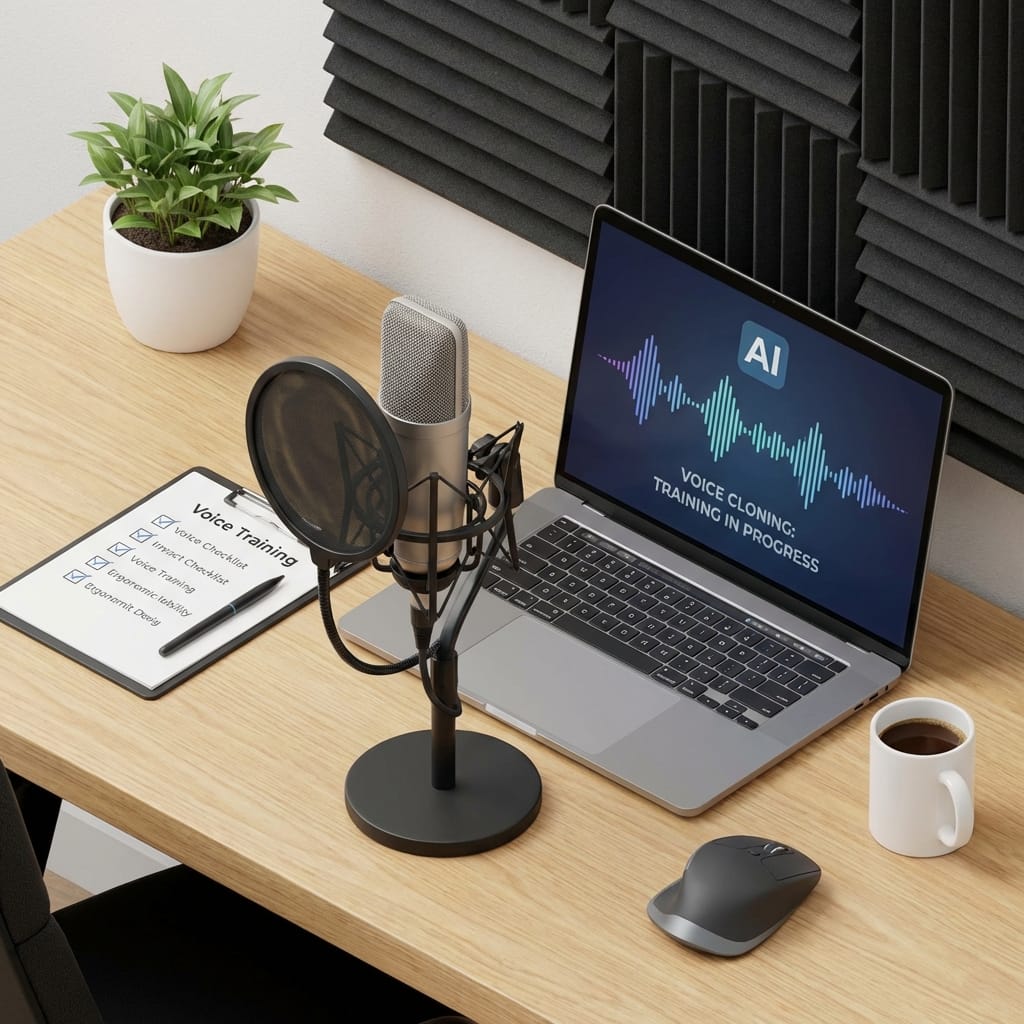
Hot take: most “bad” voice clones aren’t an AI problem… they’re a recording problem.
I know, I know—ElevenLabs is the fancy tool, so it must be doing the heavy lifting, right? But training a voice is a lot like making great coffee at home. The machine matters, sure. But if your beans are stale and your water tastes like a swimming pool, your latte’s gonna be tragic.
Let’s fix that. Here are five practical tips to train your voice in ElevenLabs so it comes out clean, consistent, and actually sounds like you.
1) Record like you mean it: mic + room + noise discipline

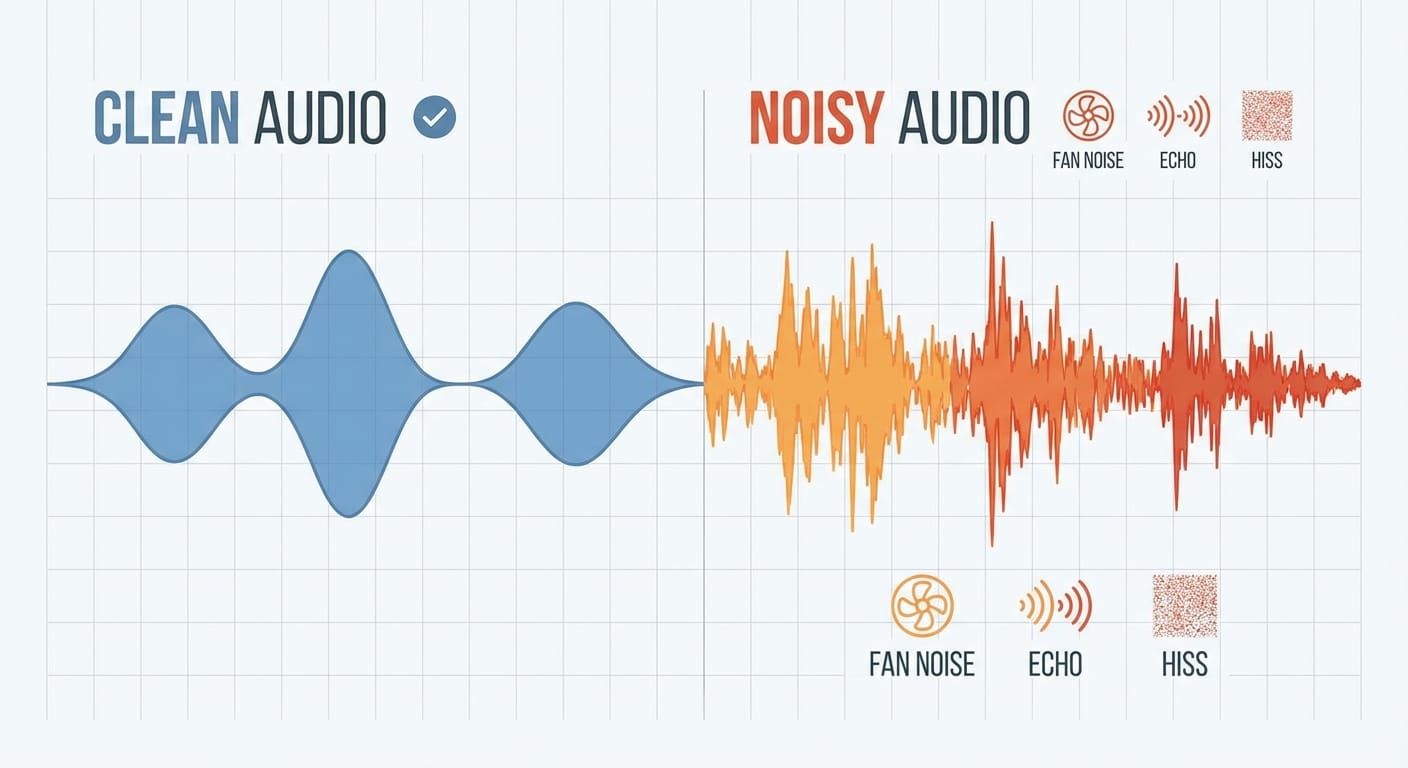
If you take only one thing from this post, take this: your environment is part of your voice. ElevenLabs can’t “guess” which part is you and which part is your ceiling fan doing its best helicopter impression.
ElevenLabs recommends using a decent mic with a pop filter and a quiet, acoustically treated room because background noise and echo confuse the model and reduce accuracy [1].
My opinion? You don’t need a Hollywood booth. You need boring audio: no reverb, no hiss, no dogs auditioning for a barking contest.
- Use a pop filter so your P’s don’t explode.
- Turn off noisy stuff: HVAC, fans, buzzing lights, dehumidifiers.
- Get closer to the mic (6–8 inches) and keep your distance consistent.
- Soft surfaces help: rugs, curtains, closet full of clothes—yes, “closet studio” works.
2) Don’t starve the model: get enough voice data
Want a clone that sounds good in one sentence but falls apart the moment you try a different tone? That’s usually not ElevenLabs being flaky. That’s you giving it a snack when it needed a meal.
ElevenLabs offers different voice cloning options, ranging from an instant clone using about 10 seconds to more accurate professional cloning that can use 30–120 minutes of recorded speech for realism and consistency [1].
Here’s the real-world analogy: a 10-second clone is like a caricature artist. Fun, quick, but not always flattering. A 60-minute dataset is like handing a painter a full photo album of your face in different lighting.
Quick Wins:
- Record multiple moods: neutral, upbeat, serious, “explaining stuff,” etc.
- Include different pacing: slow, normal, fast—but keep it natural.
- Do a test batch (5–10 minutes), generate samples, then decide if it’s worth recording more.
3) Feed it clean text: punctuation is your secret weapon
This one surprises people. They’ll record great audio, then wonder why the output sounds like the AI is speed-running a legal disclaimer.
When you’re preparing or choosing what to read, keep it clear and punctuated. Commas and periods help the voice pause naturally, which improves speech rhythm and realism [3].
Think of punctuation like traffic signals. No punctuation? That’s you driving through a city with zero stoplights, hoping everyone “just figures it out.” Spoiler: they won’t.
What to read? I like scripts that include:
- Short sentences and long sentences
- Numbers and dates (“2026,” “$49,” “3.5%”)
- Questions and exclamations (but don’t overdo it)
- Your normal vocabulary (if you say “kinda,” include “kinda”)
4) Don’t skip the permission step (seriously)
Voice cloning is cool. It’s also one of those “great power, great responsibility” things that can go sideways fast.
ElevenLabs includes a safety step where you must read a verification sentence into the microphone so the system can confirm you have permission to create the voice clone [1]. This is good. Necessary, even.
My stance: only clone voices you own or have explicit rights to use. If you’re doing a brand voice for a company, get that permission in writing. If it’s your own voice, still treat it like a credential—protect it.
5) Tune the speed and settings with a light touch
Once your voice is trained, the fastest way to ruin it is to crank settings like you’re tuning a subwoofer in a teenager’s Honda.
ElevenLabs lets you adjust the speed slider—right is faster, left is slower. Subtle tweaks work best. Too fast sounds rushed and harder to understand; too slow gets monotone and weirdly dramatic [3].
I like to do this:
- Generate a 20–30 second sample.
- Adjust speed slightly (think small nudges, not big swings).
- Listen on phone speakers (real people audio test).
- Then listen on headphones (catch artifacts).
Common Mistakes (don’t be this person)
- Recording next to a window: traffic noise becomes “part of your voice.”
- Changing mic distance constantly: your tone will wobble across samples.
- Reading in a fake voice: the model learns the fake voice. Congrats, you played yourself.
- Over-speeding output: you’ll get that “auctioneer AI” vibe.
FAQ
How much audio do I really need?
For quick experiments, the instant 10-second approach can work, but for consistent realism you’re typically looking at 30–120 minutes for pro-level cloning [1].
Do I need an expensive mic?
No—but you do need clean sound. A midrange mic in a quiet room beats a fancy mic in an echo chamber.
What should my recording sound like?
Boring. Seriously. No room echo, no background noise, no “radio DJ” performance—just your natural voice.
Action Challenge
Today, do a 10-minute “clean room” recording. Turn off the noise, add a pop filter (or improvise), read punctuated text, then generate one sample at normal speed and one sample slightly slower. Pick the better one and use that as your baseline.
If you do that, you’re already ahead of 90% of people training voice clones.
Sources
- ElevenLabs / guidance summarized in provided research on recording quality, sample length, and verification sentence requirements. [1]
- ElevenLabs / guidance summarized in provided research on punctuation and speed slider behavior. [3]