Installing ClawDBot Without Losing Your Weekend (Plus Hardware That Won’t Cry)
A practical, Docker-first walkthrough to install ClawDBot, plus no-nonsense hardware recommendations for light use, heavy workflows, and local LLM setups.
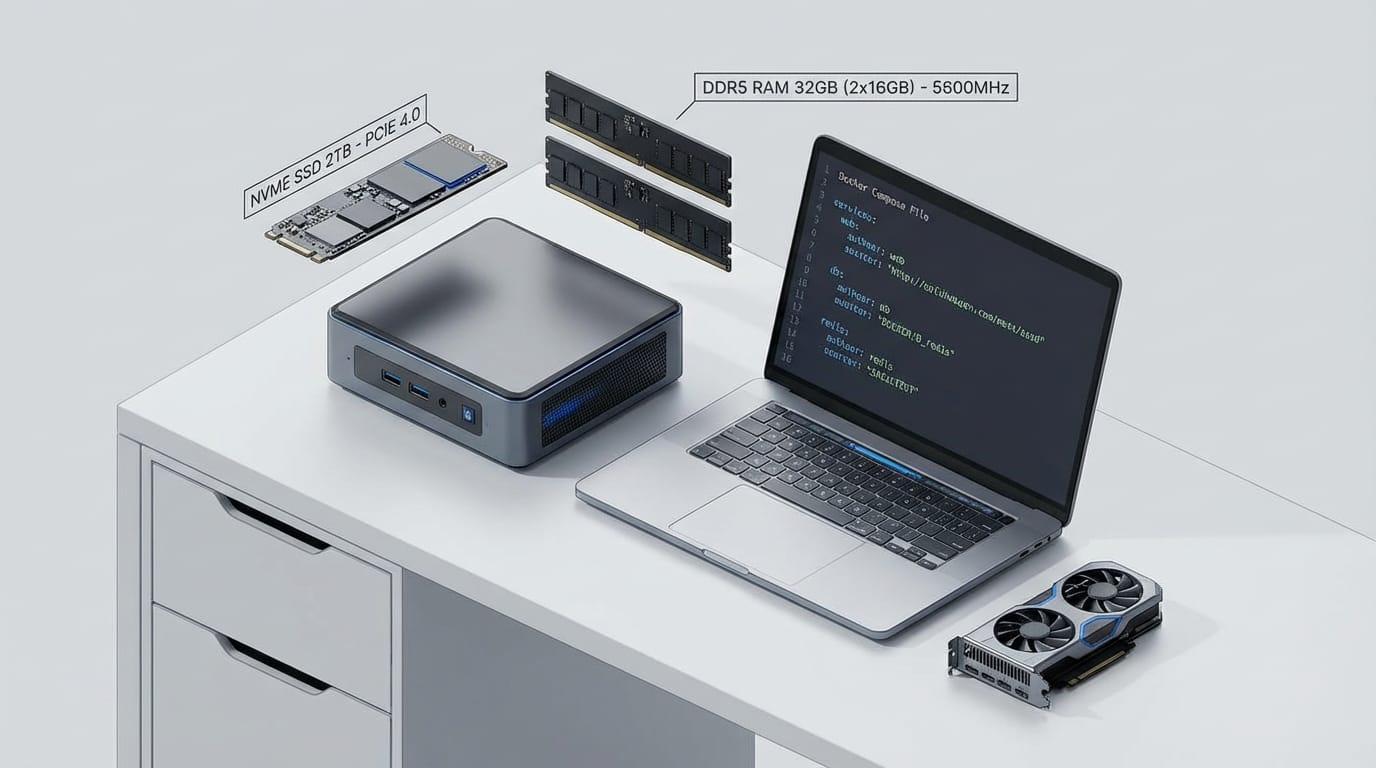
Bold claim: installing ClawDBot isn’t the hard part. The hard part is pretending it’ll run fine on that sad little laptop you’ve been using since the last ice age.
If you’ve ever tried to run a bot, an LLM, and a database on underpowered hardware, you already know the vibe: fans screaming, RAM pegged, and you wondering if you accidentally built a space heater instead of automation. So let’s do this the sane way—install ClawDBot cleanly, and pick hardware that won’t tap out when the workload gets real.
The pain: bots are easy… until they’re not
Here’s what usually happens: you get ClawDBot installed, it works in a quick test, and then you scale up. More tasks, more plugins, more data, maybe even a local model. Suddenly your system is dropping jobs like airlines dropping flights in a winter storm. (Over 11,000 flight cancellations recently—yeah, your bot will do the same thing under load if you cheap out.)
The fix is a combo platter:
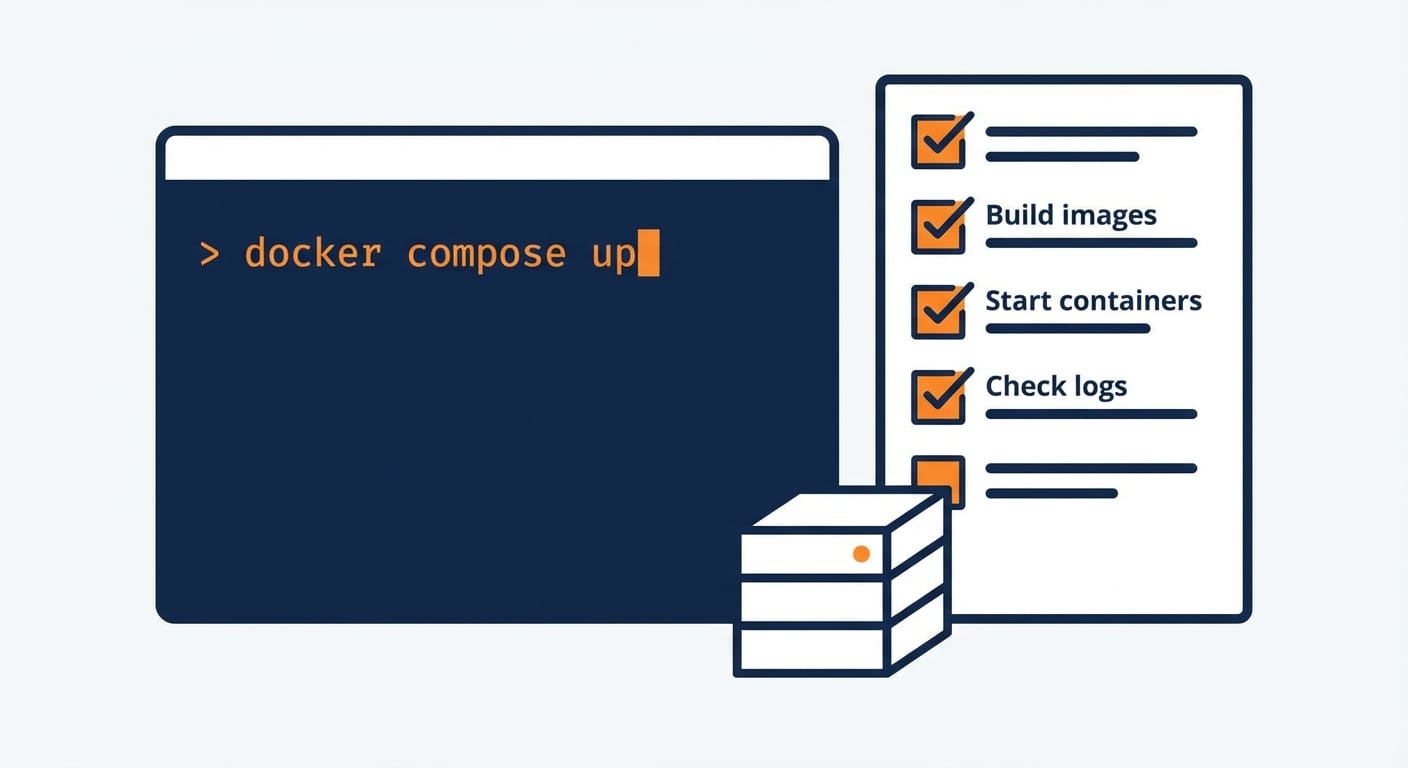
- A clean install method (Docker is your friend).
- Predictable runtime (Linux + containers).
- Hardware matched to your use case (CPU/RAM/SSD, and GPU if you’re doing local inference).
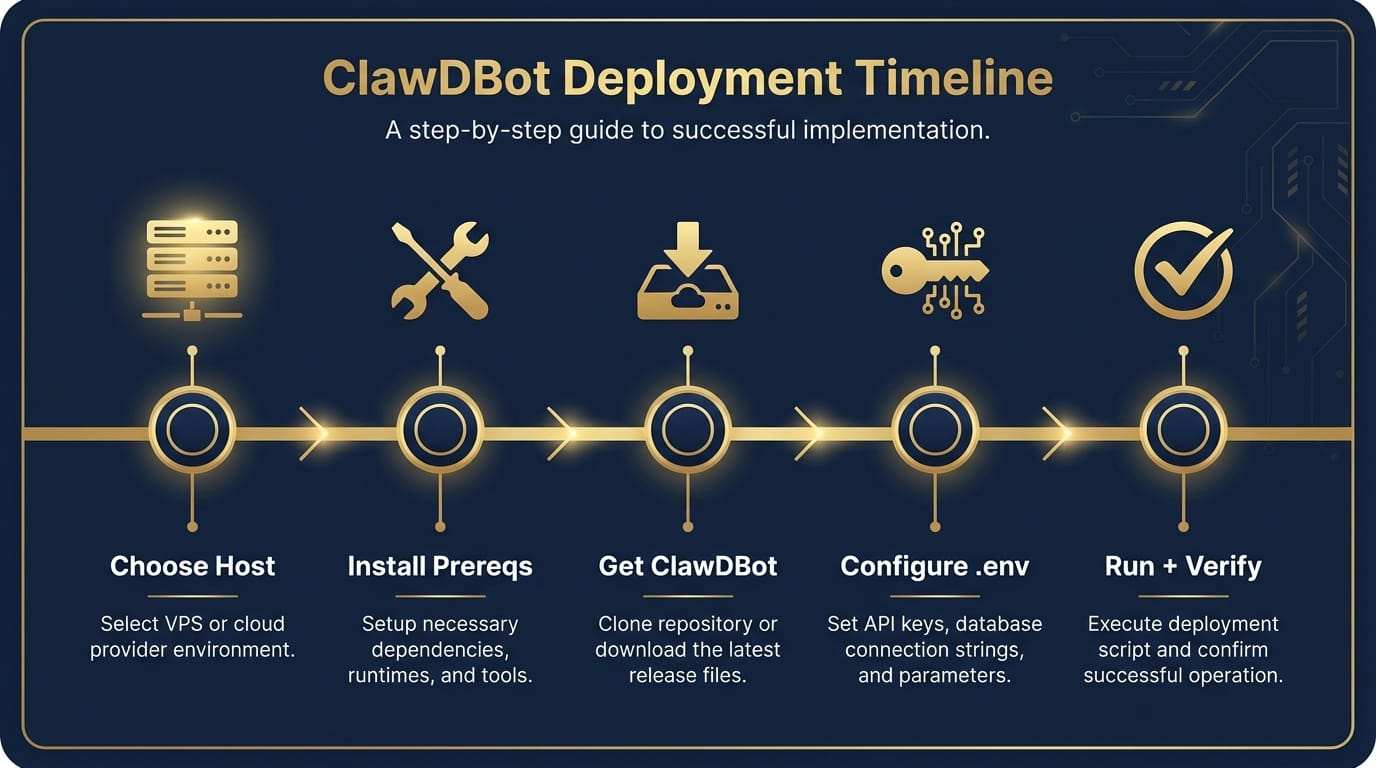
Step-by-step: Install ClawDBot (Docker-first, because I like my sanity)
I’m assuming ClawDBot ships as a typical open-source style project (repo + config + container options). If your distribution differs, the flow still holds: get prerequisites, pull code/images, configure, run, verify.
Step 1) Pick where it’s going to live
Decide this upfront:
- Local dev machine (quick testing)
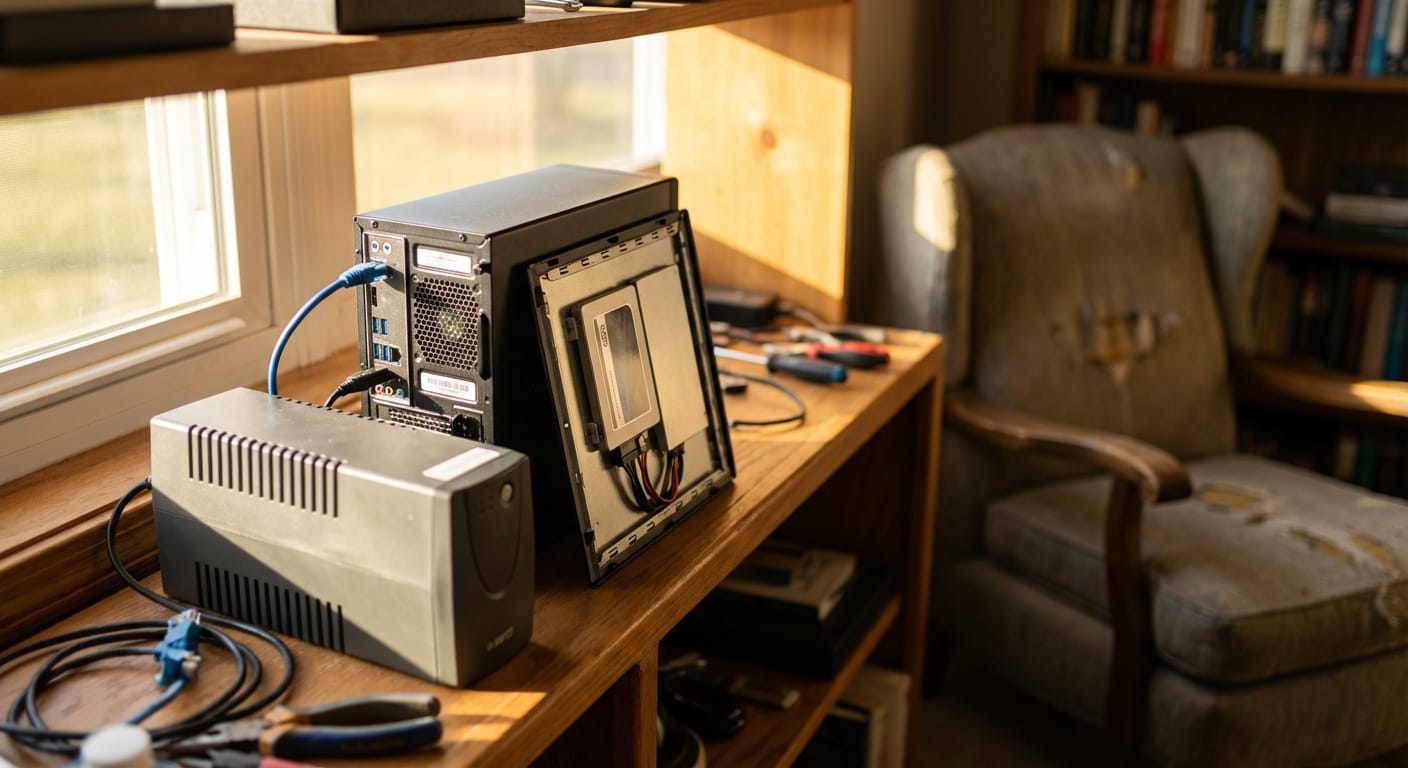
- Home server (24/7, cheap, great)
- Cloud VM (fast to provision, costs money forever)
My take? If you want reliability and you’re not serving millions of users, a small Linux box at home is the sweet spot. Cloud is awesome until you forget a VM is running and it quietly eats your lunch budget.
Step 2) Install prerequisites (Linux recommended)
On Ubuntu/Debian, you typically want:
- Docker Engine + Docker Compose
- Git
- Optional: Python/Node if ClawDBot has a non-container dev mode
Practical advice: don’t freestyle Docker installs from random blogs. Use the official Docker docs.
Step 3) Get ClawDBot (clone or pull image)
Most projects do one of these:
- Clone repo: git clone …
- Pull image: docker pull …
If there’s a Compose file in the repo (docker-compose.yml), that’s usually the intended “happy path.” Take it. Life’s short.
Step 4) Configure environment variables (this is where people mess up)
Look for an .env.example and copy it to .env. Typical settings you’ll see:
- API keys (LLM provider, third-party services)
- Database URL (Postgres/SQLite/etc.)
- Webhooks (if it integrates with Slack/Discord/Teams)
- Storage paths (volumes for logs, state, files)
Opinion: put secrets in .env, don’t hardcode them. And don’t commit .env. Ever. That’s how “oops” becomes “incident.”
Step 5) Start it up and verify it’s healthy
Usually it’s something like:
- docker compose up -d
- Check logs: docker compose logs -f
- Hit a health endpoint or open the UI
Verification checklist:
- Container is running and not restarting in a loop
- Database migrations (if any) completed
- You can run one “toy” job end-to-end
Recommended hardware (aka: don’t build a bot on a potato)
Hardware depends on what you’re asking ClawDBot to do. If it’s mostly orchestrating API calls, you need less. If it’s doing local LLM inference, embeddings, document parsing, or running multiple concurrent workers… you need more. Shocking, I know.
Baseline (API-based LLM usage, light automation)
- CPU: 4 cores (modern x86 or ARM)
- RAM: 8–16 GB
- Storage: 256 GB SSD (NVMe preferred)
- OS: Ubuntu LTS or Debian
This is “runs great and doesn’t complain” territory for a single user or small team. Think: Slack bot, workflow automation, calling hosted models.
Recommended (multiple workers, heavier tasks, database growth)
- CPU: 8 cores
- RAM: 32 GB
- Storage: 1 TB NVMe SSD
- Networking: gigabit Ethernet if possible
This is where you stop worrying about every little spike. It’s like owning a pickup truck instead of a scooter—you’re not redlining every time you move a couch.
Local LLM / embeddings (the “I want it on-prem” crowd)
- CPU: 8–16 cores (helps with preprocessing)
- RAM: 64 GB (seriously, you’ll use it)
- GPU: NVIDIA with 12–24 GB VRAM (depending on model size)
- Storage: 2 TB NVMe (models + vector indexes add up)
If you’re thinking “Do I really need 64 GB RAM?” ask yourself: do you want reliability during high load, or do you want a science experiment? Also, when global systems are stressed—like severe weather impacting 200 million people—resilience matters. Your stack should be boringly stable, not held together by hope.
Common mistakes (don’t do this)
- Running everything on spinning disks: databases + logs + indexes will crawl. SSD or bust.
- Ignoring backups: your bot state and DB will matter the first time something breaks.
- One giant server with no monitoring: at least track CPU, RAM, disk, and container restarts.
- Exposing ports to the internet “just to test”: use a VPN or reverse proxy with auth.
Pro Tips Box: the stuff I’d do on day one
- Pin versions in Docker images so updates don’t surprise-break you.
- Use volumes for DB + state so containers can be recreated safely.
- Add a restart policy (restart: unless-stopped) for hands-off reliability.
- Set resource limits so one runaway job doesn’t nuke the whole box.
FAQ (because you’re definitely thinking these)
Do I have to use Docker?
No, but I think you should. Docker makes installs repeatable and upgrades less terrifying.
Can I run ClawDBot on a Raspberry Pi?
Maybe for light orchestration, depending on build support. But don’t expect it to feel snappy under concurrency. If you want “set it and forget it,” get a mini PC with an SSD.
What’s the #1 sign I need better hardware?
When jobs queue up faster than they complete, and you see constant high RAM usage + swapping. That’s your machine waving a white flag.
Should I run a GPU in the same box?
If you’re doing local inference regularly, yes. If it’s occasional, you might be better off using hosted models and keeping the server simpler.
Sources
- Docker Docs — Install Docker Engine
- Docker Docs — Docker Compose overview
- Reuters — Winter storm impacts and flight cancellations (referenced in research data)
Action challenge
Today, do one thing: run ClawDBot on the hardware you think is fine… and watch docker stats for 10 minutes during a real workload. If CPU pegs, RAM swaps, or disk IO spikes, you’ve got your answer. Upgrade now, not after your bot becomes “that flaky thing nobody trusts.”