Free-ish AI video creation: Claude Code + Remotion is the cheat code
Claude Code + Remotion lets you generate React-based videos from prompts and render MP4s locally. The tools are free and open-source—your only real cost is a paid Claude subscription.
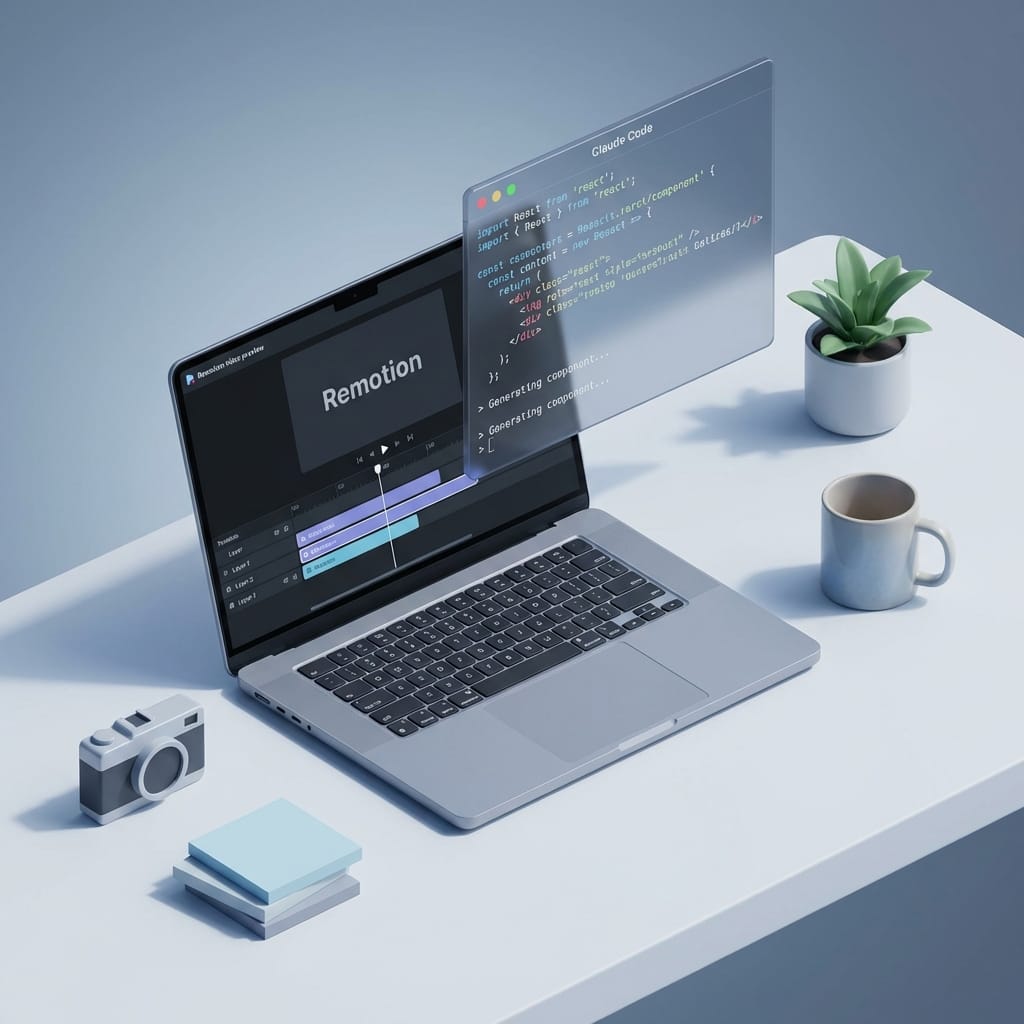
What if “making a video” was basically the same as “describing a video”? Like, you type: “Make a 20-second promo with a terminal typing effect, then a clean headline, then an outro image,” and boom—your computer spits out an MP4. No After Effects. No timeline wrestling. No “why is my keyframe doing that?”
Here’s the thing... Claude Code + Remotion gets you really close to that. And while I’m calling this “free video creation,” I’m gonna be straight with you: the rendering tools are free and open-source, but Claude Code needs a paid Claude subscription. Still, once you’ve got that, you can generate and render videos locally as much as you want. That’s the part that feels like a superpower.
The problem: video tools are slow (and kinda hostile)
If you’ve ever tried to ship a simple marketing video in a “normal” workflow, you know the pain:
- Templates look like everyone else’s templates
- Tiny edits take forever (“Just move the text up 10px”… 20 minutes later...)
- Motion graphics software has a learning curve shaped like a cliff
And if you’re a developer? It’s extra frustrating because you’re thinking, “Why can’t I just code this?”
The solution: programmatic video + an AI agent that writes the code
Remotion is an open-source library that lets you create videos using React components. Think of it like: instead of dragging layers around, you build scenes with code. You can animate with math, timing, state—whatever you can do in JavaScript. Remotion renders that React “app” into an actual video file. Totally local. Totally repeatable. Totally automatable. (Remotion)
Now add Claude Code—Anthropic’s coding agent that can read your project, generate files, and iterate with you. With Remotion’s newer “Skills” integration, Claude Code can detect Remotion projects and help build them faster. This integration shipped around January 21, 2026, and it’s built on an agent skills standard so tools can plug in cleanly. (Remotion Docs) (Anthropic)
Analogy time: Remotion is the video factory. Claude Code is the foreman that understands your instructions and runs around setting up machines.
How to create your first video (step-by-step)
Look, I’ll be honest... the first time you do this, it feels like magic. The second time, it feels like a workflow.
Step 1) Install the prerequisites
- Node.js (free) — required to run Remotion and the dev server.
- Claude Code (paid Claude plan) — the AI agent you’ll prompt to generate/modify your Remotion code. (Anthropic Docs)
Step 2) Create a new Remotion project
In your terminal:
npx create-video@latest Choose:
- Blank template
- TailwindCSS (optional, but I like it for fast layout)
- Install Skills (this helps Claude integrate smoothly) (Remotion Docs)
Step 3) Run the dev preview
Move into the folder, install deps, and start:
cd my-video npm install npm run dev You’ll get a local preview UI where you can see compositions and scrub through frames.
Step 4) Start Claude Code in the project folder
Open a new terminal tab (same folder) and run:
claude Claude Code should detect the Remotion setup/skill and be ready for prompts. (Remotion Docs)
Step 5) Prompt, preview, iterate, then render
Prompt ideas that work well:
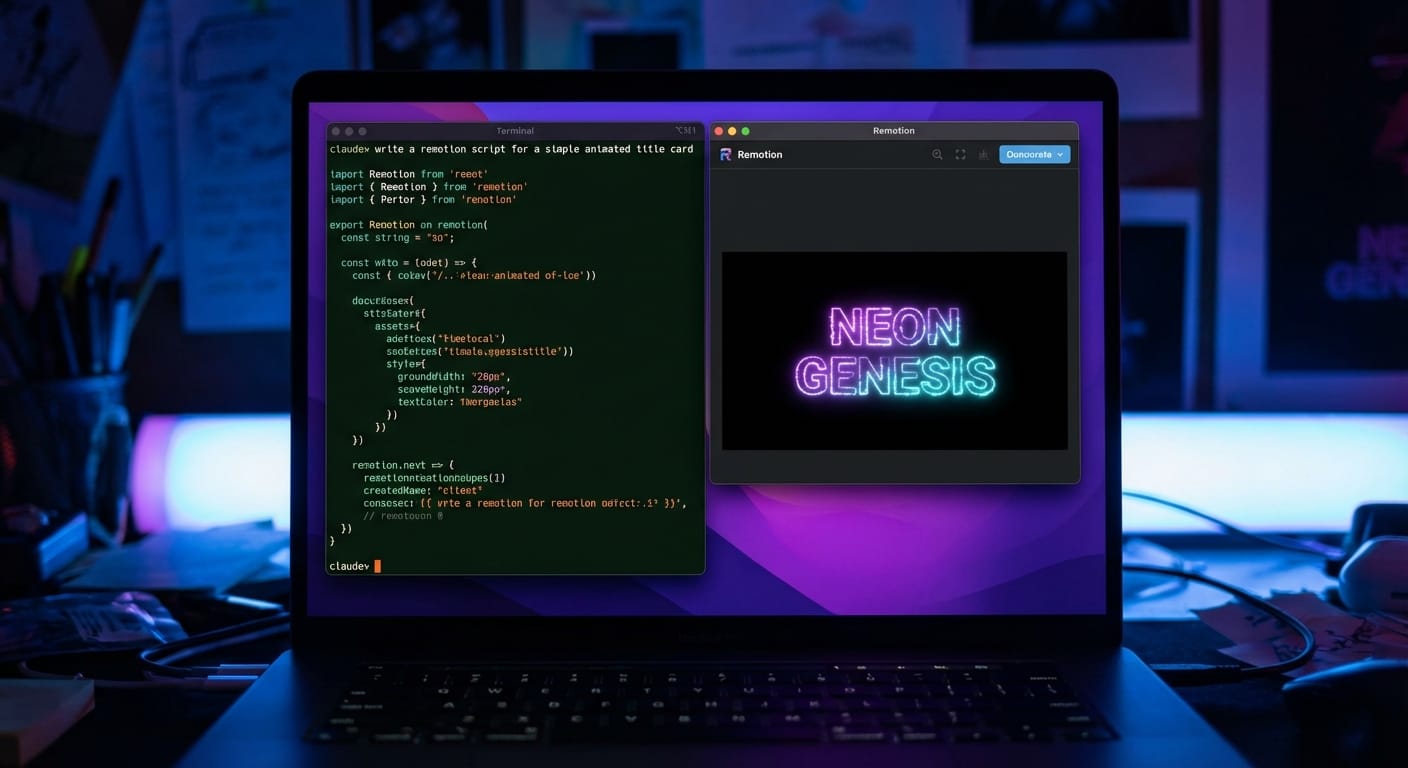
- “Create a 15-second promo video with a typing terminal intro, then a bold headline and CTA.”
- “Add a clean outro slide with this logo image and a website URL.”
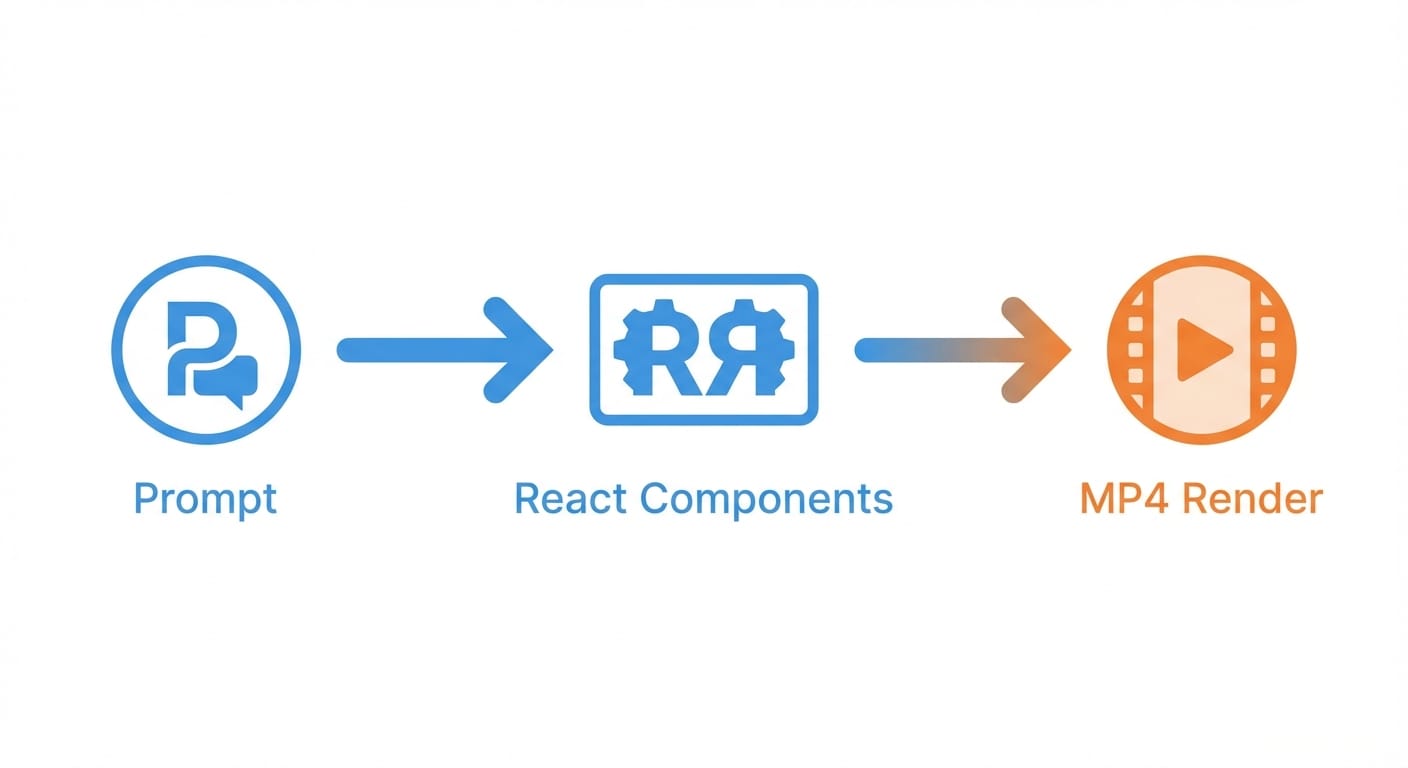
As Claude generates React components and animations, your Remotion preview updates. Iterate until it looks right. Then render an MP4 locally (usually via Remotion’s render command or UI). Tutorials show full motion graphics videos generated in minutes, and rendering happens on your machine—no per-render fees. (YouTube tutorials, 2026) (Remotion)
The bottom line is... Remotion is free and local. Claude speeds up the code-writing. You’re only “paying” for the AI, not for rendering or exports—so if you make lots of videos, the economics are pretty sweet.
Common mistakes (and how to avoid them)
Here’s what most people miss... AI is great, but you still need to play to the tool’s strengths.
- Going too complex too fast: Overlapping animations, lots of elements, and fancy transitions can create timing/positioning bugs. Start simple: one scene, one animation style, then build up. (Remotion)
- Vague prompts: “Make it cool” is not a spec. Give duration, layout, colors, and what appears when.
- Not using reference assets: If you want brand consistency, provide logo files, fonts, and hex colors.
- Forgetting video specs: Define resolution (e.g., 1080x1920 for Reels/TikTok) and FPS up front.
Pro Tips Box: prompts that actually behave
- Ask for “clean text appears” before you ask for particle explosions.
- One scene per prompt is usually better than “build a whole ad.”
- Use constraints: “No overlapping elements. Keep margins 80px. Two fonts max.”
- Iterate like a product: v1 ugly-but-working → v2 spacing → v3 polish.
Checklist: your first “free-ish” AI video setup
- Install Node.js
- Create Remotion project with npx create-video@latest
- Run npm run dev and confirm preview loads
- Run claude inside the project folder
- Generate one simple composition (headline + background)
- Add one animation (typing or fade-in)
- Render an MP4 locally
FAQ
Is this actually free?
Remotion is free/open-source and rendering is local. Claude Code requires a paid Claude subscription—so it’s “free tools + paid AI.” (Remotion) (Anthropic Docs)
Do I need to know React?
Not much to start. Claude can generate the components. But knowing basic React concepts (components, props, styling) helps you steer and fix things faster.
What kinds of videos work best?
Short promos, product demos, simple motion graphics, social clips—anything that’s mostly text, icons, screenshots, or clean animations. Tutorials recommend keeping prompts simple (typing effects, clean text, static images/URLs) for best reliability. (Remotion Docs)
Can I extend this beyond Remotion’s built-ins?
Yep. You can add your own “skills” and tooling via plugin patterns (some folks use repos like Plum/plugin-dev to build custom agent tools). (Remotion Docs)
Action challenge
Open a terminal and do one thing today: generate a 10-second video with a headline and a single animation (typing or fade). That’s it. Once you’ve rendered your first MP4 locally, you’ll immediately see why this workflow is going viral.
And then the fun question becomes: what else in your business could be “prompt → code → output”?