Stop Re-Explaining Your Repo: Let CLAUDE.md Do the Heavy Lifting
CLAUDE.md is the secret weapon in Claude Code: a simple markdown file that keeps your AI consistent across sessions. Here’s how to generate it, what to put in it, and the mistakes to avoid.
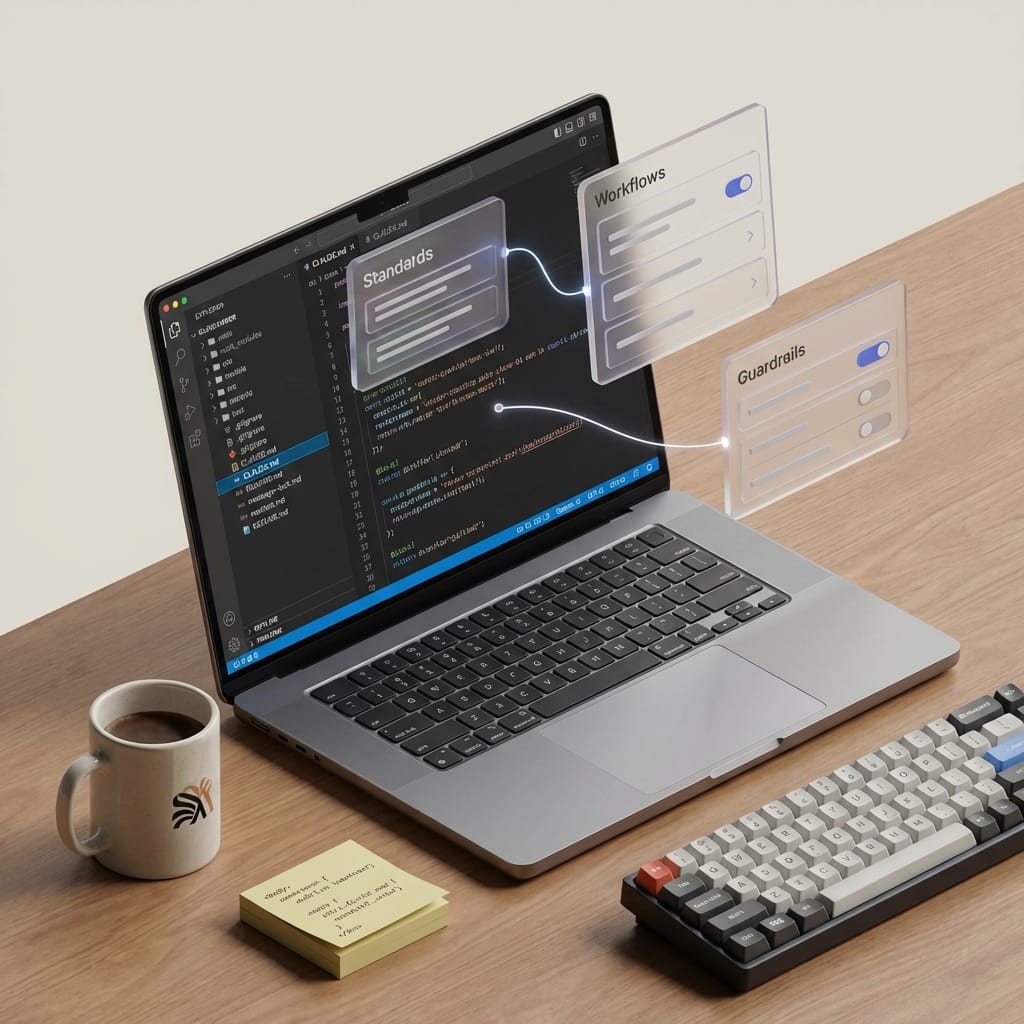
Here’s a hill I’ll happily die on: if you’re using Claude Code without a CLAUDE.md, you’re basically making your AI re-onboard every single time. That’s like hiring a smart contractor and refusing to give them the blueprint. Sure, they can still build you something… but you’re gonna pay for the confusion.
So let’s talk about what CLAUDE.md actually is, where it goes, and how to use it to make Claude Code way more consistent (and way less annoying) in real projects.
The problem: Claude’s smart… but it’s not psychic
Claude Code can scan files and infer patterns, but it doesn’t automatically know your team’s conventions. And it definitely doesn’t know the stuff that lives in your head, like:
- “We use pnpm, not npm.”
- “We don’t touch legacy/ unless asked.”
- “All exports are named exports.”
- “Run tests before you open a PR.”
Without guidance, Claude will guess. Sometimes it guesses right. Sometimes it confidently rewires your project like it’s auditioning for a reality show called Extreme Refactors.
The solution: CLAUDE.md as your repo’s autopilot settings
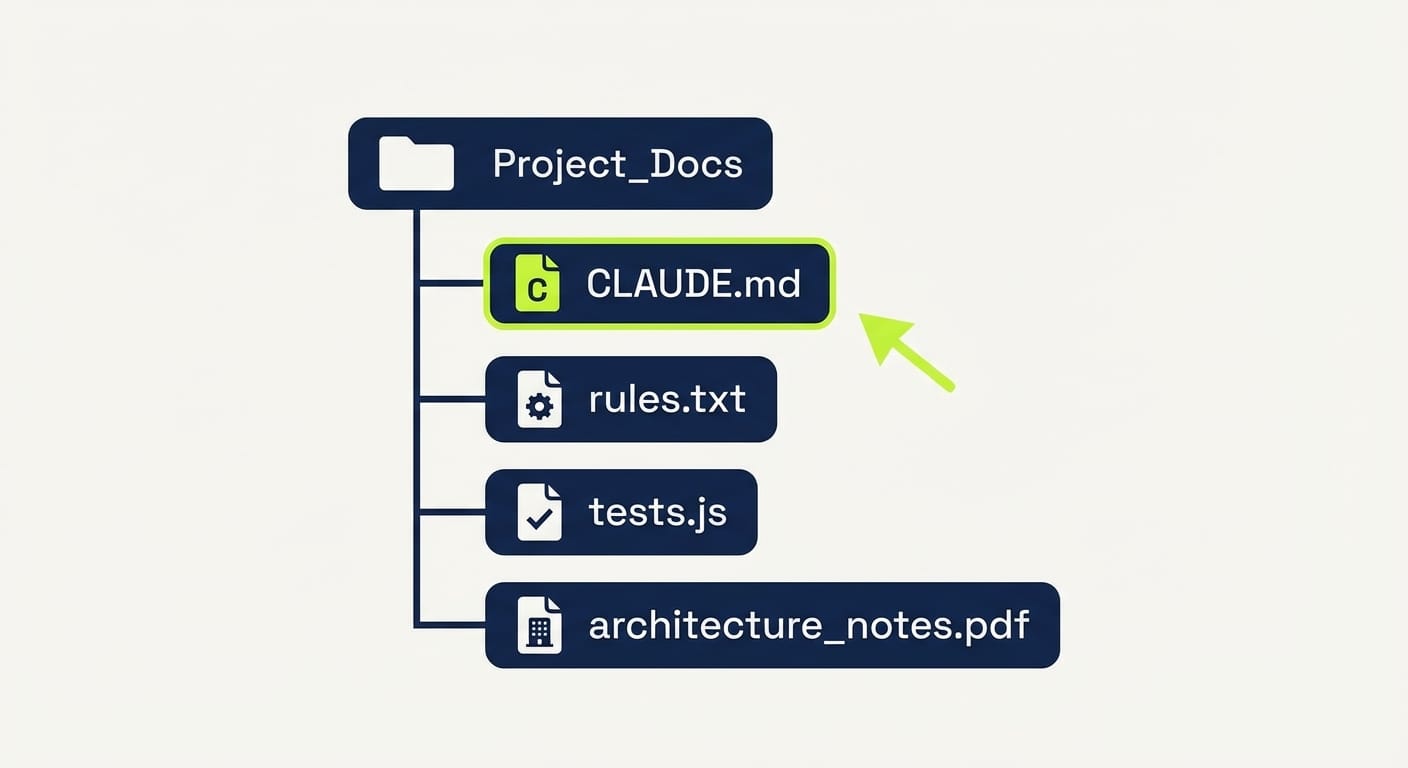
CLAUDE.md is a Markdown file you put in your project root that Claude Code automatically loads at the start of every session. It’s persistent instructions: project context, coding standards, workflows, and preferences—so you don’t have to repeat yourself every prompt. Claude has no inherent memory across sessions, so this file is how you “teach” it your defaults. Sources back this up pretty clearly. [2][3][4][5]
There are two common locations:
- Project-specific: ./CLAUDE.md in the repo root
- Global defaults: ~/.claude/CLAUDE.md for your personal settings
And yes—project settings override global ones, which is exactly what you want when you jump between repos. [4]
How to set it up (without overthinking it)
There are two ways to create CLAUDE.md:
- Write it manually (best if you already know what you want)
- Auto-generate a starter (best if you want momentum)
Option A: Auto-generate it (my recommendation to start)
In your project directory:
claude Then run:
/init That /init flow has Claude scan your codebase, detect patterns (stack, conventions, typical commands), and generate an initial CLAUDE.md. Then you review it and tweak it. That last part matters. [3][5]
Option B: Write it manually (clean and explicit)
Drop a CLAUDE.md in the root and start simple. Here’s a solid skeleton (adapted from the common example structure): [2]
# CLAUDE.md ## Project Overview This is a Next.js e-commerce app with Stripe integration. ## Tech Stack - Frontend: React, Tailwind CSS - Backend: Node.js, Prisma ## Coding Standards - Use ES modules and named exports. - Format with Prettier; 2-space indents. - Branch naming: feature/[name]. ## Workflows - Run tests: npm test - Build: npm run build - Use Shadcn MCP server for UI components: shadcn add button The 5 things your CLAUDE.md should include (and why) I’m opinionated here: don’t treat this file like documentation theater. Treat it like a control panel. You’re setting Claude up to behave like a teammate who actually read the README.
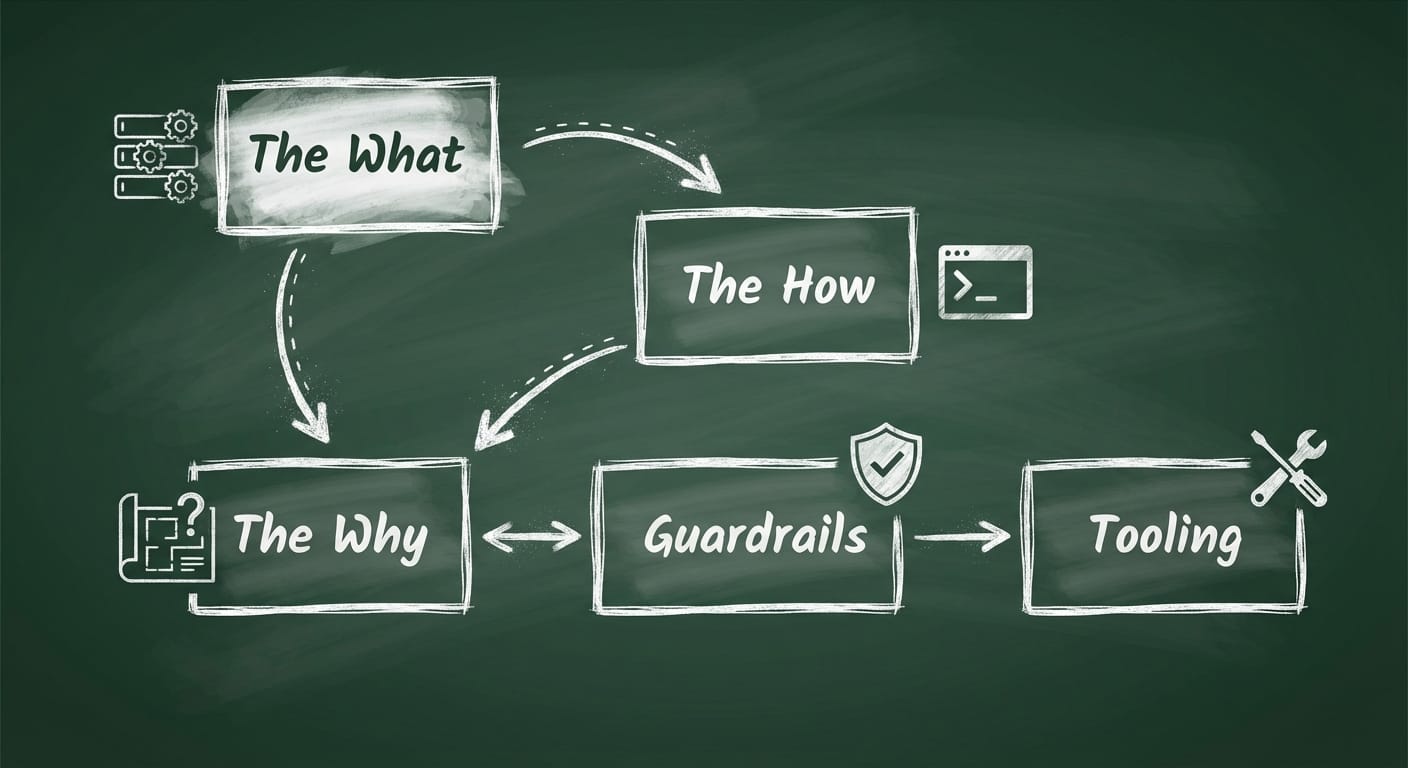
- The What: stack, repo structure, key dependencies (so Claude stops guessing)
- The Why: architectural rationale (so changes don’t break your intent)
- The How: exact workflows—test commands, build commands, run modes
- Guardrails: what not to touch, security/PII rules, approved sources
- Tooling: MCP servers, codegen tools, linters, formatters (so output matches your pipeline)
Common mistakes (don’t do these)
- Making it a novel. If it’s 12 screens long, nobody updates it. Keep it punchy and scannable.
- Only listing tools, not decisions. “We use Prisma” is fine. “We use Prisma and avoid raw SQL except in reporting/” is useful.
- Not committing it. For teams, this belongs in version control so everyone gets the same behavior. [2][5]
- Forgetting to update it. Treat it like a living document. If Claude keeps messing up the same thing, that’s your sign. [3]
Quick wins: 4 upgrades you can add in 10 minutes
- Add “golden commands”: the exact test/build/lint commands you expect Claude to use. [2]
- Name the danger zones: folders Claude shouldn’t refactor without asking (like migrations/ or infra/).
- Define output style: “Prefer small diffs,” “include a checklist,” “write PR descriptions in this format.”
- Include domain language: your internal terms so Claude stops inventing new names for the same thing.
Case study snippet: the “why is it doing this?” moment
I’ve seen this play out a bunch: a team uses Claude Code to add a feature, and Claude chooses a different folder pattern than the rest of the app. Nobody notices until week two, then you’ve got a mini civil war in your codebase.
When you put “All API handlers live in <code>src/server/routes</code>. Don’t create new top-level folders for endpoints.” into CLAUDE.md, that whole category of problem basically disappears. It’s boring. It’s beautiful.
FAQ
Does Claude Code always read CLAUDE.md?
Yep—Claude Code automatically loads it at the start of each session, which is the whole point: persistent instructions. [2][3][5]
Should I use global, project, or both?
Both. Global for your personal preferences (tone, default tooling), project for repo-specific rules. Project overrides global, so you can keep sanity across clients and codebases. [4]
What’s the best structure?
The “What / Why / How” layering is a great mental model. It keeps the file readable and actually useful. [2][5]

Is /init worth it?
As a starter? Absolutely. It gives you a draft based on the real repo, then you refine it to match team reality. [3][5]
Action challenge: do this today
Create (or generate) a CLAUDE.md that includes just three things: your stack, your test command, and one “don’t touch this” rule. Then run one Claude Code task you’ve done before and compare the results.
If it doesn’t feel smoother, I’ll eat my hat. (Not on camera. I have standards.)
Sources
- [1] Research notes provided: 2026 guides discussing rollout metrics and pilots (as referenced in prompt data).
- [2] Research notes provided: Description of CLAUDE.md purpose, example structure, and workflow usage.
- [3] Research notes provided: /init generation workflow and iterative updates.
- [4] Research notes provided: Global vs project locations and override behavior.
- [5] Research notes provided: Best practices, committing to version control, and templates/manual creation.