Can You Build n8n Workflows “Inside” Claude Code? Kinda… Here’s the Real Play
You can’t literally build n8n workflows “inside” Claude Code—but you can use Claude Code to generate workflow JSON, write the hard logic, and even run Claude Code from n8n for agent-like automations.
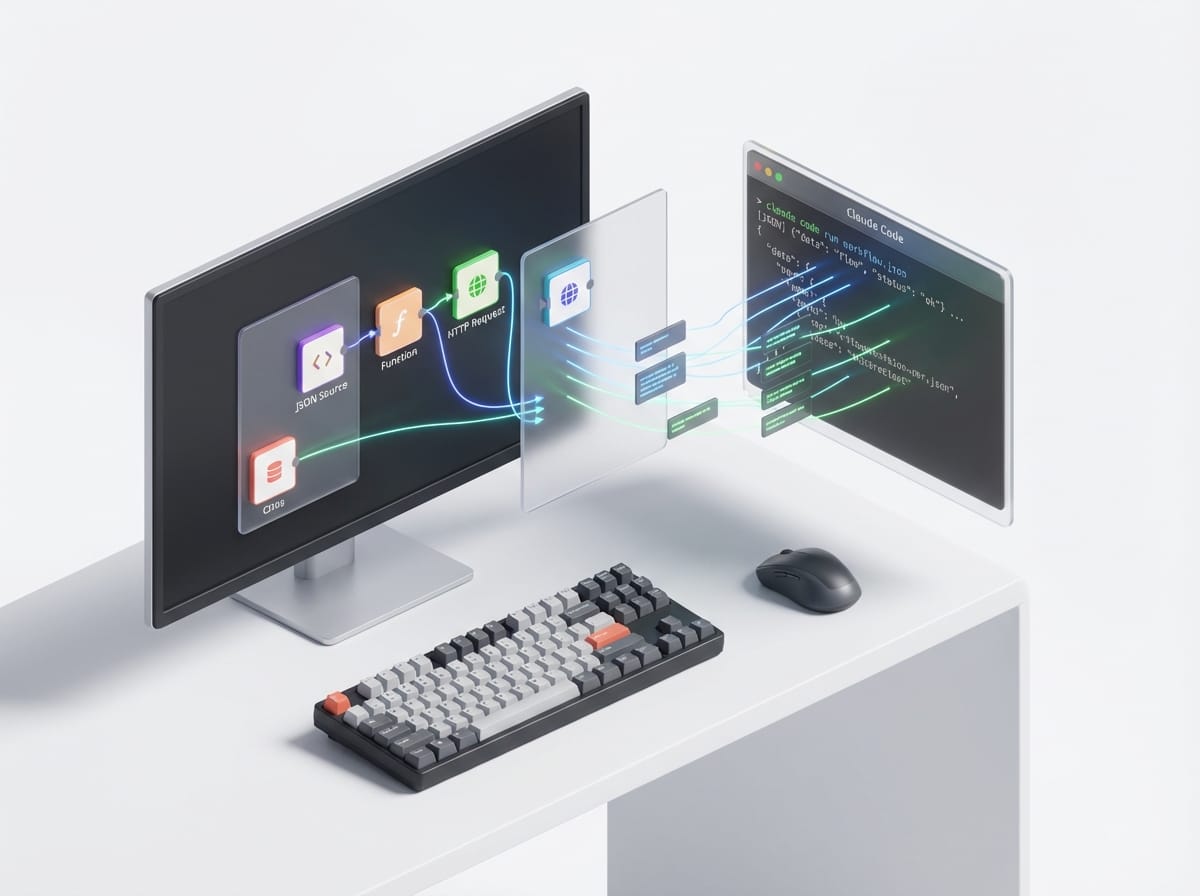
Common myth: “You can just build an n8n workflow entirely inside Claude Code.”
Nope. Not in the clean, official, click-a-button sense. Claude Code isn’t an n8n visual builder, and there’s no first-party “workflow designer” living inside Claude Code right now. But here’s the part that actually matters: you can use Claude Code to generate n8n workflow JSON, write the gnarly code you’d normally bury in Function nodes, and even run Claude Code from inside n8n using a community node.
So if you’re trying to move faster, automate more, and spend less time dragging 47 little boxes around a canvas… you’re in the right place.
Q&A: Creating n8n workflows “inside” Claude Code (what’s actually possible)
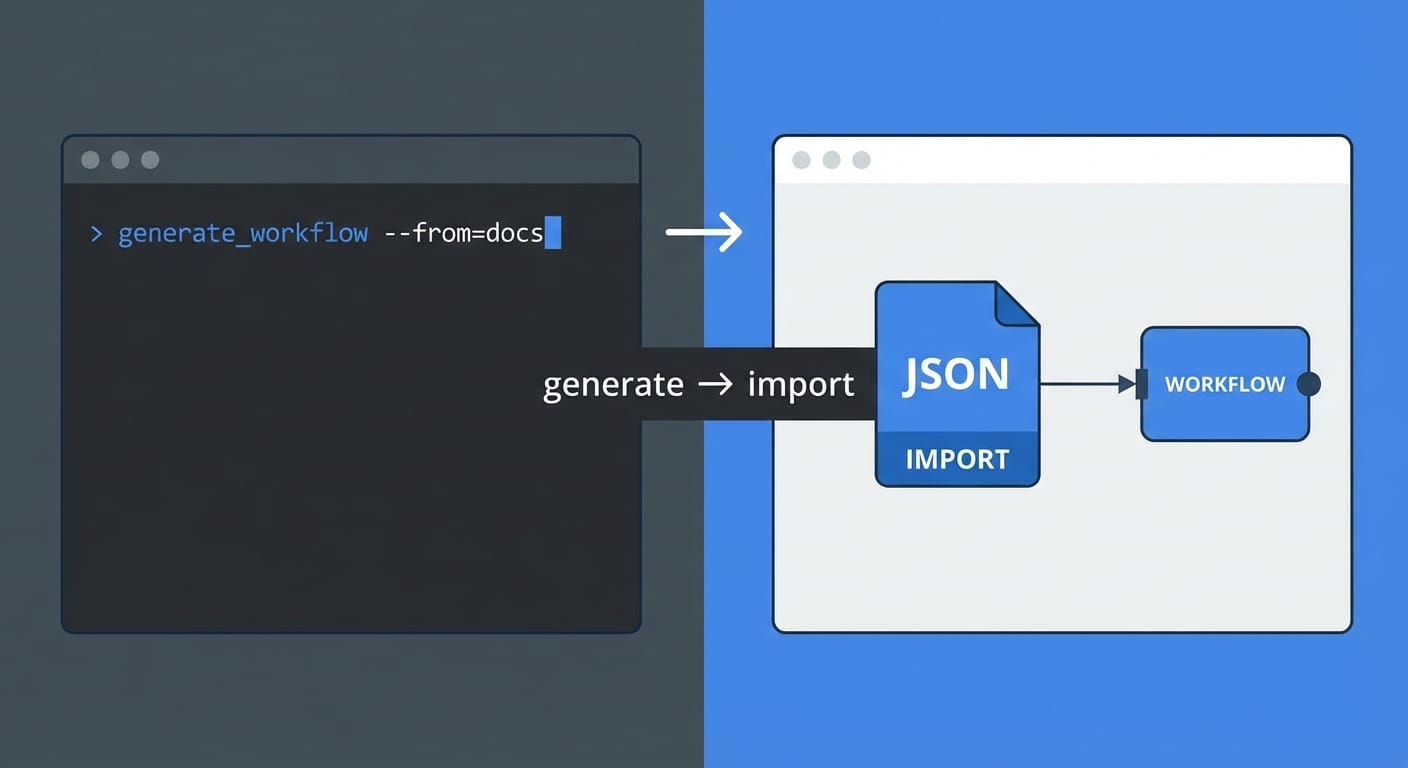
Q1) Can Claude Code directly create an n8n workflow for me?
Directly as in “click deploy and it appears in n8n”? Not really. But Claude Code is great at spitting out n8n workflow JSON you can paste/import into n8n. It’s like having a developer buddy who can generate the scaffold in seconds—then you do a quick sanity check before running it in prod (because you like your weekends).
Anthropic positions Claude Code as a terminal-based coding agent—so it shines when you ask for code/config generation and transformations, not visual drag-and-drop authoring. That’s the key mental model. [2]
Q2) What’s the best division of labor between n8n and Claude Code?
I’m opinionated here: use n8n for orchestration (triggers, retries, credentials, scheduling, branching) and use Claude Code for heavy logic (API glue, weird data shaping, custom integrations, code generation, tests).
Think of n8n as the restaurant kitchen line and Claude Code as your sous-chef who preps the ingredients fast. n8n still plates the dish.
Q3) Can n8n call Claude Code during a workflow run?
Yes—via a community n8n node that can execute Claude Code locally, over SSH, or in Docker, with support for persistent sessions and security controls (like blocking dangerous commands). That’s the closest thing to “Claude Code inside n8n.” [3]
Use cases people keep gravitating to: webhook → Claude reviews code → post comment; Sentry alert → Claude suggests fix → open PR; Slack bot that can actually do work. [3]
Q4) What about using Claude without Claude Code?
n8n also has native Anthropic (Claude) chat model nodes, plus a whole pile of AI tooling (LangChain, agents, RAG patterns, vector DB integrations). If you just need “summarize this ticket” or “draft an email,” you probably don’t need Claude Code at all. [1] [4]
So what’s the real workflow? (A practical, low-drama approach)
Here’s the approach that works in the real world—especially if you’re building automations that go beyond the “hello world” tier.
1) Start in n8n (yes, the visual builder) for the bones
Triggers, auth, schedules, basic routing—n8n is ridiculously good at that. It has 1,000+ integrations and it’s built to orchestrate services without you reinventing connection handling. [5]
My rule: if it’s fewer than ~8 nodes and mostly standard integrations, I stay in n8n. If I find myself adding the third Function node and muttering “why is this API so weird”… I bring in Claude Code.
2) Use Claude Code to generate the “hard parts” (JSON + code snippets)
Two common patterns:
- Generate n8n workflow JSON you can import. Great for scaffolding a multi-branch workflow quickly.
- Generate code for Function/Code nodes (JavaScript) or external scripts (Python/Node) that n8n calls.
Why this matters: complex logic can turn into a spaghetti canvas of 50 nodes. Claude Code can compress a bunch of that into ~20 lines of code you actually understand. And you own the code—no per-execution “AI tax” for logic that shouldn’t be AI in the first place. [2] [5]
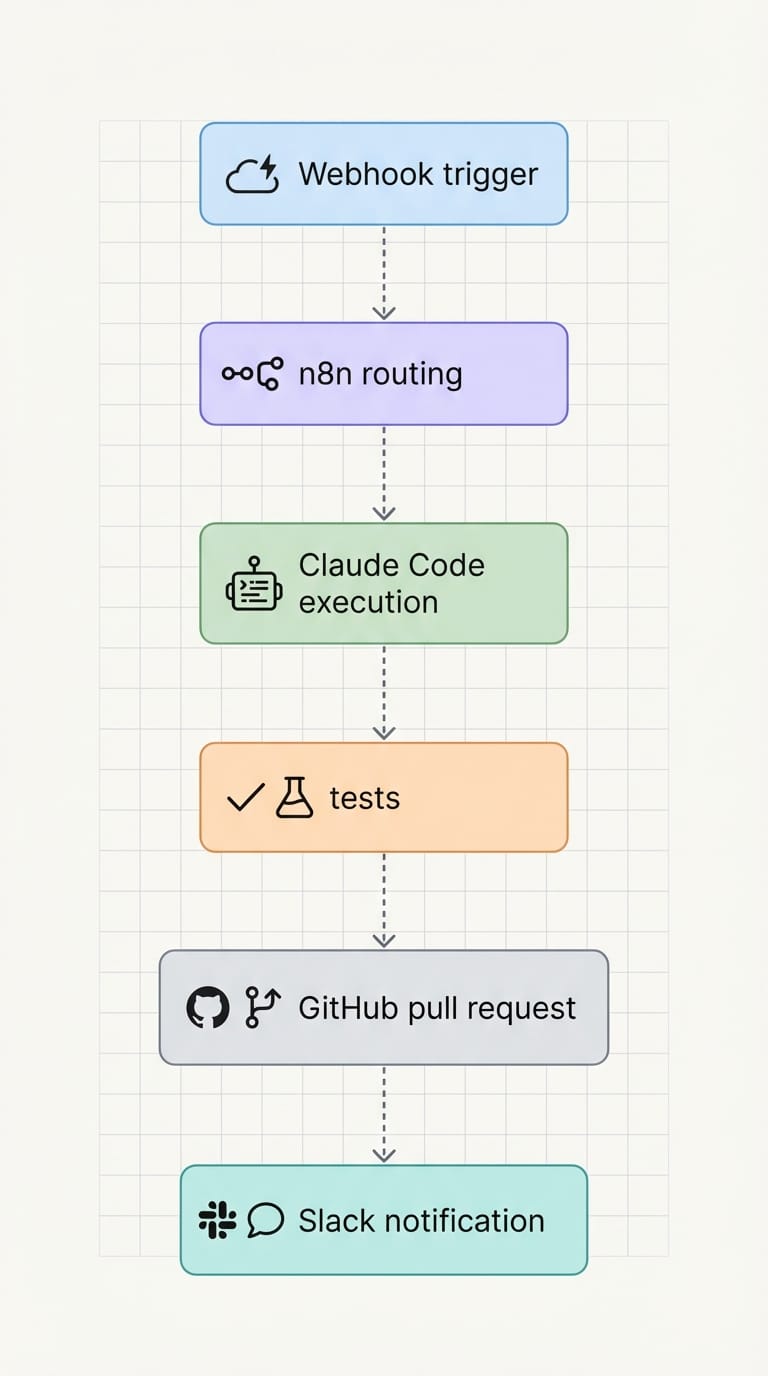
3) (Optional) Let n8n run Claude Code when you need agent-like behavior
This is where it gets spicy. If you want an automation that can:
- inspect a repo,
- modify code,
- run tests,
- and open a PR…
…that’s less “automation” and more “agent.” And that’s exactly where Claude Code shines—especially with persistent sessions so it can keep context between steps. [3] [7]
Case study snippet: the “Sentry alert to PR” workflow I actually recommend
Let’s say you’ve got an app throwing errors. You want something better than “someone please look at this” in Slack.
Flow:
- Sentry sends a webhook to n8n with stack trace + environment.
- n8n normalizes the payload (project, file paths, latest commits).
- n8n calls Claude Code (community node) to: reproduce steps, suggest a fix, modify code, and run tests.
- If tests pass, n8n opens a GitHub PR and posts the link to Slack.
Is this “set it and forget it”? No. But it’s a massive force multiplier. You’re basically turning recurring error classes into semi-automated maintenance.
Also—this is where those security controls matter. You don’t want an AI agent running rm -rf / because your prompt got cute. The community node’s ability to block commands is not optional in my book. [3]
Common mistakes (don’t do this)
- Trying to “AI” your entire workflow. Use Claude (or Claude Code) where judgment and generation help. Keep deterministic stuff deterministic.
- Importing workflow JSON without reviewing credentials and IDs. n8n workflows reference credential names/IDs—those won’t magically match your instance.
- Skipping guardrails. If Claude Code is executing commands, sandbox it (Docker), block dangerous commands, and limit file access.
- Building a 200-node monster before proving value. Ship a thin slice. Then add intelligence.
Pro Tips Box: my “it just works” setup
1) Keep prompts in version control. Treat prompts like code. Because they are.
2) Give Claude Code fixtures. Example inputs + expected outputs make generated Function-node code way more reliable.
3) Use n8n’s native Claude nodes for text tasks. Summaries, classification, drafting. Save Claude Code for code-gen and repo-level operations. [4]
4) Build “self-healing” steps carefully. Agentic workflows are awesome, but add checkpoints—like “stop if tests fail” or “require approval before merging.” [7] [8]
Tool/resource recommendations (so you’re not hunting around)
- n8n Anthropic nodes: easiest path for Claude-in-workflow tasks like summarization and extraction. [4]
- Community Claude Code integration node: for running Claude Code during workflow execution (local/SSH/Docker). [3]
- n8n AI ecosystem (LangChain, RAG, vector DBs): if you’re building agent-ish flows visually, n8n’s AI nodes give you a lot out of the box. [1] [5]
Action challenge: do this today
If you want the quickest win, here it is:
- Pick one annoying workflow you’ve been avoiding because it needs “custom logic.”
- Build the trigger + basic steps in n8n.
- Use Claude Code to generate the Function-node JavaScript (or workflow JSON scaffold).
- Run it once with fake/test data, then add guardrails.
And when it works, you’ll have that dangerous thought: “Wait… what else can I automate?” Exactly.
Sources
- [1] n8n – AI features overview (AI nodes and workflows): https://n8n.io/
- [2] Anthropic – Claude/Claude Code product context: https://www.anthropic.com/
- [3] n8n Community Forum – community node ecosystem (Claude Code integration reference): https://community.n8n.io/
- [4] n8n Docs – credentials and node configuration (Anthropic node setup context): https://docs.n8n.io/
- [5] n8n – integrations and platform capabilities: https://n8n.io/
- [7] Anthropic – agentic tooling direction and Claude capabilities context: https://www.anthropic.com/
- [8] n8n – agentic and advanced automation patterns (platform direction): https://n8n.io/