Claude Code + n8n in 2026: Let the AI Build Your Workflows (and Still Keep You in Control)
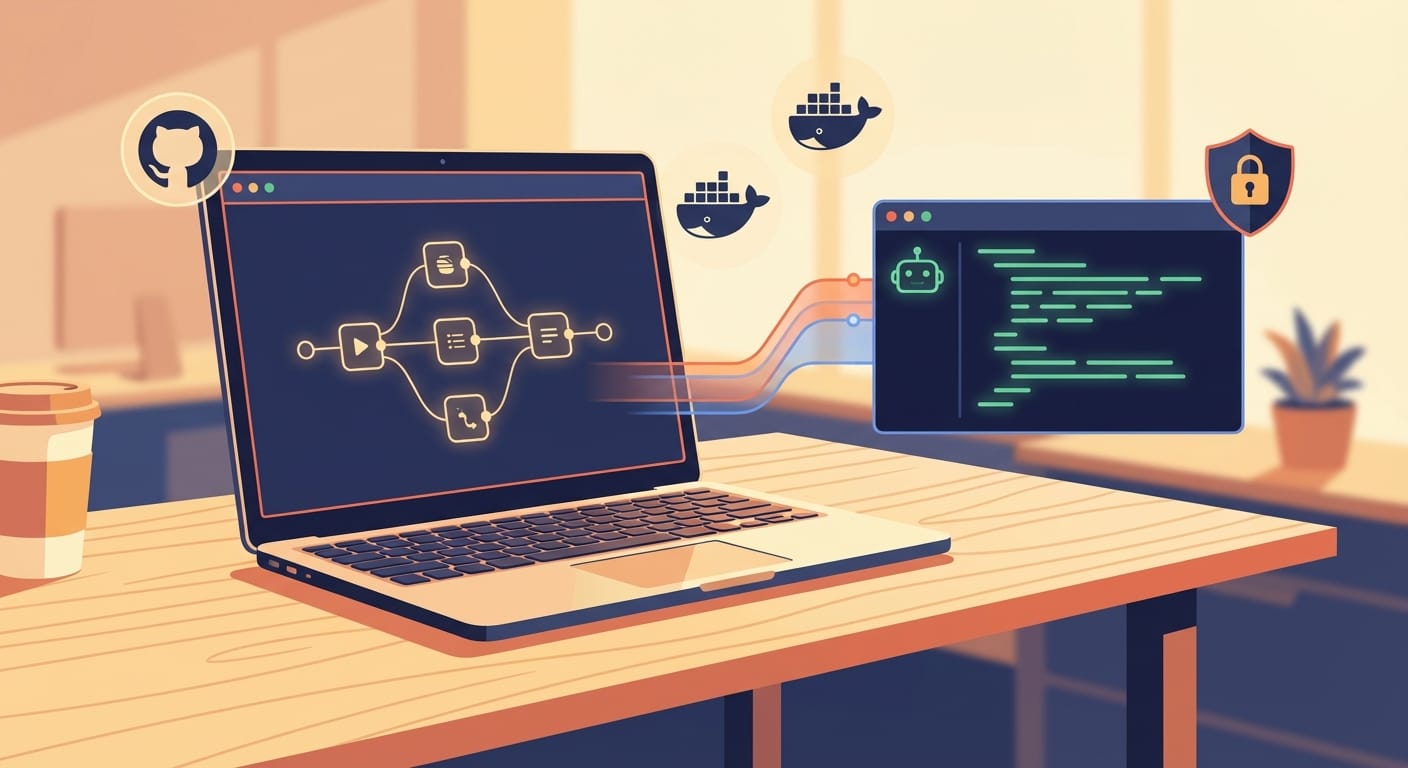
If you’ve ever built an n8n workflow that started simple and somehow turned into a spaghetti monster of IF nodes, Merge nodes, and “why is this even here?” logic… yeah, same.
The good news: the 2026-era Claude Code + n8n integrations are finally at the point where you can describe what you want, let Claude do the heavy lifting, and still keep the workflow clean, reviewable, and deployable.
In this post, I’ll walk you through the practical ways people are doing it right now:
- A dedicated Claude Code community node that runs Claude Code directly inside n8n (local/SSH/Docker, persistent sessions, command safety controls)
- n8n-mcp (Model Context Protocol server) so Claude Desktop/Cursor/Windsurf can generate workflows for you
- n8n-cli for the “grown-up” workflow: pull JSON → let Claude edit → push back → deploy
- And the fallback: the classic HTTP Request node to call the Claude API when you just need basic model calls
What’s actually new here (and why it matters)
Historically, “AI in n8n” meant: call an LLM via HTTP, get text back, parse it, and then you’re back to wiring nodes manually.
Now you’ve got something way more useful: a new n8n node for Claude Code integration that lets you run Claude Code tasks as part of a workflow. That means Claude can work with code, files, and iterative context—without you copy/pasting everything between tools.
And on the other side, tools like n8n-mcp and n8n-cli let Claude (in Claude Desktop or IDEs like Cursor) generate and modify full n8n workflows programmatically. That’s the difference between “AI helps me write a snippet” and “AI helps me ship an automation system.”
The 4 ways to build n8n workflows with updated Claude Code
1) Use the dedicated Claude Code node (the most direct path)
This is the “Claude is a first-class worker inside my workflow” approach. You install the community node and then you can run Claude Code tasks from within n8n.
Why I like it: it supports local, SSH, or Docker execution, can keep persistent sessions (so Claude retains context across calls), and it has security controls like blocking dangerous commands (think “no rm” or “no sudo”). That’s exactly the kind of guardrail you want when an AI can execute code.
Where it shines:
- Automated code review: Webhook → Claude review → post comment in GitHub
- Auto-documentation: Push event → generate docs → commit back
- Bug-fix loop: Alert → reproduce + propose fix → open PR
- AI bots: Slack/Telegram/Discord bot that can reason and take actions
Practical advice: start with a “read-only” mode. Have Claude generate diffs or recommendations first, then add the “apply changes” step once you trust the setup.
2) Use n8n-mcp to have Claude build workflows from prompts
If you want the “I describe it, it appears on the canvas” experience, n8n-mcp is the move. It’s a Model Context Protocol server (GitHub: czlonkowski/n8n-mcp) that connects Claude Code (or similar clients) to n8n.
The pitch is pretty accurate: it lets AI build n8n workflows for you through a nice interface (there’s even a public-facing site at www.n8n-mcp.com).
How people actually use it:
- Open Claude Desktop (or Cursor/Windsurf)
- Prompt: “Build me an n8n workflow that does X”
- Claude generates/edits the workflow via MCP tooling
- You review, tweak, and run
Practical advice: don’t just say “make a workflow.” Give Claude constraints like:
- Triggers (Webhook? Cron? GitHub?)
- Inputs/outputs (what data comes in, what should come out)
- Error handling (retries, dead-letter, notifications)
- Secrets policy (where API keys live)
3) Use n8n-cli for the “pull JSON → Claude edits → push JSON” workflow
This is the method I’d recommend if you’re serious about version control, reviews, and repeatable deployments.
The pattern looks like this:
- Pull an existing workflow JSON from n8n using n8n-cli
- Have Claude Code generate or modify the JSON (based on your PRD/requirements)
- Push the updated workflow back into n8n
- Commit to GitHub, deploy, iterate
This approach shows up a lot in the “idea → deployed SaaS” style tutorials where Claude is used for structured planning and build steps. A common pattern is: prompt Claude for a PRD, then use a phased roadmap (foundation → database/auth → business logic → n8n cleanup → dashboard → Stripe → deployment), and keep Claude working sequentially with verification steps.
Practical advice: treat workflow JSON like code. Put it in Git. Require PR review. And have Claude generate a short “change summary” every time it edits a workflow so humans can quickly sanity-check.
4) The baseline: call Claude via HTTP Request node (still useful)
Sometimes you don’t need Claude Code. You just need Claude.
There are recent “connect Claude to n8n in 3 minutes” style setups that use the standard approach:
- Add an HTTP Request node
- Authenticate with your Claude API key
- Call the Claude endpoint for summarization, extraction, classification, etc.
Practical advice: this is perfect for “LLM as a step” tasks (summarize, extract, rewrite). But if you want Claude to build and refactor the workflow itself, the MCP/CLI/Claude Code node approaches are where the real leverage is.
A simple, practical build: “AI builds the workflow, you keep control”
Here’s a real-world way to do this without handing the keys to the AI and praying.
Step 1: Write a tiny PRD (yes, even for automations)
In Claude Code (or Claude Desktop), prompt something like:
- Goal: “When a GitHub PR is opened, run a review and post feedback.”
- Inputs: PR title/body/diff
- Outputs: A comment with issues + suggested fixes
- Constraints: “No secrets in logs, fail gracefully, rate limit calls.”
If you’re using a structured orchestration approach (some folks call it a GSD framework), ask Claude to output a phased plan and verification steps so you can test as you go.
Step 2: Have Claude generate the workflow (MCP is the fastest)
Use n8n-mcp to generate the workflow nodes from the PRD. Your prompt should include the trigger + key nodes you expect (GitHub Trigger → Claude step → GitHub Comment).
Step 3: Lock down execution if you’re running Claude Code inside n8n
If you’re using the dedicated Claude Code node, configure it with permission restrictions. The point is to prevent the “oops” class of problems. Blocking dangerous commands like rm or sudo is exactly what you want enabled by default.
Step 4: Use n8n-cli to version workflows like real software
Pull the workflow JSON, commit it, and treat changes as code changes. This is where the n8n-cli flow shines: Claude can edit the JSON, but you still get a human-reviewed diff and a clean deployment path (GitHub/Vercel style pipelines show up a lot in the tutorials).
When to replace an n8n workflow with a Claude “skill” instead
There’s an interesting trend in the newer tutorials: instead of building huge, rigid n8n graphs, people are exporting their workflow (sometimes even as screenshots/prompts) and letting Claude build a code-based “skill” that handles the messy reasoning parts.
Translation: n8n becomes the orchestrator, and Claude becomes the brain.
Rule of thumb:
- If it’s mostly routing + integrations → keep it in n8n nodes.
- If it requires judgment calls, fuzzy matching, multi-step reasoning → consider a Claude skill (and call it from n8n).
Security and sanity checks (don’t skip this part)
Any time you let an AI touch code or infrastructure, you need guardrails.
- Use permission restrictions in the Claude Code node (block dangerous commands).
- Prefer “suggest changes” over “apply changes” until you trust the flow.
- Separate environments: dev n8n vs prod n8n.
- Log intentionally: don’t dump secrets, tokens, or full payloads.
- Human review for deploy steps: especially when pushing workflow JSON back into n8n.
My recommended stack (if you’re starting today)
- Fastest workflow generation: n8n-mcp + Claude Desktop/Cursor
- Most controllable “AI inside workflow” execution: Claude Code community node (local/SSH/Docker + persistent sessions + command blocking)
- Most production-friendly workflow lifecycle: n8n-cli + Git versioning + PR review
- Quick one-off LLM tasks: HTTP Request node to Claude API
Final thought: don’t automate faster than you can debug
Claude can absolutely help you build n8n workflows faster than you can type. The trick is making sure you can still understand what got built, test it in chunks, and roll it back when it inevitably does something weird at 2:13am.
Use MCP to generate, use CLI to control, and use the Claude Code node when you want real “agent-like” execution inside your workflows—with safety rails turned on.
And as always: this space is evolving fast, so keep an eye on official n8n integration updates (the community is moving quicker than the docs).