Claude Code + n8n: How to Build Workflows That Basically Write (and Fix) Your Code for You
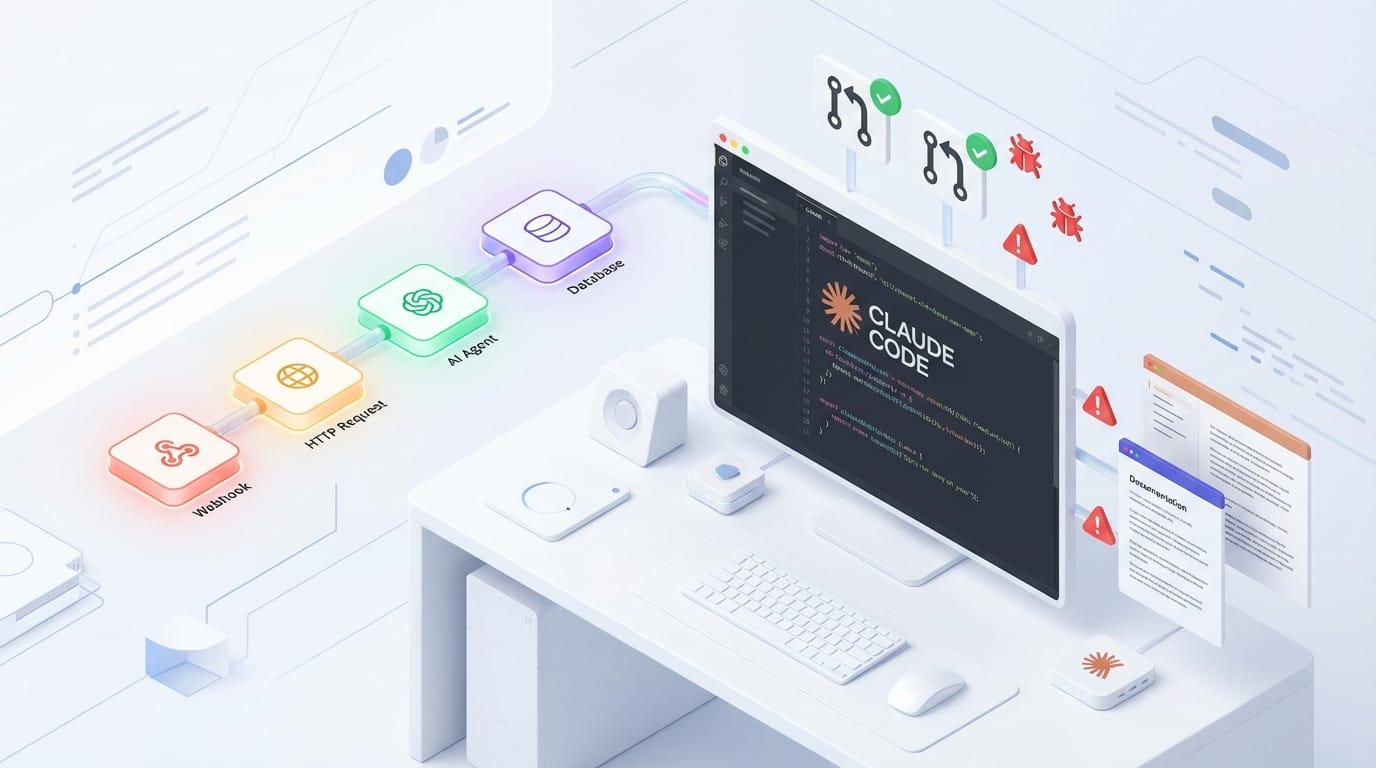
If you’ve ever built an n8n workflow and thought, “Man, I wish this thing could also review my PRs, fix bugs, and write docs while I drink coffee,” good news: that’s basically what pairing Claude Code with n8n is all about.
n8n is already a beast for automation. Claude is already great at reasoning and writing. But Claude Code is the spicy upgrade: it’s tuned for coding tasks and can run in ways that fit dev workflows (local, SSH, Docker, persistent sessions, guardrails). Put them together and you get workflows that don’t just move data around—they ship software work.
Let’s break down what this looks like in real life, how to set it up, and how I’d actually use it if I were running a product team today.
First: there are two “Claude in n8n” paths (don’t mix them up)
People say “Claude + n8n” and mean two different things:
1) Standard Claude integration (Anthropic API inside n8n)
This is the built-in, straightforward route: you drop in an AI Agent node or an Anthropic Chat Model node, paste your API key, pick a model, and start prompting. Great for summarizing tickets, drafting responses, classifying text, extracting fields, etc. n8n supports this natively. [3]
It’s reliable, fast to set up, and honestly enough for a lot of teams. Recent guides in 2025–2026 show it’s a stable integration pattern. [4][6]
2) Claude Code integration (the “do real dev work” route)
This is where things get fun. Claude Code is a specialized coding feature from Anthropic, and there’s a community-published n8n node that embeds it directly into workflows. [2]
Instead of “Claude, write me a paragraph,” you can do stuff like:
- Run an automated code review when a merge request opens
- Generate or update documentation on every push
- Respond to a Sentry alert by proposing a fix and opening a PR
That’s not “AI for text.” That’s “AI as a junior dev that never sleeps (and doesn’t ask for equity).”
Why Claude Code + n8n is a big deal (my take)
I’m opinionated on this: most “AI automation” demos are glorified copy/paste machines. Useful, sure. But not transformational.
Claude Code inside n8n is different because it turns workflows into software delivery pipelines. n8n already knows how to listen to events (GitHub/GitLab webhooks, Slack messages, Sentry alerts). Claude Code knows how to reason about code and produce changes. Together, you get a loop:
- Trigger: something happens (PR opened, alert fired)
- Context: workflow gathers logs, diffs, files, standards
- Action: Claude Code reviews, edits, generates, proposes
- Output: comment, patch, PR, doc commit, Slack update
Think of it like moving from “email rules” to “a helpful assistant who can actually do the work.”
Setup option A: Standard Claude in n8n (fast and clean)
If you’re new to this, start here. You can always level up to Claude Code later.
Step-by-step
- Create an Anthropic API key in the Anthropic console and name it something obvious like “n8n Workflow.” [1]
- In n8n, add an AI Agent node or Anthropic Chat Model node, choose Anthropic as the provider, and paste your key into new credentials. [1][4]
- Pick a model like Claude 3.5 Sonnet when you need stronger reasoning, or a faster model for lighter tasks. [1][4]
From there, you can wire it into hundreds of app integrations (that’s kind of n8n’s whole superpower). [3]
Good starter workflow: New support ticket → Claude summarizes + extracts intent → route to the right Slack channel → draft response → human approves → send.
Setup option B: Claude Code in n8n (the “serious automation” path)
Alright, now we’re getting into the good stuff.
The community Claude Code node gives you ways to run Claude Code:
- Locally (great for dev machines and experiments)
- Over SSH (nice when your code lives on a server)
- In Docker (my preference for repeatability and isolation)
It also supports persistent sessions, which is a fancy way of saying: Claude can keep context across steps without you re-feeding it the entire universe every time. [2]
Security guardrails (don’t skip this)
The node includes security controls like blocking commands such as rm or sudo. [2] Use them. Seriously. Giving an agent shell access without guardrails is like handing your car keys to a raccoon because it “seems smart.”
Where this really shines: 3 workflows I’d actually run
1) Automated code reviews that don’t waste human time
Trigger: Merge request opened (GitHub/GitLab webhook)
Workflow:
- Pull the diff + changed files
- Ask Claude Code to review for: correctness, security footguns, style, missing tests
- Post a structured comment back on the MR
This is a killer use case because it catches the boring stuff early: missing null checks, inconsistent patterns, “why are we doing N+1 queries again?” The human reviewer can focus on architecture and product intent.
This is explicitly called out as a key use case for the Claude Code node. [2]
2) Auto-documentation that actually stays up to date
Trigger: Push event to main
Workflow:
- Detect what changed (files, modules, APIs)
- Have Claude Code generate/update docs (README, ADRs, endpoint docs)
- Commit docs changes back (or open a PR if you want approval)
Everyone says “we’ll document later.” Later never comes. This makes documentation a side effect of shipping code, like tests should be.
Also a documented use case of the node. [2]
3) Sentry → Fix proposal → Pull request (aka the dream)
Trigger: Sentry alert
Workflow:
- Grab stack trace, recent deploy info, and relevant source files
- Claude Code proposes a fix (and ideally adds a regression test)
- Open a PR with explanation + risk notes
- Ping the on-call engineer in Slack with a summary
This one is called out directly in the Claude Code node examples: Sentry alert → AI fix → PR. [2]
Will it fix every bug perfectly? No. But if it turns 30 minutes of “triage + obvious patch” into 5 minutes of review, that’s a win.
Leveling up: Claude Code + MCP so it can “understand” n8n itself
Here’s the meta move: use n8n-MCP (Model Context Protocol) so Claude Code can access n8n node docs, properties, and operations. [5][7]
In plain English: Claude stops guessing what an n8n node does and can look it up properly. That’s huge for building and editing workflows automatically.
There are setups where you connect Claude Code via VS Code to an n8n MCP server, and Claude can search nodes, edit workflows, and use “n8n skills” to interact with node operations. [5]
If you’re a beginner, this is like having a GPS instead of printing MapQuest directions. If you’re advanced, it’s rapid prototyping on steroids.
Practical advice: how not to shoot yourself in the foot
- Start narrow. Don’t begin with “agent that runs my whole engineering org.” Start with one workflow: PR review comments.
- Keep a human in the loop for writes. Let Claude comment freely, but gate code changes behind PRs and approvals.
- Log everything. Save prompts, outputs, diffs, and decisions. When something goes sideways, you’ll want receipts.
- Use command blocklists. If you’re running locally/SSH/Docker, block destructive commands and restrict filesystem access. [2]
- Prompt like you mean it. “Review this” is vague. “Find security risks, concurrency issues, missing tests, and suggest 3 concrete improvements with file/line references” is better.
So… is this worth doing?
Yeah, I think so—if you’re code-heavy and already living in Git events, alerts, and chat ops. The standard Claude nodes are great for content and ops automation. But Claude Code is where n8n turns into a legit engineering productivity engine.
And the best part? You don’t have to bet the farm. Build one workflow, measure time saved, then expand. That’s how real automation wins happen—quietly, one annoying task at a time.
Actionable takeaways (do these this week)
- Pick one workflow to automate: PR review comments is the easiest win.
- Set up standard Claude in n8n first (AI Agent / Anthropic Chat Model) to get comfortable with prompting and credentials. [1][4]
- Install the Claude Code node when you’re ready for code-aware automation (reviews, docs, bug fixes). [2]
- Add guardrails (blocked commands, PR-based changes, logging) before you let it touch real repos. [2]
- Explore n8n-MCP if you want Claude to build/edit workflows with real node knowledge. [5][7]
Sources
- [1] Anthropic Console – API keys: https://console.anthropic.com/settings/keys
- [2] Community Claude Code node for n8n (features/use cases described in community resources): referenced in provided research data
- [3] n8n Documentation (AI + integrations overview): https://docs.n8n.io/
- [4] Recent n8n + Claude setup guides (2025–2026): referenced in provided research data
- [5] n8n-MCP GitHub server + VS Code integration details: referenced in provided research data
- [6] 2025–2026 video/tutorial resources on Claude+n8n: referenced in provided research data
- [7] Model Context Protocol (MCP) usage with n8n docs/operations: referenced in provided research data