Stop Hiring (For a Minute): Spin Up a Claude Agent Marketing Team Instead
A practical, step-by-step guide to enabling Claude Code Agent Teams and spawning a full marketing department—content, social, research, design direction, and ops—in parallel.
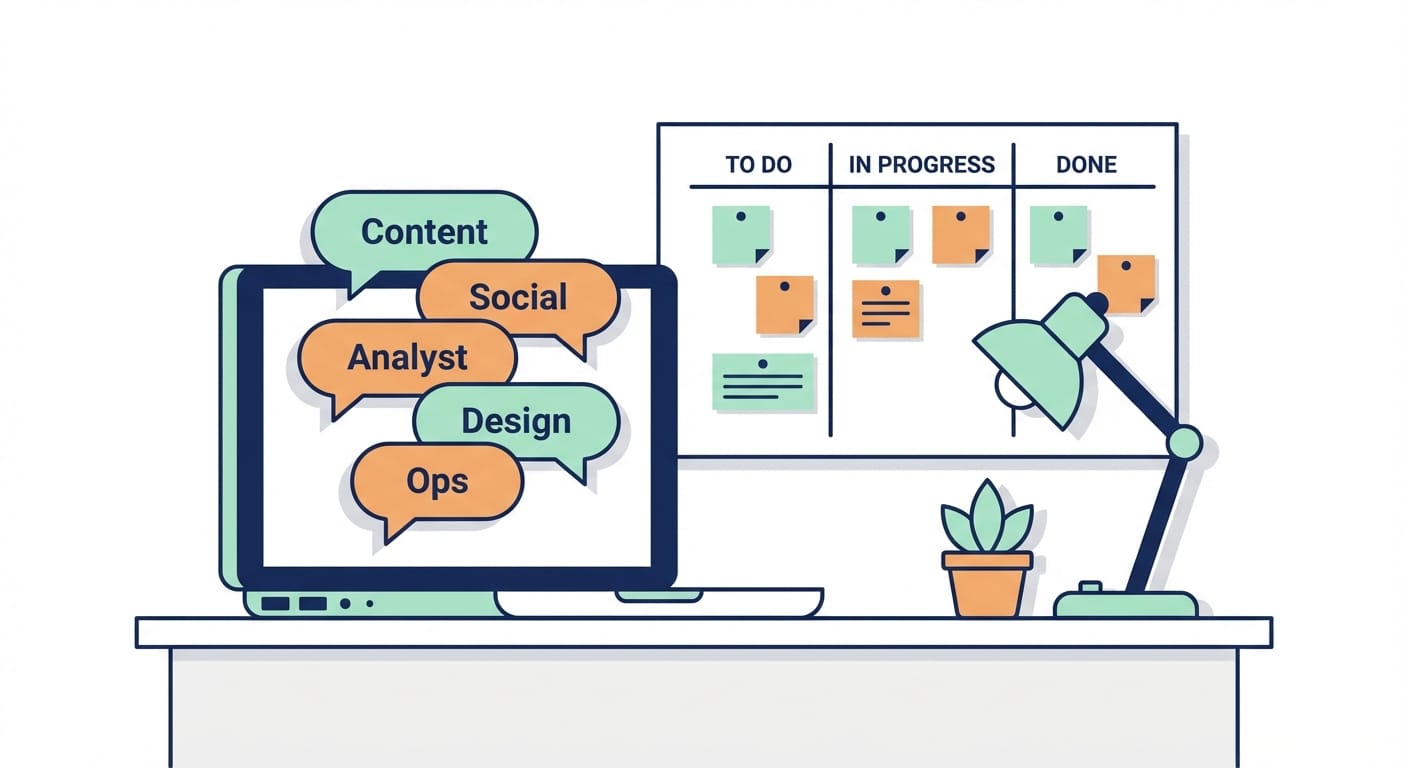
Imagine this: it’s Monday morning, a client wants a full Q1 campaign, and your “marketing team” is basically you, a half-finished Notion board, and a coffee that’s already losing the will to live.
Now imagine you open Claude Code, flip one experimental switch, and suddenly you’ve got a content writer, a market analyst, a social scheduler, a design brain, and an ops wrangler working in parallel—like a little digital agency inside your agency.
Here’s the thing… Claude Code Agent Teams are one of those features that sound like sci-fi until you use them once. Then it’s just: “Oh. This is how work is supposed to feel.” Agent Teams let you orchestrate multiple Claude instances working simultaneously, with one acting as the lead (you) and the others tackling specialized tasks via a shared task list and direct messaging. It’s especially handy for marketing because marketing is naturally parallel: research, copy, social, creative direction, ops—none of that needs to wait on the other if you set it up right. Sources: Anthropic/Claude Code Agent Teams guides and write-ups. [1][2][3]
What you’re building (so you don’t accidentally build chaos)
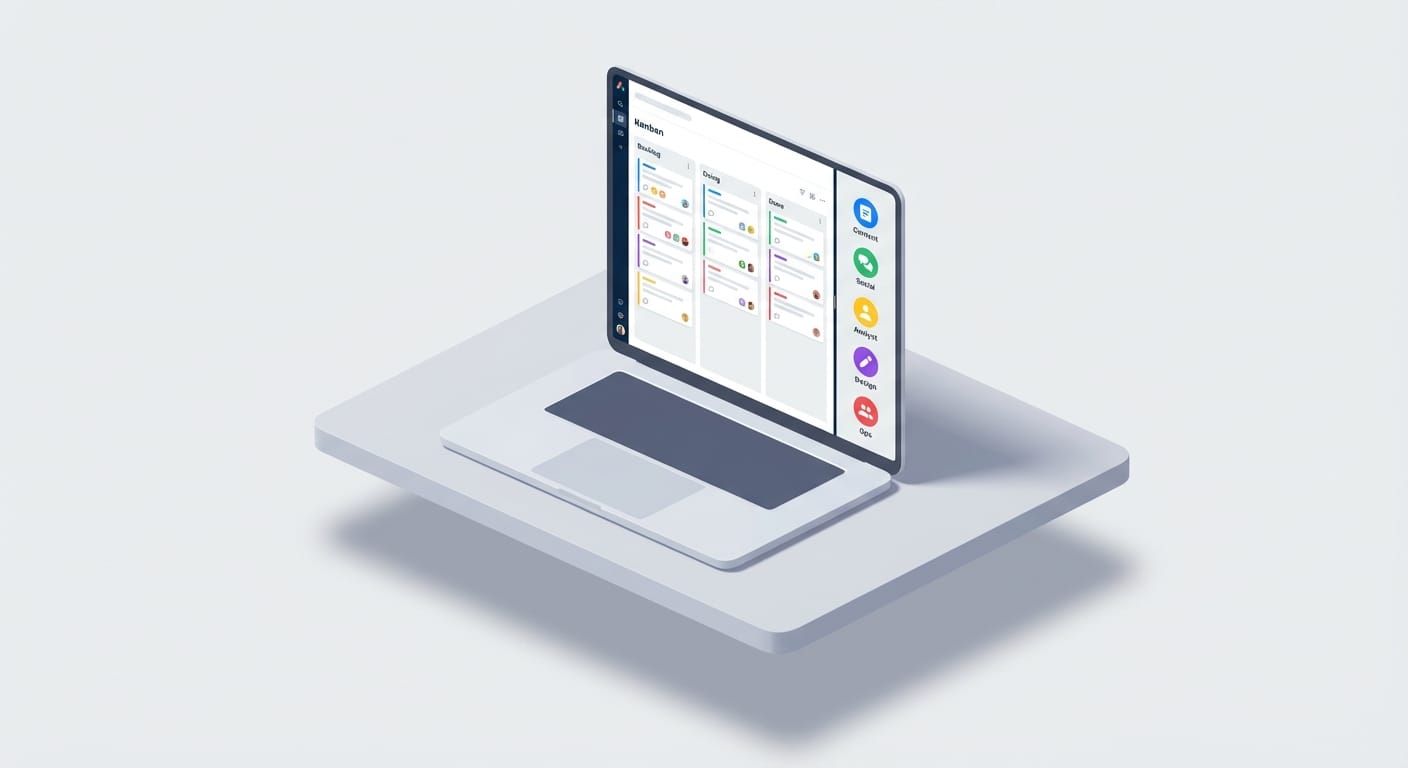
Before we touch settings, let’s define the target:
- You (Team Lead): sets direction, approves outputs, resolves conflicts.
- Content Creator agent: blogs, landing pages, email sequences.
- Social Media Specialist agent: LinkedIn/Twitter posts, cadence, hooks, competitor watch.
- Market Analyst agent: ICP insights, positioning, competitor benchmarks, projections.
- Designer agent: creative concepts and visual direction (even if you’re exporting later).
- Ops Coordinator agent: calendar, budget tracking, A/B plan, metrics dashboard.
If that sounds like a lot, it is—but it’s also exactly why you want agents: you’re trading sequential slog for parallel progress. And yes, token costs go up as you add teammates, so don’t spawn 20 agents like you’re running a Marvel multiverse. Keep it tight. [2][3]
Step-by-step: Enable Claude Code Agent Teams
These steps assume you already have Claude Code installed and access to compatible models (commonly Opus 4.6 or Sonnet). Agent Teams are experimental, so the “unlock” is basically an environment flag. [1][2][5]
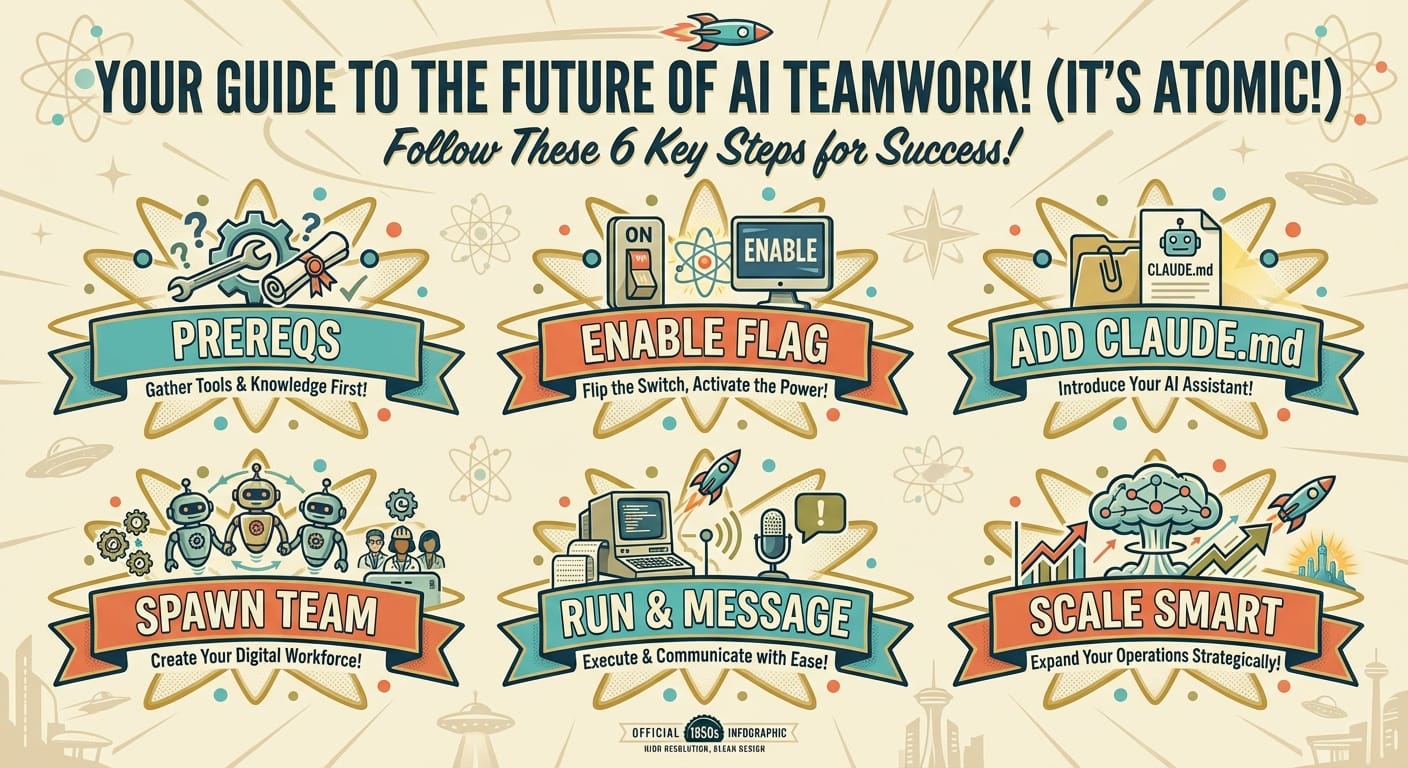
Step 1) Confirm prerequisites (2-minute sanity check)
- Claude Code is installed and running (often via Anthropic’s ecosystem, a VS Code workflow, or compatible environments).
- Model access: Agent Teams commonly require Claude Opus 4.6 or compatible models like Sonnet for teammates. [1][2][5]
- You can edit settings (we’ll use a persistent settings.json approach).
Step 2) Enable Agent Teams via settings.json (the reliable way)
Open your Claude Code configuration settings (often in something like ~/.claude-code/, depending on your setup) and edit settings.json. Add this block:
{ "env": { "CLAUDE_CODE_EXPERIMENTAL_AGENT_TEAMS": "1" } } Save it and restart Claude Code. This is the “stick across sessions” method, and it’s the one most guides recommend. [1][2]
Verify: in many setups, once that flag is set, the feature is active without an extra UI toggle. [3]
Step 3) Add a CLAUDE.md file to preload your agency context (highly recommended)
Look, I’ll be honest… most people skip this and then wonder why outputs feel generic.
Create a CLAUDE.md in your project root with context that every teammate should inherit: positioning, audience, brand voice, constraints, channels, “do/don’t,” past winners/losers. Example:
# Agency Context - Agency: North Peak Growth (example) - Target: B2B SaaS startups (Seed–Series B) - Primary channels: LinkedIn + email - Offer: GTM strategy + content engine - Voice: direct, practical, no buzzword salad - Constraints: $10k budget, 6-week sprint - Goal: generate 50 MQLs and 10 SQLs in Q1 Key detail: teammates inherit the project context files, but they don’t magically share your entire chat history. If something matters, put it in CLAUDE.md or in the spawn prompt. [1][2]
Step 4) Spawn your “marketing department” with a single prompt
In your main Claude Code session (you’re the team lead), use a natural-language prompt that defines roles, deliverables, and the workflow phases. Claude will spawn the teammates, create a shared task list, and enable direct messaging between agents. [1][2][4]
Use something like this (customize it to your agency):
Create an agent team to build a complete Q1 marketing campaign for my agency targeting B2B SaaS startups. Spawn 5 teammates using the Sonnet model: - Content Creator: Draft 2 blog posts, a landing page, and a 5-email nurture. SEO focus: "AI marketing tools" and "B2B demand gen". - Social Media Specialist: Create 20 LinkedIn posts + 20 Twitter/X posts with a 4-week schedule. Include competitor trend notes. - Market Analyst: Summarize ICP pains, competitor positioning (HubSpot, Apollo, Clay), and propose a ROI hypothesis. - Designer: Provide creative direction and ad concept descriptions (no files yet). Give 3 visual directions. - Ops Coordinator: Build a campaign calendar, budget tracker outline, A/B test plan, and KPI list. Start with a shared plan: Research → Messaging/Positioning → Asset creation → Review/Iteration. Use read-only mode initially. Here’s what most people miss: you’ll get better results if each role has crisp ownership. “Everyone write copy” sounds collaborative, but it’s how you get five versions of the same mediocre headline. [1][2]
Step 5) Run the team like a creative director, not a typist
Once the team exists, your job is to steer:
- Watch the task board: pending → in progress → done. Dependencies unblock as tasks complete. [1][3][4]
- Direct message agents: ask for revisions, request options, or redirect scope. [1]
- Use “delegate mode” if you want to stay in coordination-only mode (often bound to something like Shift+Tab in described workflows). It’s a nice way to prevent yourself from jumping in and doing the work. [1][2]
- Require approvals for high-risk outputs: for example, “final ad copy must be approved by lead.” [2]
Step 6) Scale intelligently (so you don’t melt your budget)
- Model strategy: use Sonnet for speed/throughput on creative production; use Opus for heavier analysis and strategy. [1][3]
- Team size: 4–6 teammates is usually the sweet spot. Beyond that, coordination and token costs climb fast. [2]
- Two-per-role only when needed: e.g., two social agents if you’re doing multi-brand or multi-channel. [5]
Common mistakes (aka how people turn this into a mess)
- Skipping context: no CLAUDE.md means generic output. Give your agents your brand rails. [1][2]
- No single owner per deliverable: parallel doesn’t mean “everyone does everything.”
- Starting with creation instead of research: begin read-only, learn the space, then ship. [1][2]
- Spawning too many agents: your wallet will notice before your pipeline does. [2]
- Forgetting approvals: agents are fast. You still need a human brand brain. [2]
Pro Tips (the stuff you’ll be glad you did)
Pro Tip #1: Have the Market Analyst write a one-page “Messaging Brief” first. Then force every other agent to reference it.
Pro Tip #2: Tell the Social agent to produce batches: “10 hooks, then 10 expansions.” You’ll get higher-quality posts.
Pro Tip #3: Ask the Ops Coordinator for a KPI table up front: what you’re measuring, how, and how often.
Pro Tip #4: Keep “final assembly” with the lead. Agents draft components; you ship the cohesive campaign.
FAQ
Do Agent Teams come with a pre-built “marketing team” template?
Not really. Most guides describe the general Agent Teams feature, and you adapt it by prompting roles and deliverables in natural language. [1][2][5]
What’s the difference between Agent Teams and subagents?
Agent Teams are designed for parallel work with a shared task list and direct messaging between agents. Some subagent approaches don’t include that teammate-to-teammate communication layer. [3][4]
How do I troubleshoot if spawning fails?
Check the env var (CLAUDE_CODE_EXPERIMENTAL_AGENT_TEAMS), confirm you restarted, and confirm you have access to the needed models. [1]
Can the agents create actual design files?
They can generate strong creative direction and spec out visuals in text. For actual assets, you’ll typically integrate external tools (or MCP servers/workflows) depending on your stack. [1]
What’s Next
The bottom line is… once Agent Teams are enabled, your agency’s bottleneck shifts from “doing the work” to “choosing the right work” and “approving the right outputs.” That’s a good problem.
If you want to level this up, your next step is building a reusable CLAUDE.md library: one per client, plus one for your agency’s house style. Then every new campaign starts at 80% instead of 0%.
Sources
- [1] Anthropic / Claude Code Agent Teams enabling guides (experimental flag, settings.json, CLAUDE.md context), compiled 2026 tutorials.
- [2] Claude Code Agent Teams best practices: delegate mode, approvals, token/cost considerations, workflow guidance (2026 guides).
- [3] Agent Teams behavior notes: activation/verification and task-list workflow references from 2026 write-ups.
- [4] Shared task list + direct messaging orchestration descriptions in Agent Teams explainers (2026).
- [5] Examples of scaling teams / role splitting and model selection references from 2026 community guides.