The 3 Cheapest AI Image APIs That Still Look Amazing (2026)
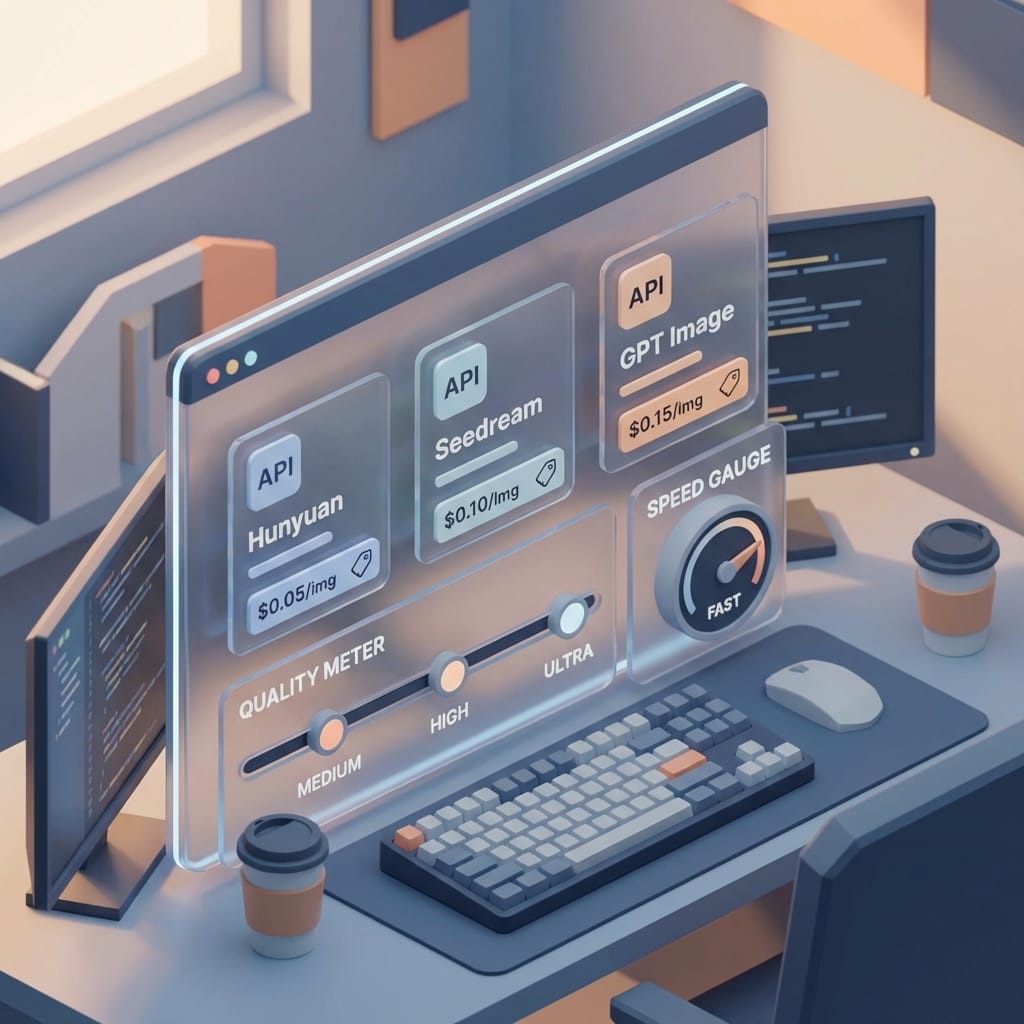
If you need high-volume AI images without blowing your budget, these 3 APIs are the 2026 sweet spot: Seedream 4.5, Hunyuan Image 3.0, and GPT Image 1.5—cheap per-image pricing with genuinely solid quality.
Here’s the hot take: most people are overpaying for AI images because they’re shopping like it’s 2023—subscriptions, “pro” plans, and fancy UIs—when what they actually need is a boring, beautiful thing: a pay-per-image API that doesn’t make your budget cry.
If you’re building anything high-volume—ads, product mockups, thumbnails, app content, social creatives—cost per image matters more than vibes. And in 2026, three APIs are basically the sweet spot of cheap + good + fast: Hunyuan Image 3.0, Seedream 4.5, and GPT Image 1.5. They’re all priced per image (not monthly), and they score surprisingly high on quality benchmarks like LM Arena.
Let’s solve the real problem: “I need great images… but I need a lot of them.”
The math is brutal. If you generate 50,000 images/month, the difference between $0.03 and $0.07 per image isn’t “a little extra.” It’s $2,000/month vs $3,500/month. That’s a part-time hire. Or your AWS bill. Or the runway you wish you had.
So I’m optimizing for what actually matters in production:
- Per-image pricing (predictable at scale)
- Quality (photorealism, text rendering)
- Speed (throughput matters when you’re generating in bulk)
- API reliability (because “it worked in a demo” isn’t a strategy)
The top 3 low-cost, high-quality AI image generation APIs (2026)
1) Hunyuan Image 3.0 (Tencent): the “I just need it to work” pick
If I had to recommend one model to a team that’s going into production fast, it’s Hunyuan. Why? Because it’s the most balanced option here: cheap enough to scale, good enough for marketing, and solid at rendering text compared to many budget models.
At $0.02–$0.05 per image, it hits that rare zone where finance doesn’t panic and your designer doesn’t immediately roast you in Slack. The research data also calls out its robust enterprise API and uptime guarantees, which matters when you’re not just playing around. [2]
My opinion: Use Hunyuan as your “default route” in your system. If you’re building an image pipeline, it’s the dependable sedan—not the flashy sports car, but it starts every morning.
2) Seedream 4.5 (ByteDance): the volume discount champion
Seedream is the one you pick when you’re generating a ton of images and you want your cost curve to stay flat. It’s listed at $0.02–$0.04 per image, which—at scale—adds up to real savings. [2]
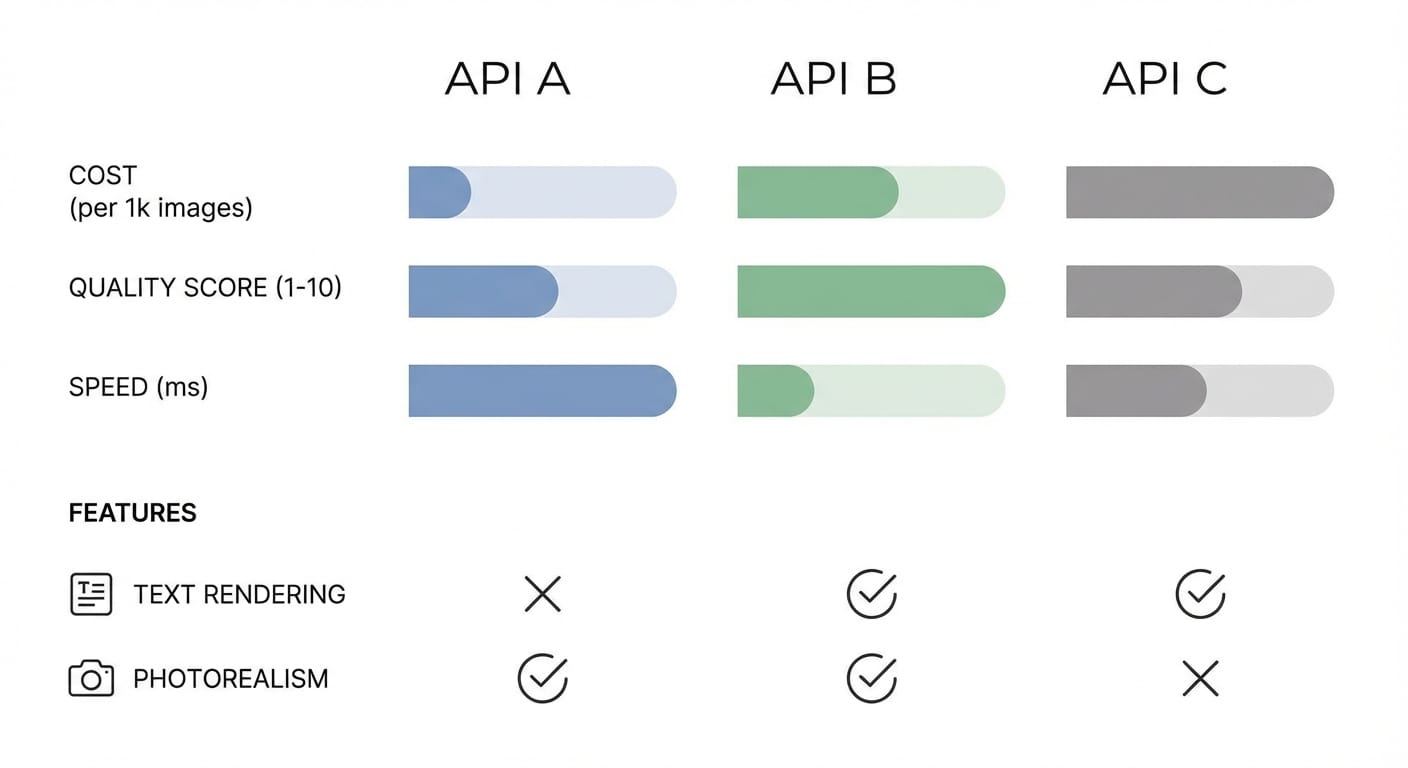
Quality-wise: good photorealism, good speed, and “fair” text rendering. Translation: if your images need perfect typography (posters, labels, UI screenshots), you might have to regenerate more often. But if you’re doing backgrounds, concepts, lifestyle variations, ad iterations? It’s a killer deal.
My stance: If you’re running bulk experiments—A/B creative testing, content farms (the ethical kind, please), product variant imagery—Seedream is where I’d start.
3) GPT Image 1.5 (OpenAI): costs more, but it’s the “less rework” machine
GPT Image 1.5 is the priciest of the three at $0.04–$0.08 per image, but it’s also the top-ranked on LM Arena in this dataset with a 1264 score. [2]
Here’s the trade-off people miss: per-image price isn’t the whole cost. Your time is a cost. Re-rendering is a cost. Manual cleanup is a cost. If GPT Image nails the prompt faster—especially for text-in-image and photorealism—that can be cheaper in practice even when the unit price is higher. [1]
When I’d pay for it: hero images, product shots, anything with readable text, anything your brand team will scrutinize at 400% zoom.
Pro Tips Box: how I’d actually run this in production
- Route by intent: bulk backgrounds → Seedream; general purpose → Hunyuan; “must be perfect” → GPT Image.
- Track re-roll rate: the cheapest model with the fewest retries often wins.
- Use a unified gateway if you can: platforms like WaveSpeedAI offer a single endpoint and let you switch models for cost optimization. [2]
- Cache outputs: if prompts repeat, don’t regenerate. This is the unsexy lever that saves thousands.
Common mistakes (aka “how teams accidentally light money on fire”)
- Choosing based on a single pretty demo image. Run a batch test: 100 prompts, same constraints, measure success rate.
- Ignoring text rendering. If your use case needs legible words, prioritize the model that’s consistently good at it (usually worth paying more).
- Not budgeting for retries. If a model is cheap but needs 3 generations to get one usable image… congrats, you found expensive cheap.
- Forgetting ops reality. An “amazing model” with flaky uptime is just an outage generator.
FAQ
Are these cheaper than Midjourney or subscription tools?
Different game. Subscriptions can be great for humans making a few images, but APIs win when you need predictable per-image pricing at scale. The research specifically calls out pay-per-use as the advantage versus subscriptions like Midjourney or ChatGPT Plus. [1][2]
What’s LM Arena and should I trust it?
It’s a benchmarking/ranking signal (not gospel). I use it as a “smoke test” for quality—then I run my own prompts to confirm. In the provided data, these models score strongly on photorealism and speed. [2]
What if I want the absolute lowest cost possible?
Then you’re looking at open-weight models (like Flux 2 Flex mentioned in the research). You can run them yourself, but you’ll pay in setup, infra, and maintenance. Sometimes that’s worth it—sometimes it’s a trap. [2]
The Bottom Line
If you want the cheapest at scale: Seedream 4.5.
If you want the best overall “default”: Hunyuan Image 3.0.
If you want the highest quality with the least rework: GPT Image 1.5.
Action Challenge: do this today (seriously, today)
Pick 20 real prompts from your product—stuff you’d actually generate in production. Run them through all three APIs. Track:
- Cost per usable image (not per generated image)
- Retry rate
- Text accuracy (if relevant)
- Average latency
Then set up a simple router: bulk → cheapest, critical → best. That one move can cut your image bill fast without torching quality.
Sources
- [1] OpenAI platform documentation and product positioning for image generation APIs (pricing varies by tier/usage).
- [2] Provided 2026 research dataset: pricing ranges, LM Arena scores, and qualitative strengths for Hunyuan Image 3.0, Seedream 4.5, GPT Image 1.5; notes on WaveSpeedAI and open-weight alternatives.