Bolt.new in 2026: The “Just Ship It” Tool for Prototypes, MVPs, and Small (But Mighty) Apps
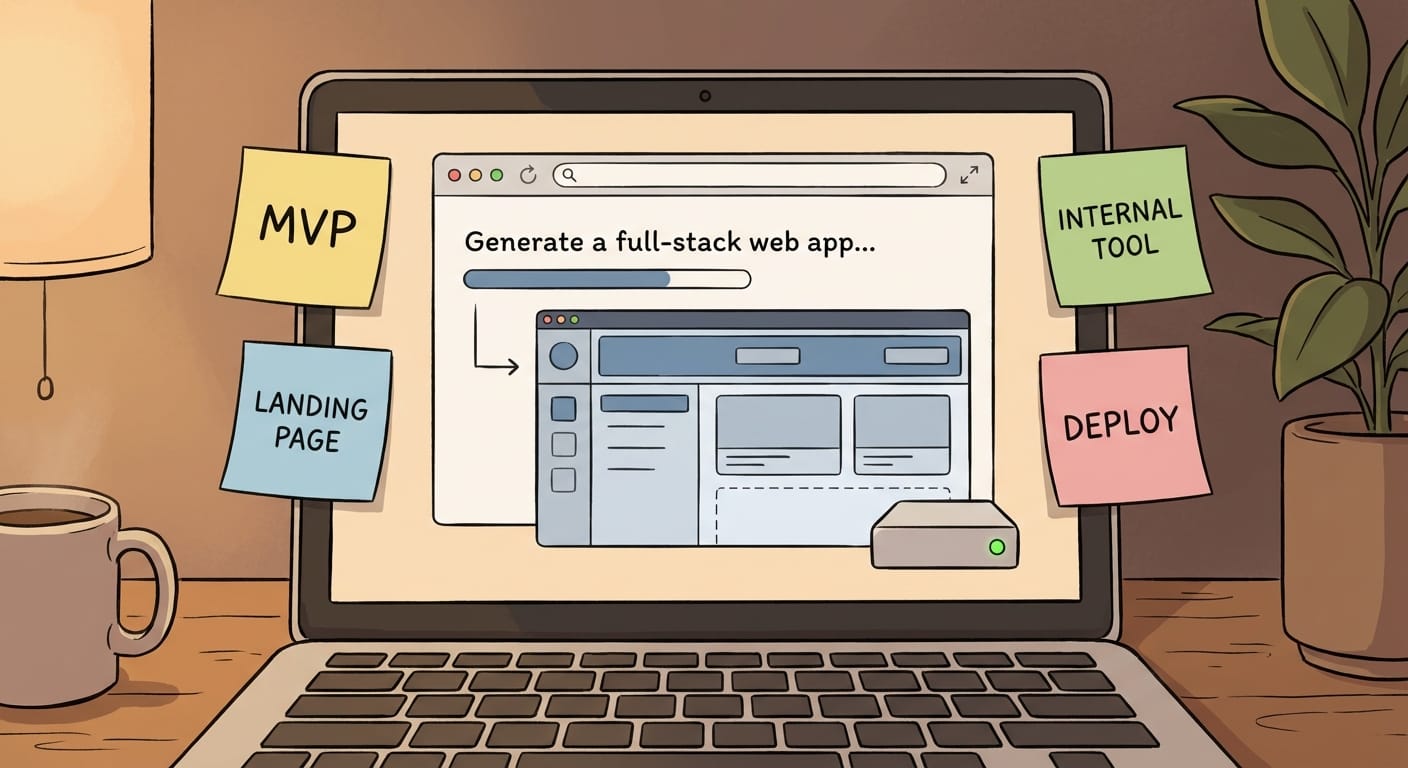
If you’ve ever had an idea for an app and thought, “Cool… now I have to set up a repo, install Node, fight with dependencies, configure hosting, and lose my weekend,” then yeah—welcome to modern software development. It’s not hard because coding is impossible. It’s hard because the setup tax is brutal.
That’s why Bolt.new is such a big deal in 2026. It’s an AI-powered, browser-based platform from StackBlitz that generates full-stack web apps from text prompts. No local environment. No “works on my machine.” It runs in the browser using WebContainers, and it can execute backend code (like Node.js servers) right there in the tab. It’s basically the closest thing we’ve got to “type your idea, get a working app.” And for certain use cases? It absolutely rips. [1][2][4][5]
Now, I’m not saying Bolt.new replaces real engineering teams for serious production systems. But for 80% of what founders, small teams, and product folks need early on? It’s a rocket booster.
First: What Bolt.new is actually good at (and what it’s not)
Here’s my take: Bolt.new is best when the goal is speed-to-working-demo. Think prototypes, MVPs, landing pages, internal tools, and “we need something by Friday” projects. It shines because it combines:
- Prompt-to-app generation (front-end + back-end scaffolding from a couple sentences) [1][2][4]
- Diff-based editing so you can refine changes without nuking the whole codebase [1][2]
- npm package support so you can pull in real libraries, not toy examples [4][5]
- Backend execution in-browser (yep, Node servers can run) [4][5]
- Integrations like Supabase (data/auth), Stripe (payments), and Netlify deployment (hosting) [1][4]
And the constraints? The big one is: don’t assume persistent data magically exists. For anything beyond a demo, you’ll usually want an external database/backend service (Supabase is the usual move). Also, larger-scale production systems still need real architecture, testing, observability, and all the boring stuff that keeps your app alive at 3am. [1][4]
Use case #1: Prototypes that don’t feel like prototypes
This is Bolt.new’s home turf. In 2026, the bar for “a prototype” is way higher than it used to be. A Figma click-through isn’t enough for most stakeholders anymore. People want to touch the thing. Login, click buttons, see data move around. They want the illusion of reality.
With Bolt.new, you can prompt something like:
- “Build a two-sided marketplace prototype with user signup, listing creation, and a simple messaging UI.”
- “Create a SaaS dashboard with charts, a settings page, and a mock billing screen.”
And you’ll get a working draft you can iterate on fast. The diff-based editing is clutch here because you can say, “Make the dashboard more compact and add a ‘Pending invoices’ widget,” and you’re not rewriting everything from scratch. [1][2][4]
My opinion: if you’re still spending 2–3 weeks building a prototype just to validate an idea, you’re doing it the hard way.
Practical advice
- Use Bolt.new to get to “demo-ready” in a day.
- Then use real user feedback to decide what’s worth engineering properly.
- If you need real auth/data, plug in Supabase early so the prototype doesn’t collapse under its own fakeness. [1][4]
Use case #2: MVPs for founders who don’t want to marry the code yet
MVPs are tricky because people confuse “minimum” with “cheap” and “viable” with “works once.” Bolt.new is great for the MVP phase because it lets you build something functional without committing to a full dev environment or a long-term codebase strategy.
It’s especially useful for:
- Non-technical founders who need a real app to pitch or sell
- Small teams testing multiple directions fast
- Product folks who want to validate workflows before engineering invests
Bolt.new is literally positioned for rapid prototyping, MVPs, landing pages, and demos—especially when local setup is a barrier. [1][2][4][5]
But here’s the honest part: if your MVP becomes a real business, you’re probably going to rebuild or harden it. That’s not a failure—that’s normal. Bolt.new is like renting a pop-up shop before you buy the building.
Practical advice
- Define what “viable” means (payment? onboarding? retention metric?) before you generate anything.
- Use Stripe integration when you want to test if people will pay, not just if they’ll click. [1][4]
- Don’t over-invest in perfect architecture early. Bolt.new is for learning fast.
Use case #3: Landing pages and small marketing sites that actually ship
You know what’s weird? In 2026, with all our fancy tools, teams still take forever to publish basic marketing pages. It’s always “we need design,” “we need copy,” “we need SEO,” “we need analytics,” and suddenly it’s Q3.
Bolt.new is great for spinning up:
- Product landing pages
- Portfolios
- Simple e-commerce demos
- Campaign microsites
And because it supports deployment (like Netlify), you can go from prompt → site → live URL without turning it into a DevOps project. [1][4]
One more 2026 reality: people are getting allergic to the “AI-generated look.” Recent updates emphasize building scalable websites that don’t scream “a robot made this.” You still need taste and a little visual refinement. Bolt can get you 80% there, but you’re the one who has to make it feel human. [7]
Practical advice
- Prompt for structure and sections (“hero, social proof, pricing, FAQ”), then refine typography and spacing manually.
- Ship the page first, polish second. Momentum beats perfection.
Use case #4: Internal dashboards and “tiny tools” that save real money
This is my favorite category because it’s so unsexy that it’s profitable. Internal tools don’t need to win design awards. They need to reduce chaos.
Bolt.new can crank out dashboards and utilities for workflows like:
- Scheduling and booking portals
- Simple CRM-ish trackers
- Inventory and request forms
- Ops dashboards for teams managing day-to-day work
The research specifically calls out internal tools like mover portals for scheduling and workflow handling, deployable via Netlify. [1][2]
Think of it like this: Excel is the cockroach of business software—it survives everything. Bolt.new is how you evolve from “spreadsheet monster” to “a real web tool” without hiring a full team.
Practical advice
- Start with one workflow (not the whole business).
- Connect to external data sources when needed—complex data usually means integrations. [1]
- Deploy it and get the team using it before you add features.
Use case #5: Full-stack scaffolding for real devs who want a head start
Developers sometimes roll their eyes at AI app generators. I get it. Nobody wants a spaghetti codebase. But here’s the thing: scaffolding is scaffolding. If Bolt.new can generate the boring baseline (routes, basic UI, API wiring), you can spend your brainpower on what matters.
Bolt.new supports multiple frameworks (React, Vue, Svelte), npm installs, and backend services—so it can scaffold real full-stack apps, especially UI-heavy prototypes that rely on external databases. [4][5]
And per StackBlitz’s updates, Bolt.new can handle projects “1,000 times larger” than earlier versions thanks to improved context management. That matters because early AI tools fell apart the moment your app had more than three files. [5]
Practical advice
- Use Bolt to generate the first draft, then immediately impose your own structure (linting, folder conventions, tests).
- Be cautious about long-term maintainability—treat it like a starter kit, not gospel.
Use case #6: Small-team collaboration without the “setup ceremony”
Collaboration is where browser-based dev really wins. When the environment is consistent, you don’t lose half a day to “can you run it locally?” Bolt.new enables real-time editing plus AI-assisted coding, and you can deploy quickly. [2][6]
It’s not trying to be the same thing as Replit (which is more code-collab focused). Bolt is more like: “Let’s get something working, together, right now.” [2][6]
Practical advice
- Use it for sprint demos, hack weeks, and rapid experiments.
- Once the direction is proven, decide whether to keep building there or migrate to your standard stack.
Pricing and when it’s worth paying
Bolt.new runs freemium, with Pro/Teams around $27–30 per user/month, and Enterprise options for things like SSO and custom governance. [1][2]
My stance: if Bolt saves you even one engineer-day per month, it pays for itself. If you’re a founder, it might save you weeks of flailing.
So… should you use Bolt.new in 2026?
If your goal is to learn fast, demo fast, and ship something real-looking without setup drama, Bolt.new is absolutely worth having in your toolkit. It’s not the answer to every software problem—but it’s a killer answer to the early-stage “I need something working yesterday” problem.
Actionable takeaways (do this next)
- Pick one idea you’ve been sitting on and prompt Bolt.new to generate the first draft in 30 minutes.
- Decide your goal upfront: demo, MVP, landing page, or internal tool—don’t mix them.
- Add Supabase if you need real auth/data persistence (don’t fake it too long). [1][4]
- Add Stripe if the business model involves payments—validate revenue early. [1][4]
- Deploy to Netlify and put a URL in front of real humans ASAP. [1][4]
- Graduate intentionally: once it’s working and users care, either harden the codebase or rebuild cleanly.
Sources
- [1] StackBlitz / Bolt.new coverage and feature summaries (prompt-to-app, integrations, pricing, use cases) — as provided in research data.
- [2] Bolt.new collaboration and workflow comparisons (e.g., vs Replit) — as provided in research data.
- [3] Tool landscape comparisons (Superblocks governance, v0 UI focus) — as provided in research data.
- [4] Bolt.new full-stack capabilities, hosting/deployment, and production considerations — as provided in research data.
- [5] StackBlitz 2026 updates: improved context management and larger project handling — as provided in research data.
- [6] Collaboration positioning details — as provided in research data.
- [7] 2026 website design emphasis: avoiding “AI-generated” aesthetics and scaling — as provided in research data.