Create QR Codes With AI (That People Actually Scan)
AI QR code generators don’t just make QR codes prettier—they make them scan better. Here’s a step-by-step workflow to create branded QR codes with higher scan rates, plus tool picks and testing tips.
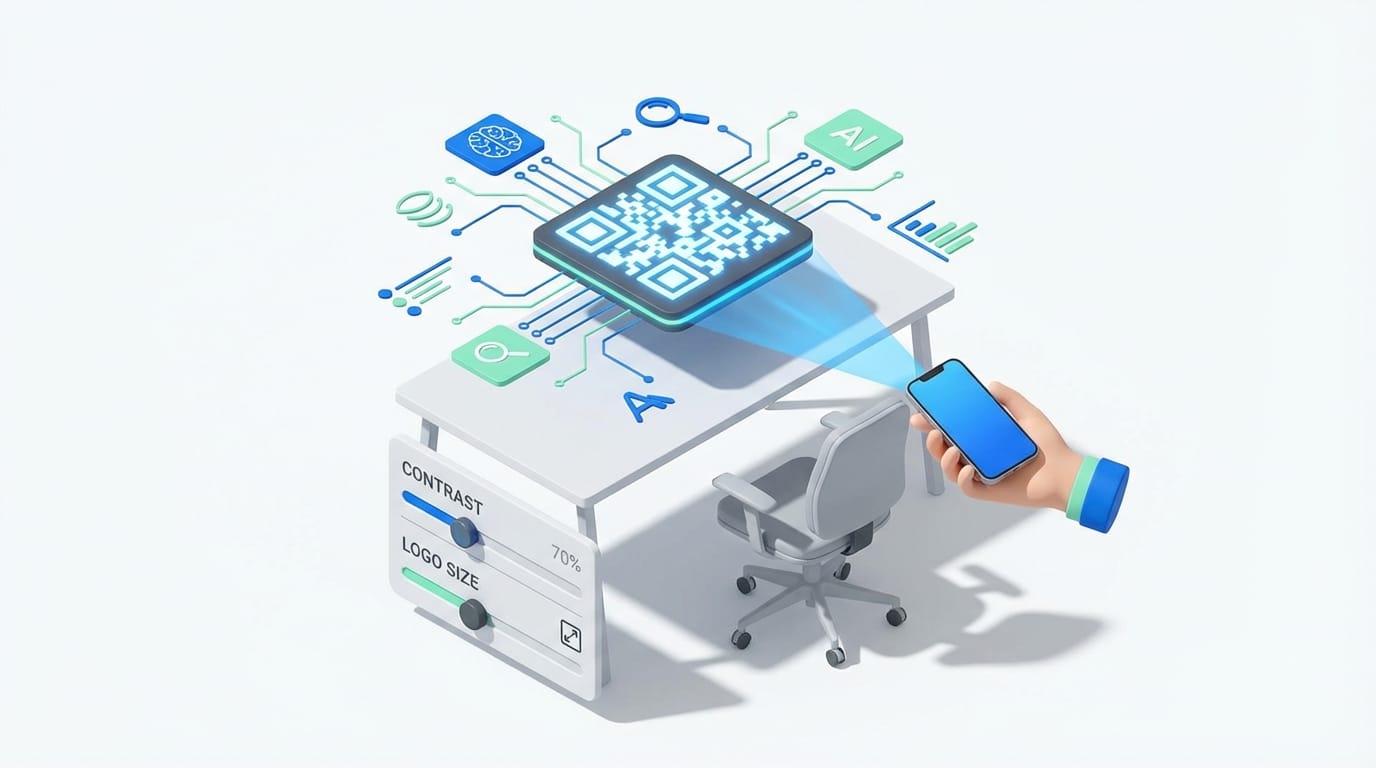
AI-optimized QR codes can boost scan rates by 25–40%. Yeah, seriously. That’s not “AI will change the world” hype—that’s “more people actually get to your menu / landing page / coupon” results. And if you’ve ever printed a gorgeous QR code that turned into an unscannable modern art project… you know why this matters.
The problem: most custom QR codes are accidentally terrible
Here’s the trap: you make a QR code, then you slap your logo in the middle, soften the contrast, add a gradient, round the corners… and boom. It looks “on brand” but scans like a broken remote control.
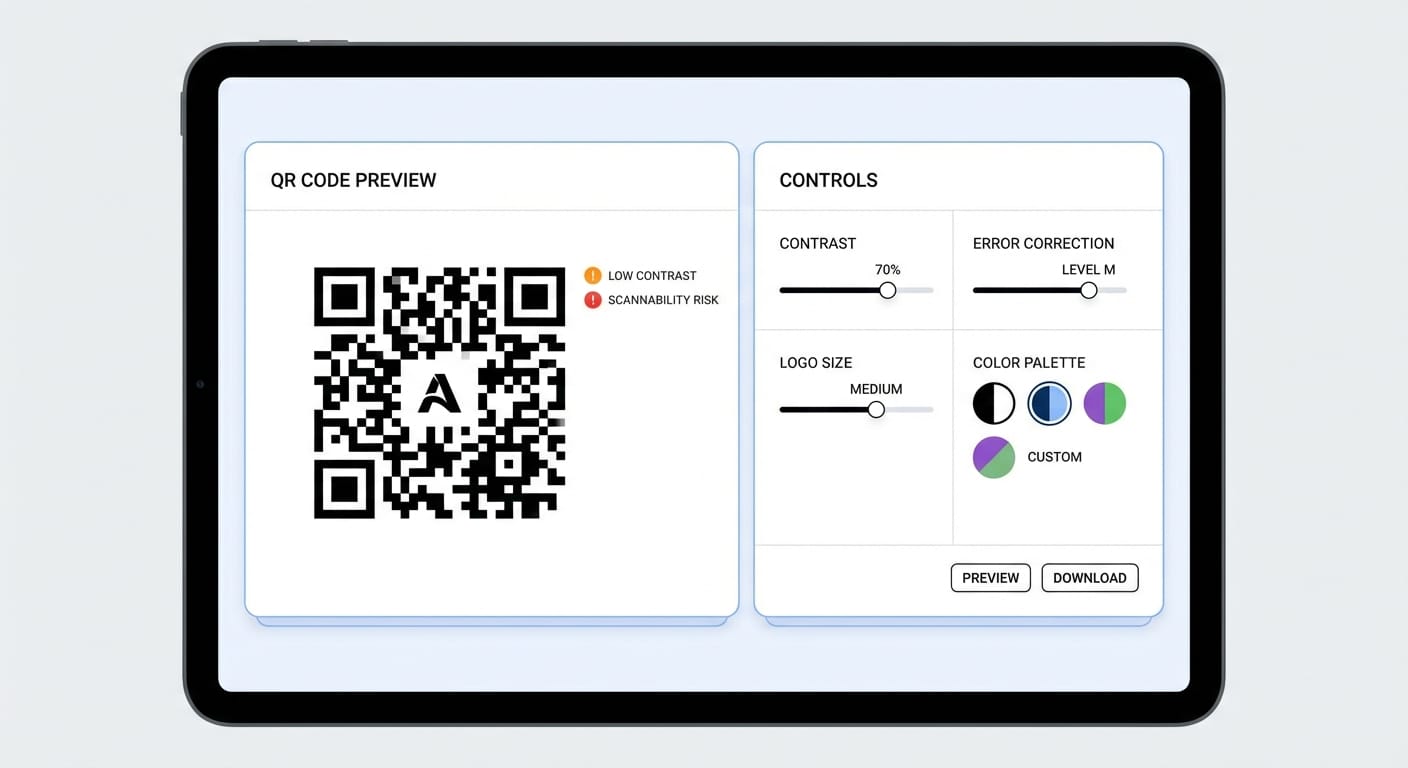
Traditional QR generators don’t really think. They just spit out a pattern and say “good luck.” AI QR code generators do the opposite: they analyze the design choices (contrast, sizing, error correction, logo placement, pattern density) and try to land on the sweet spot where it still looks like your brand and works on real phones in real lighting. That optimization is exactly where the 25–40% scan-rate lift can come from. [1]
The solution: use AI like a QR code “taste tester”
Think of AI QR code generation like test-driving a car instead of buying it off a spec sheet. The AI looks at your use case (restaurant menu vs business card vs product packaging), your design choices, and the scanning realities… then it adjusts the recipe. According to the research data we’ve got, these tools can tailor optimization by industry/application because different contexts scan differently. [1]
Step-by-step: how to create a QR code using AI
Let’s keep this practical. Here’s my go-to workflow that won’t betray you at print time.
- Decide if you need a static or dynamic QR code If you’re linking to something that might change (promo page, menu, event signup), use dynamic. Dynamic QR codes let you update the destination later without reprinting. Static is fine for permanent links, but dynamic is the “I like sleeping at night” option. [1]
- Pick a tool that matches your job You don’t need the “best” generator—you need the right one. A few solid options: Canva if you want prompt-based styles and quick design refinement. [3]
- Jotform if you want fast generation without creating an account. [2]
- QRCode Monkey if you need high-res printing and custom shapes/gradients. [5]
- QR TIGER if you want a flexible all-rounder with static/dynamic options. [2]
- MySignature if you want branding-first options like frames/colors/logo handling. [4]
- Scanova if you want content-type analysis and marketing/collaboration features. [5]
- Tell the AI the context (this matters more than people think) Where will this QR code live? On a poster across a room?
- On packaging with glare?
- On a business card in dim networking-event lighting?
- Customize brand elements—then let the AI “guardrails” do their job Add your logo, brand colors, and style tweaks. But don’t go rogue. AI generators typically calculate safe logo size/placement and adjust contrast and error correction to keep scannability intact. [1]
- Generate multiple variants and test like a paranoid grown-up I’m opinionated here: never ship the first version. Create 3–5 variations (color, pattern density, logo size) and test on: iPhone + Android
- Bright light + dim light
- From “too close” and “a few feet away”
- Export the right file format (this is where print jobs go to die) Use: SVG for printing (scales perfectly)
- PNG for web/digital (supports transparency)
- JPG only if you have to (compression can hurt edges)
- Turn on analytics (if you care about results) If you’re using QR codes for marketing, treat them like links, not decorations. Many platforms offer tracking like scan frequency, location, device types, and user behavior patterns. [1]
Stats Spotlight: what AI optimization actually improves
- 25–40% higher scan rates vs standard QR codes (when optimized properly) [1]
- Better performance in poor scanning conditions (lighting, angle, glare) [1]
- Improved cross-device compatibility (different camera/software behaviors) [1]
- Faster recognition across different smartphones [1]
Common mistakes (aka: how people break QR codes)
- Low contrast: Light gray on pastel looks cute… until nobody scans it.
- Logo too big: Yes, your brand is important. No, it can’t eat the QR grid.
- Busy backgrounds: Put it on a clean block of color. QR codes need breathing room.
- Printing too small: If it’s on a poster, size it like you want it scanned.
- No testing: “It scanned on my phone once” is not QA.
Pro Tips Box (stuff I’d tell a friend over coffee)
- Use dynamic QR codes for campaigns. Your future self will thank you. [1]
- Generate in bulk if you’re running multiple locations, reps, or SKUs. Bulk generation is a real feature on many platforms. [1]
- Design for the “worst phone”, not the newest one. If it works there, it’ll work anywhere.
- Pair with a human CTA: “Scan for 10% off” beats a lonely QR code every time.

FAQ
Do AI QR code generators really matter, or is this just marketing?
I’m not allergic to skepticism. But the data we have points to real performance gains—25–40% higher scan rates—because AI tweaks contrast, sizing, and error correction more intelligently than a basic generator. [1]
What’s the best tool if I just need something fast?
Jotform is designed for quick creation (they even highlight under-60-seconds generation and no signup). [2]
What’s the best tool if I care about design?
Canva is the easy button for design-forward QR codes and prompt-based styles. [3]
Static vs dynamic—what should I choose?
If you might ever change the link destination, go dynamic. Dynamic codes let you update the destination without reprinting. Static is fine for truly permanent links. [1]
Personal sign-off: my take
I like QR codes. They’re simple, cheap, and they bridge physical stuff to digital stuff in a way that just… works. But I hate QR codes that don’t scan, because they waste the one thing you can’t buy more of: attention.
If you’re going to put a QR code on anything customers can see, do yourself a favor and use an AI generator, generate a few versions, and test like you’re trying to break it. Because the real goal isn’t “make a QR code.” It’s “make a QR code that gets scanned.”
Actionable takeaways
- Pick dynamic QR codes for anything campaign-related. [1]
- Use AI tools to optimize contrast, logo placement, and error correction. [1]
- Export SVG for print, PNG for digital. [1]
- Test on multiple phones and in bad lighting before you ship.
- Turn on analytics so you can measure what’s working. [1]
Sources
- QR TIGER – AI QR Code Generator overview and features [1]
- Jotform – QR Code Generator [2]
- Canva – QR Code Generator [3]
- MySignature – QR Code Generator [4]
- QRCode Monkey – Custom QR code generator and Scanova – QR code generator & analytics [5]