Insane New AI Tools Just Blew Up Overnight (Face Swaps, Viral Thumbnails, and “Wait… It Wrote a Song?”)
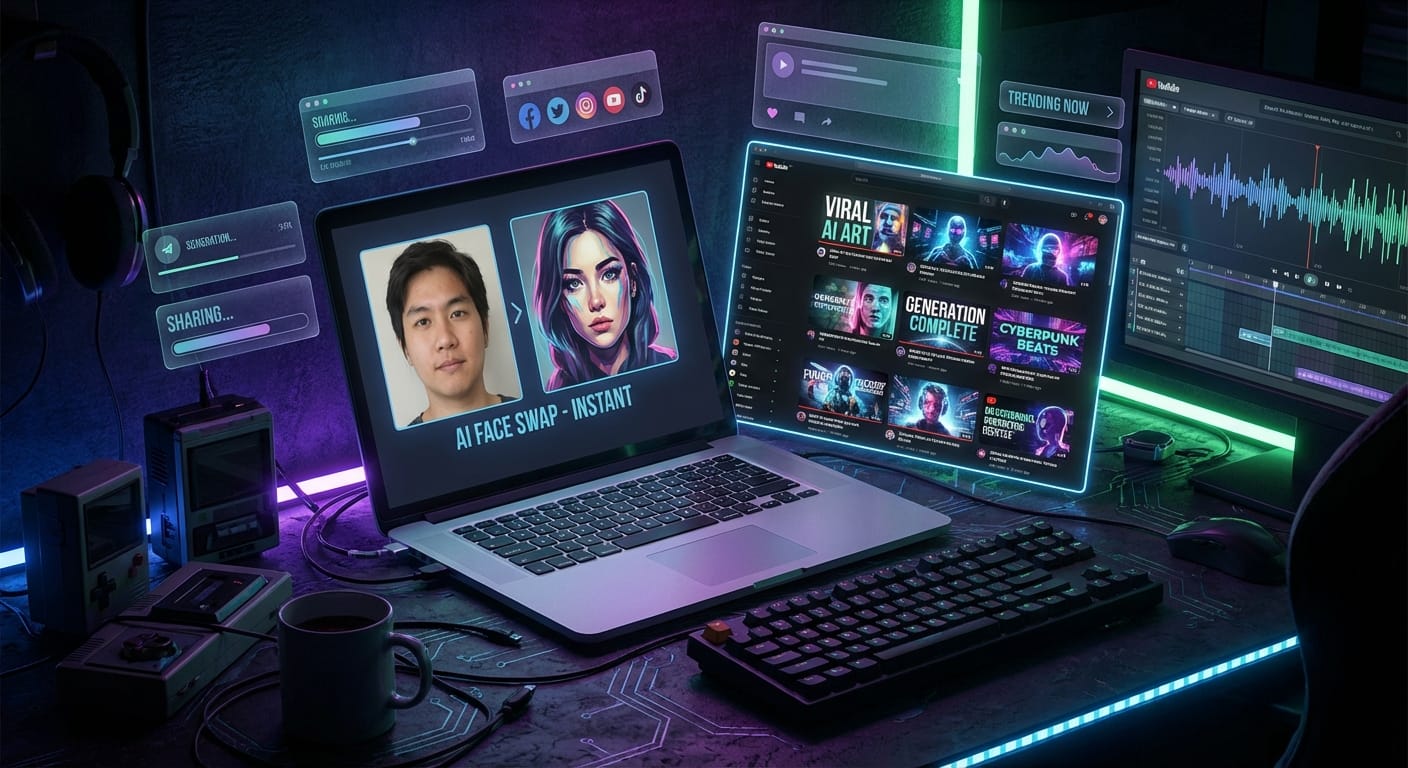
Every few months, the internet picks a new “holy crap” AI trick and collectively loses its mind for 72 hours. Remember when AI avatars were everywhere? Then it was “make my LinkedIn headshot look like I’m the CEO of Earth.”
Well, early 2026’s flavor of the week is basically: face swaps that look too real, viral thumbnail generators that crank out YouTube bait in seconds, and a growing bundle of music/video generators that blur the line between “creator” and “prompt typist.”
And yes—these tools really are exploding “overnight.” Not because they’re magic. Because they’re easy, they’re fast, and the free tiers are just good enough to make people share them like candy on Halloween. That’s the whole growth loop.
Why these AI tools explode overnight (it’s not just hype)
Here’s my take: the tools going viral aren’t necessarily the most advanced. They’re the ones that remove friction.
Think about it like a drive-thru. The food might not be gourmet, but you’re not there for gourmet—you’re there because you can get something in 60 seconds and keep moving. That’s what tools like MyShell AI’s instant face swap templates and Canva’s one-click thumbnail flows feel like. Upload. Click. Download. Post. Done. [1][3][7]
And the freemium model is basically a built-in referral machine: the free output is often watermarked or capped at lower quality, but it’s still “good enough” for a TikTok punchline or a thumbnail test. So people share it. Then more people try it. Then the tool “blew up overnight.” [1][2][4]
Face swaps: the 2026 viral king
Face swapping is dominating right now for the same reason memes dominate: it’s low effort, high payoff. You get something funny/creepy/impressive in under a minute, and your brain goes, “I must show someone immediately.”
MyShell AI: templates are the cheat code
If you’re seeing a wave of “GTA version of me” or “Marvel villain me” clips, there’s a good chance MyShell’s involved. They’ve leaned hard into template-driven virality—stuff like:
- Face Swap Online
- Kardashian Glam Photo Booth
- GTA Filter
- Marvel Rivals Filter (yes, the Venom swaps)
- Lisa Alter Ego for K-pop-ish styles
The big deal isn’t that these are “the best face swaps ever.” It’s that they’re clickable. They’re pre-packaged concepts that people already want to share. [1]
DeepSwap and Reface: when you want “this is too real” energy
If you’re trying to do more professional-looking video swaps, two names keep popping up:
- DeepSwap: known for multi-face video swaps and more advanced workflows (including integration angles like Photoshop), which is great… if you’re willing to tinker. [2]
- Reface: still a go-to for quick meme-style swaps into movie clips and GIF vibes. [2]
But let’s be adults about this: face swaps are also where ethics goes from “meh” to “uh oh.” Some services retain data for a period (DeepSwap has referenced a 7-day policy), and not every platform has strong likeness protections. So if you’re uploading your face, treat it like you’re uploading your passport photo. Because… you basically are. [2]
Other tools worth knowing (depending on your vibe)
- FaceFusion: open-source and free, more for technical users who like control. [2]
- Remaker AI: fast, simple photo swaps. [2]
- Picsi.ai: emphasizes on-device processing (privacy folks perk up here). [2]
- Vidmage: paid tier for watermark-free video exports. [2]
Viral thumbnail makers: the “unfair advantage” for creators
I’ve said this forever: thumbnails aren’t decoration. They’re packaging.
If your video is the product, the thumbnail is the box on the shelf. And most creators are out here shipping their “product” in a dented cardboard box with Comic Sans on it. Then they wonder why nobody clicks.
That’s why AI thumbnail tools are surging. They’re not just making things prettier—they’re making click behavior easier to test at scale. And apparently there’s even a growing freelancing trend where people are cranking out thumbnails for serious money because the turnaround is so fast now. [3][5]
Canva: still the default for a reason
Love it or hate it, Canva keeps winning because it reduces the “blank canvas” panic. With features like Magic Media and one-click layouts, a non-designer can produce something usable quickly—and “usable quickly” beats “perfect eventually” every time on YouTube. [3][7]
More 2026 thumbnail tools people are actually using
- NeamX: aimed at viral YouTube/Instagram thumbnail styles. [3]
- CapCut: great if you want thumbnails connected to your edit workflow. [4]
- Fotor: template-heavy, fast iteration. [6]
- Pikzels: notable for high-volume output (and FaceSwap mentions in that ecosystem). [8]
- Leonardo.Ai: more control for folks who want a “designed” look versus template vibes. [7]
- ThumbMaker (MyShell) + tools like RunComfy: auto-generate banner/thumbnail concepts without design skills. [1][9]
My opinion? If you’re a newer creator, start with Canva or CapCut. If you’re more advanced, layer in a generator (Leonardo, etc.) for the “hero image,” then finish in a real editor so it doesn’t look like generic AI soup.
Song generators + AI video/music: what’s actually trending
So… “song generators” are a funny one right now.
Standalone song generators don’t seem to be the freshest “overnight” buzz in the January 2026 wave, at least compared to face swaps and thumbnails. The momentum is more on integrated video/music creation—tools that help you turn an image into a clip, a clip into a sequence, and then wrap it all into something you can post. [1][2][10]
MyShell’s SkyReels V2 and template-based video
MyShell’s leaning into this with things like SkyReels V2 (image-to-dynamic video) and an AI Face Swap Video Maker with 100+ templates for meme/dance-style clips. This matters because it stitches the workflow together: thumbnail → short clip → post. [1]
Broader trend: text-to-video pipelines
Outside MyShell, creators are chaining together tools that tap models like Runway/Kling (often through platforms that package them up). For example, GoEnhance.ai has been highlighted for text-to-video options using these model ecosystems. [2][10]
Translation: the “song generator” trend is getting absorbed into the bigger “make the whole video” trend. Music becomes a layer, not the product.
My practical playbook: how to use these without wasting a week of your life
Let me save you from the biggest trap: trying 19 tools and posting nothing.
Here’s a simple stack that works for most creators and marketers:
1) Pick one face swap tool and one thumbnail tool
- Face swap: start with MyShell for speed/templates or Reface for meme clips. Go to DeepSwap if you need realism and can handle more steps. [1][2]
- Thumbnails: start with Canva because it’s frictionless. [3][7]
2) Run a “3 thumbnail” test
Make three thumbnail variations for the same video idea:
- One with a big face (yours or swapped), high contrast
- One with minimal text (2–4 words max)
- One that’s pure curiosity bait (object/gesture + reaction)
Even if you’re not A/B testing in-platform, you can test informally: post all three to socials as a poll, or send to 10 friends and ask, “Which would you click?” You’ll learn fast.
3) Don’t upload sensitive images unless you’re okay with the risk
I’m not anti-face-swap. I’m anti-being-surprised-later.
- Use a “public” selfie, not your driver’s license-grade headshot
- Read retention notes (some services mention short-term storage policies, like 7 days) [2]
- If you’re doing client work, get written permission—seriously
4) Use AI for drafts, then add human seasoning
AI gets you to 80%. Your taste gets you to 100%.
Add the weird little human touches: a slightly imperfect cutout, a custom font choice, a consistent color system, a recurring character gag. That’s how you stop looking like everyone else who used the same template.
So… are these tools “the future” or just a fad?
Both.
The specific tools will rotate (they always do), but the behavior won’t: people want instant creative output that’s good enough to post. Tools that make creation feel like ordering coffee are going to keep winning.
If you’re a creator, marketer, or just the designated “tech friend” in your group chat, this is the moment to get fluent—not obsessed. Learn the workflow. Bank the advantage. Move on.
Sources
- [1] MyShell AI tool listings and template-based features (Face Swap Online, SkyReels V2, ThumbMaker, filters/templates) — https://myshell.ai/
- [2] Comparative coverage of face swap tools (DeepSwap, Reface, FaceFusion, retention notes, pricing) — https://www.zdnet.com/article/best-ai-face-swap/
- [3] AI thumbnail generator trend and tool roundups (Canva and others) — https://www.elegantthemes.com/blog/business/ai-thumbnail-generator
- [4] CapCut and integrated editing/thumbnail workflows referenced in creator tool roundups — https://www.capcut.com/
- [5] Notes on thumbnail freelancing economics/trend discussions — https://medium.com/
- [6] Fotor thumbnail and template tooling — https://www.fotor.com/
- [7] Canva Magic Media and generative design features — https://www.canva.com/
- [8] Pikzels high-volume thumbnail generation positioning — https://pikzels.com/
- [9] RunComfy and related creator automation tooling referenced in AI thumbnail discussions — https://www.runcomfy.com/
- [10] GoEnhance.ai and text-to-video/model packaging references — https://goenhance.ai/
Actionable takeaways (do this today)
- Pick two tools only: one for face swaps, one for thumbnails. Don’t tool-hop.
- Create 3 thumbnails per video idea and test which one people actually click.
- Use “public-safe” selfies and assume anything you upload could live longer than you want.
- Template first, customization second: get the speed, then add your style so you don’t look generic.