AI Automation in 2026: Not a “Nice-to-Have” — It’s Your New Utility Bill
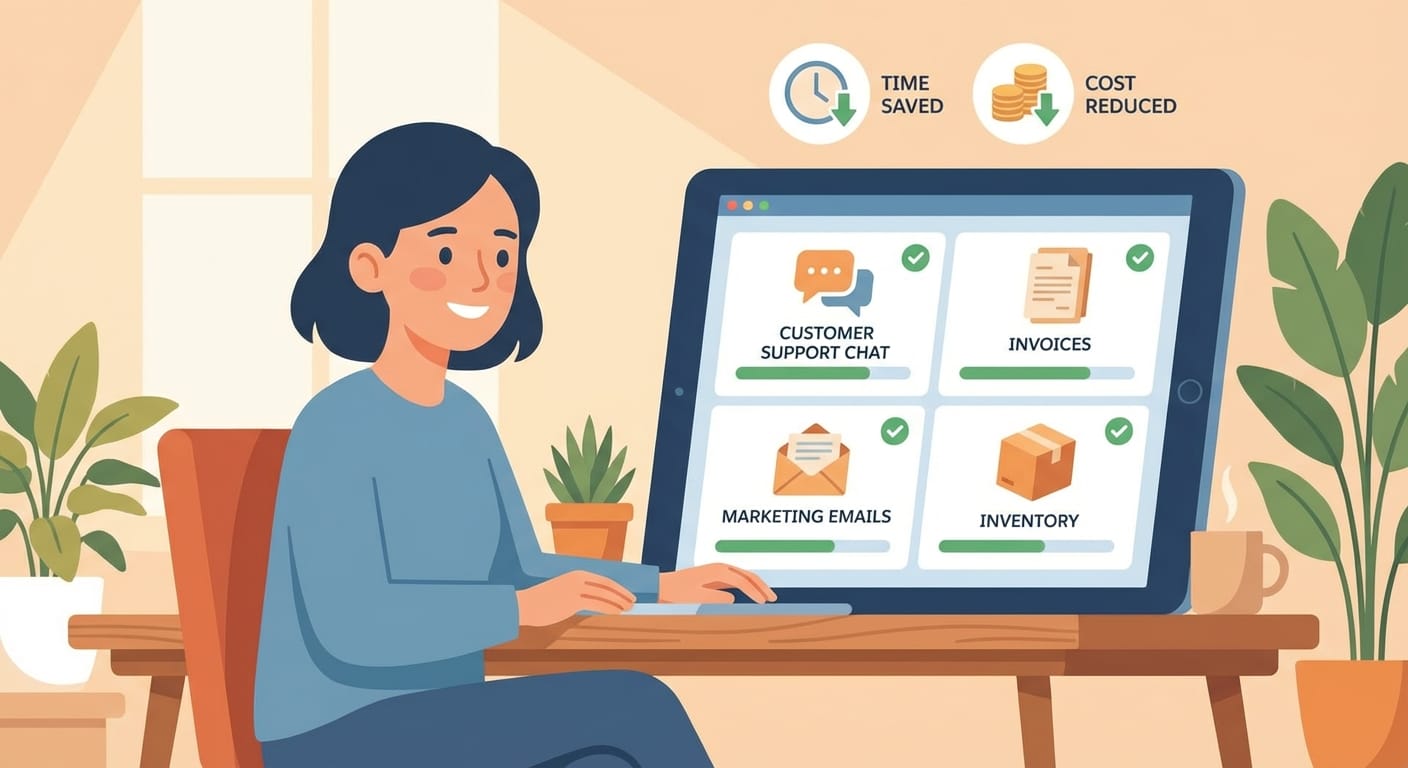
Let me say the quiet part out loud: in 2026, AI automation isn’t a shiny toy for tech bros and Fortune 500 companies. It’s infrastructure. Like electricity. Like internet. Like payroll software.
And if you’re running a small business, you don’t get the luxury of “waiting to see how it shakes out.” Why? Because your competitors aren’t waiting. Your customers aren’t waiting. And your margins definitely aren’t waiting.
Here’s the real shift: AI automation is moving from optional to required for survival and growth. By 2026, about 75% of small businesses will invest in AI [5]. And the companies that are growing? They’re adopting it at about twice the rate of the ones that are struggling [5]. That’s not a coincidence. That’s a pattern.
So let’s break this down like we’re talking over coffee: cost savings, time efficiency, and competitive advantage. Those are the three reasons every small business needs AI automation in 2026.
AI Automation Is Becoming “Core Infrastructure” (Whether You Like It or Not)
Remember when having a website was optional? Like, “We’re a word-of-mouth business” optional? That worked… until it didn’t.
AI is the same story, just faster. Customers now expect instant answers, personalized experiences, and smooth service. Meanwhile, you’re trying to run operations, marketing, sales, hiring, and customer support with a team that can fit around a conference table. If that’s you, you’re not alone.
The good news is AI finally gives small teams a way to scale like big companies without hiring like big companies. The even better news? It’s getting cheaper, smaller, and faster.
1) Cost Savings: AI Is the Cheapest “Employee” You’ll Ever Hire
I’m going to take a stance here: if your business is doing repetitive work manually in 2026, you’re voluntarily paying a “stupidity tax.” And I don’t mean that as an insult—I mean it as a wake-up call. Manual busywork is expensive.
Local AI is cutting cloud costs (and privacy headaches)
One of the biggest changes is that you don’t have to send everything to the cloud anymore. Some modern, power-efficient models can run on around 20 watts—basically like a normal computer—so you can process data locally and reduce cloud fees [1]. That’s not just cheaper; it’s also a privacy win. No extra vendor. Less data exposure. More control.
Efficiency gains are real (and widespread)
Efficiency is one of those words that gets abused in business. But here’s a stat that actually means something: nine out of ten users report efficiency gains from AI tools [2]. Translation: most people aren’t just “experimenting.” They’re getting value.
And a lot of these tools cost less than what you spend on coffee runs. Seriously. If you can justify caffeine, you can justify automation.
Finance and compliance: fewer mistakes, fewer penalties
AI can automate (or at least heavily assist) things like payroll, tax checks, compliance reviews, and forecasting [3]. If you’ve ever paid a late fee, missed a filing, or discovered an expensive error after the fact, you already know why this matters. AI doesn’t get tired on Friday at 4:55pm.
ROI isn’t hypothetical anymore
About 85% of adopters expect positive ROI, and 71% plan to increase spending because they’re seeing savings in areas like training, analysis, and supply chains [1]. I’m not saying every AI purchase is a slam dunk. I am saying the “AI never pays off” argument is getting harder to defend.
2) Time Efficiency: Get Back Your Week (and Your Brain)
If you’re a small business owner, time is your only non-renewable resource. Money comes and goes. Time just… goes.
So when research shows an average savings of 5.6 hours per week per worker from AI—and roughly double that for managers—my reaction is: how is this not the default? [5]
Let’s do the math. If you have 5 employees and save ~5.6 hours each per week, that’s 28 hours/week. That’s basically another part-time person showing up… without payroll taxes.
AI handles multi-step workflows now (not just single tasks)
In 2026, AI isn’t just writing a paragraph or summarizing an email. It’s doing workflows:
- Marketing content (with 84% of people comfortable using AI for it) [2]
- Customer service (59%) [2]
- Product recommendations (57%) [2]
- IT tickets and code reviews (common automation use cases in operations) [3]
Think of AI like a dishwasher. Could you wash dishes by hand? Sure. But why would you, if the dishwasher exists and you’ve got better things to do?
24/7 operations without 24/7 payroll
Chatbots can handle customer questions around the clock. Predictive maintenance can reduce downtime. And edge AI (AI running locally) can deliver instant responses without internet lag [1][3].
That last part matters more than people realize. If your AI tool needs a perfect internet connection to function, it’s not automation—it’s a dependency.
Solopreneurs: this is your unfair advantage
One of my favorite trends is the “solo operator with enterprise output.” With the right platform, you can replace multiple tools and stitch together your workflows so you’re not duct-taping your business together with tabs and spreadsheets [4].
That’s the dream, right? Fewer tools, fewer logins, fewer things falling through the cracks.
3) Competitive Advantage: AI Is How Small Businesses Punch Above Their Weight
Here’s the part that should make you a little nervous (in a healthy way): the businesses that are growing are investing more—about twice as much—in AI compared to struggling businesses [5].
That means your best competitors are building a speed advantage. They respond faster. They personalize more. They make decisions with better data. And they do it without hiring a battalion of analysts.
Sales moves faster with AI
AI tools like natural language processing and machine learning are shrinking sales cycles and increasing deal sizes. The research here is spicy: 81% shorter cycles and 73% larger deals reported with AI support [3].
Is every business going to see those exact numbers? Probably not. But the direction is clear: AI helps you move deals forward faster, and speed wins.
Customer expectations are shifting under your feet
Customers don’t compare you to the shop down the street anymore. They compare you to Amazon-level convenience. Fair? No. Real? Yes.
And customers are already getting used to AI-based service: 51% already use AI for customer service, driving 65% faster resolutions, 60% 24/7 support, and 40% higher satisfaction [3].
If your competitor can answer questions instantly at 9:30pm on a Sunday, and you reply Monday afternoon… who do you think wins?
Small businesses can be more agile than big ones
This is where I’m optimistic. Big companies are slow. They have committees. They have procurement. They have “alignment meetings” (shudder).
You? You can pick a workflow, automate it this week, and see results next week. AI lets small businesses use their natural agility as a weapon—predict demand, optimize pricing, tighten inventory, and support field teams with mobile tools [1][3][5].
Okay Marty, What Should I Automate First?
Great question—because “implement AI” is not a plan. Here’s a practical, low-drama way to start.
Step 1: Pick one pain point that’s repetitive and measurable
Examples:
- Answering the same customer questions over and over
- Writing follow-up emails and proposals
- Scheduling, reminders, and intake forms
- Weekly reporting (sales, cash flow, pipeline)
If you can’t measure it, you can’t prove it worked. So pick something with a clear before/after.
Step 2: Start with proven “starter automations”
- Customer service chatbot for FAQs, order status, appointment info [3]
- Email optimization (drafting, summarizing, follow-ups) [2]
- Data insights (simple forecasting, anomaly detection, dashboards) [3]
These are high-impact and don’t require you to rebuild your whole business.
Step 3: Keep it lean—one platform beats five scattered tools
I’m biased here: tool sprawl kills small teams. If you can use one platform that integrates key workflows, you’ll actually stick with it and get compounding gains [4].
Step 4: Put guardrails on day one
My simple rules:
- Don’t feed AI sensitive customer data unless you understand where it goes
- Keep a human in the loop for money, legal, and “brand voice” decisions
- Document the workflow so it’s not magic only one person understands
The Bottom Line
In 2026, AI automation is the difference between running your business like a modern operation… or running it like you’re stuck in 2012 with a nicer logo.
You don’t need a moonshot. You need a handful of boring, high-leverage automations that save money, save time, and make you faster than the other guy. That’s it.
Actionable Takeaways (Do These This Week)
- List your top 10 repetitive tasks and circle the one that happens daily.
- Automate one workflow (customer FAQs, follow-up emails, or weekly reporting) and track time saved.
- Cut cloud dependency where it makes sense by exploring local/edge options for privacy and cost control [1].
- Set a simple ROI target (example: save 10 hours/month or reduce errors by 25%) and review in 30 days.
- Don’t wait for perfect—your competitors won’t.
Sources
- [1] Research data provided: power-efficient local models (~20 watts), edge AI benefits, ROI expectations, cost savings claims.
- [2] Research data provided: user comfort levels and efficiency gains (9/10 users), marketing/customer service/recommendations adoption stats.
- [3] Research data provided: finance automation, customer service outcomes, sales cycle/deal size improvements, workflow automation examples.
- [4] Research data provided: solopreneur scaling and consolidating tools via single platforms.
- [5] Research data provided: 2026 small business AI investment (75%), time savings (5.6 hours/week), growing firms adopting at higher rates.